Appendix A - Advanced Display Module (ADM)
3A2098S 109
Discrete Gateway (Automation) Setup
Screen
NOTE: The Discrete Gateway Setup screen is not
available if an automation Discrete Gateway Module
(DGM) is not attached to the system.
NOTE: If Swirl Dispensers are installed, a Swirl Discrete
Gateway Module will be installed. This section is not
related to that module. See Control Center Assembly
Overview on page 19 for gateway identification.
NOTE: The system cannot be integrated or run without
an ADM with a Discrete Gateway Module.
This screen enables users to set Active Errors to High
(default) or Low. If High is selected, alarm and error
signals are low during normal operation and high if an
alarm or error exists. If Low is selected, alarm and error
signals are high under normal operation and low if an
alarm or error exists.
This screen also enables users to select the Command
Value Type signal (Analog or Digital) the automation
system will provide to PCF. If Analog control is selected,
the user must provide an analog voltage to the proper
input on the DGM. See Appendix B - Discrete Gate-
way Module (DGM) Connection Details, page 121, for
connection details.
If Digital control is selected and one fluid plate is
installed, the user can define three digital settings for
each dispense valve. If Digital control is selected and
two fluid plates are installed, the user can define two
digital settings for each dispense valve. The user must
provide two digital signals to the proper inputs on the
DGM. See Appendix B - Discrete Gateway Module
(DGM) Connection Details, page 121, and the Digital
Command Logic Table for connection details.
NOTE: The control mode for each dispense valve is set
in the Fluid Plate x, Screen 2 (Mode Settings), page
111. For example, if Valve 1 is set to Pressure mode on
the Fluid Plate x, Screen 2 (Mode Settings), then the
digital commands for Valve 1 are pressure values.
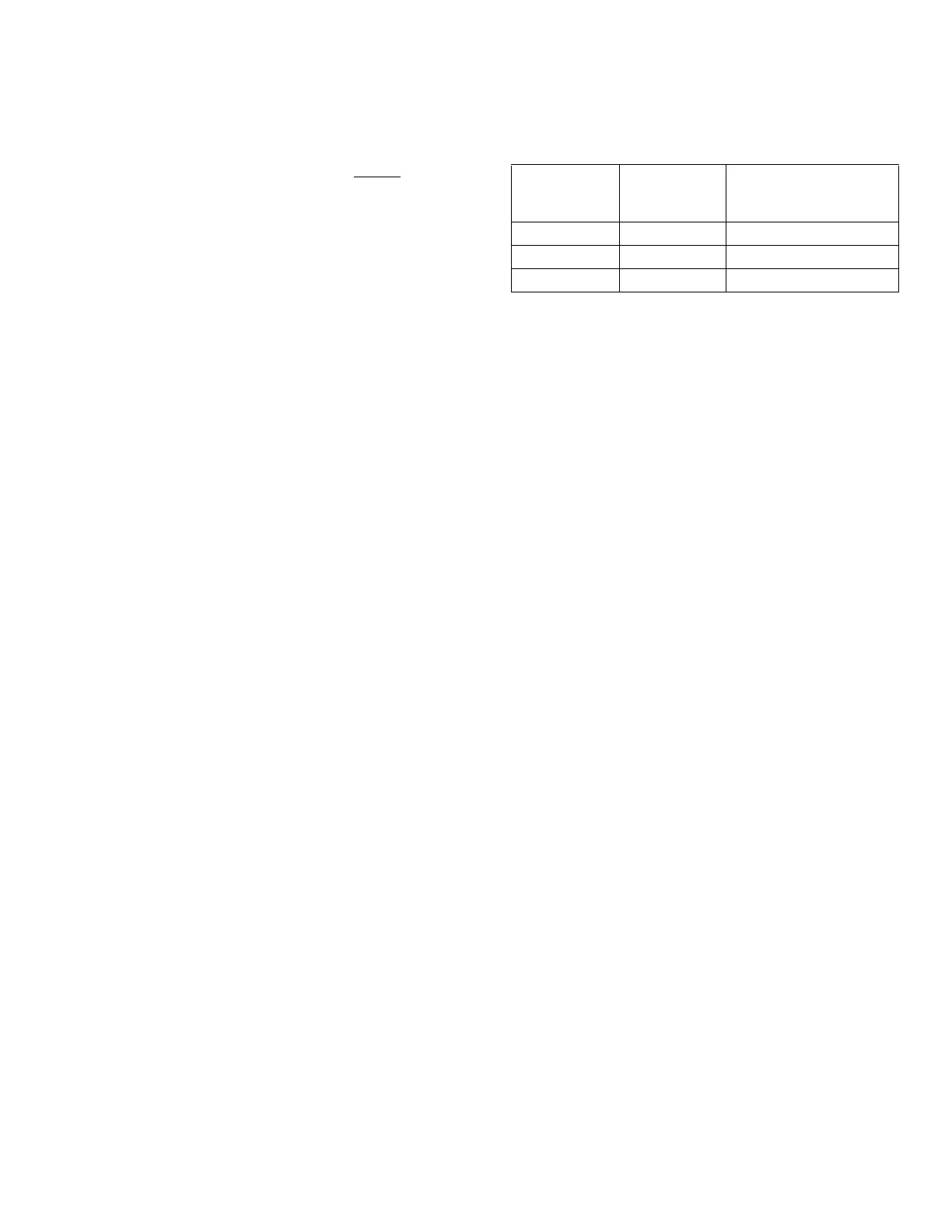
The Digital Command Logic Table indicates which value
each input must be set to in order to select a particular
setting.
Digital Command Logic Table
(Single Fluid Plate Systems)
Digital
Command
Input 1
Digital
Command
Input 2
Resulting Digital
Command Selection
Low
Low Setting #1
High
Low Setting #2
---
High Setting #3



 To Next Page