Installation
30 3A2098S
Custom Breakout Cable
If desired, the following connector pinout information
may be used to build a custom breakout cable:
Pinout of FCM Port 1
Pin 1: Dispense Solenoid 4
Pin 2: Dispense Solenoid 2
Pin 3: Voltage - (common for all solenoids)
Pin 4: Dispense Solenoid 1
Pin 5: Dispense Solenoid 3
Dispense solenoid outputs are 24 Vdc. Dispense
solenoid outputs are capable of sourcing up to 0.5A
each (maximum 12W coil).
Install Command Cable Kit 24B694
Follow this procedure if using the command cable kit.
1. Install bulkhead fitting (included in the kit) into the
empty hole on the fluid plate. See F
IG. 19 on
page 29.
2. Connect one end of the extension cable (included in
the kit) to connection 5 on the FCM and the other
end of the cable to the bulkhead fitting.
3. Connect command cable to bulkhead fitting and
wire to automation controller per the following pinout
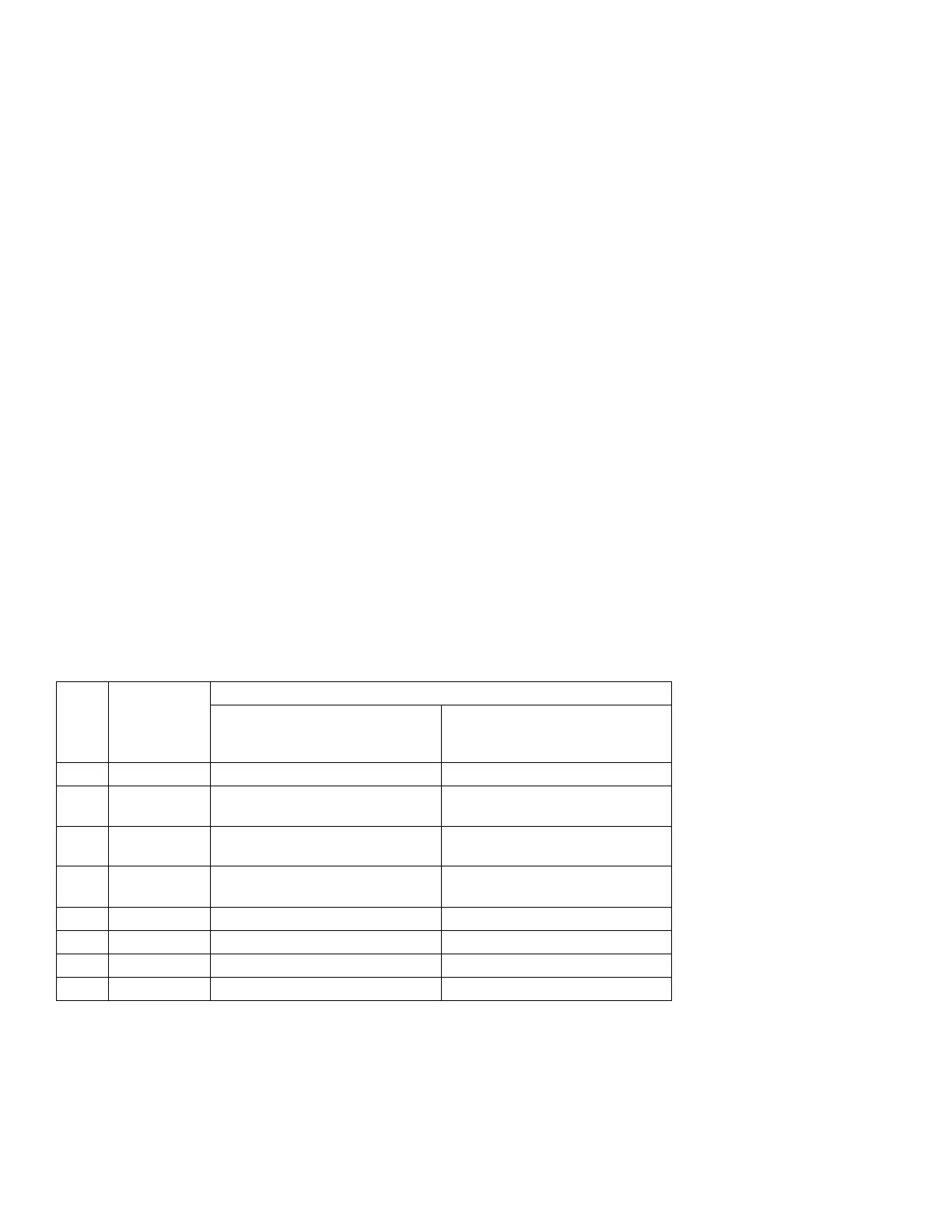
table.
NOTE: Command cable inputs are not isolated from
PCF 24 Vdc power.
* To turn on the dispense trigger, connect the
dispense trigger pin to the dispense trigger ground
pin (pin 5).
FCM
Port
Pin #
Command
Cable Wire
Color
Function
Dispense Trigger Source:
‘Command Cable’ or
‘Combined’
Dispense Trigger Source:
‘Command Cable 3x’
1 White Command voltage (0-10 Vdc) Command voltage (0-10 Vdc)
2 Brown No connection Valve 3 dispense trigger (*sourc-
ing input)
3 Green Dispense trigger (*sourcing input) Valve 1 dispense trigger (*sourc-
ing input)
4 Yellow No connection Valve 2 dispense trigger (*sourc-
ing input)
5 Gray Dispense trigger ground Dispense trigger ground
6 Pink No connection No connection
7 Blue Command signal ground Command signal ground
8 Red No connection No connection



 To Next Page