Installation
3A2098S 35
Discrete Gateway Module
Module Description
The Discrete Gateway Module (DGM) provides a control
link between the PCF system and an automation
controller through discrete input and output connections.
This provides the means for remote monitoring and
control by external automation systems.
See Automation Control (Normal Operation), page
49, for details on controlling the PCF system through the
Gateway module.
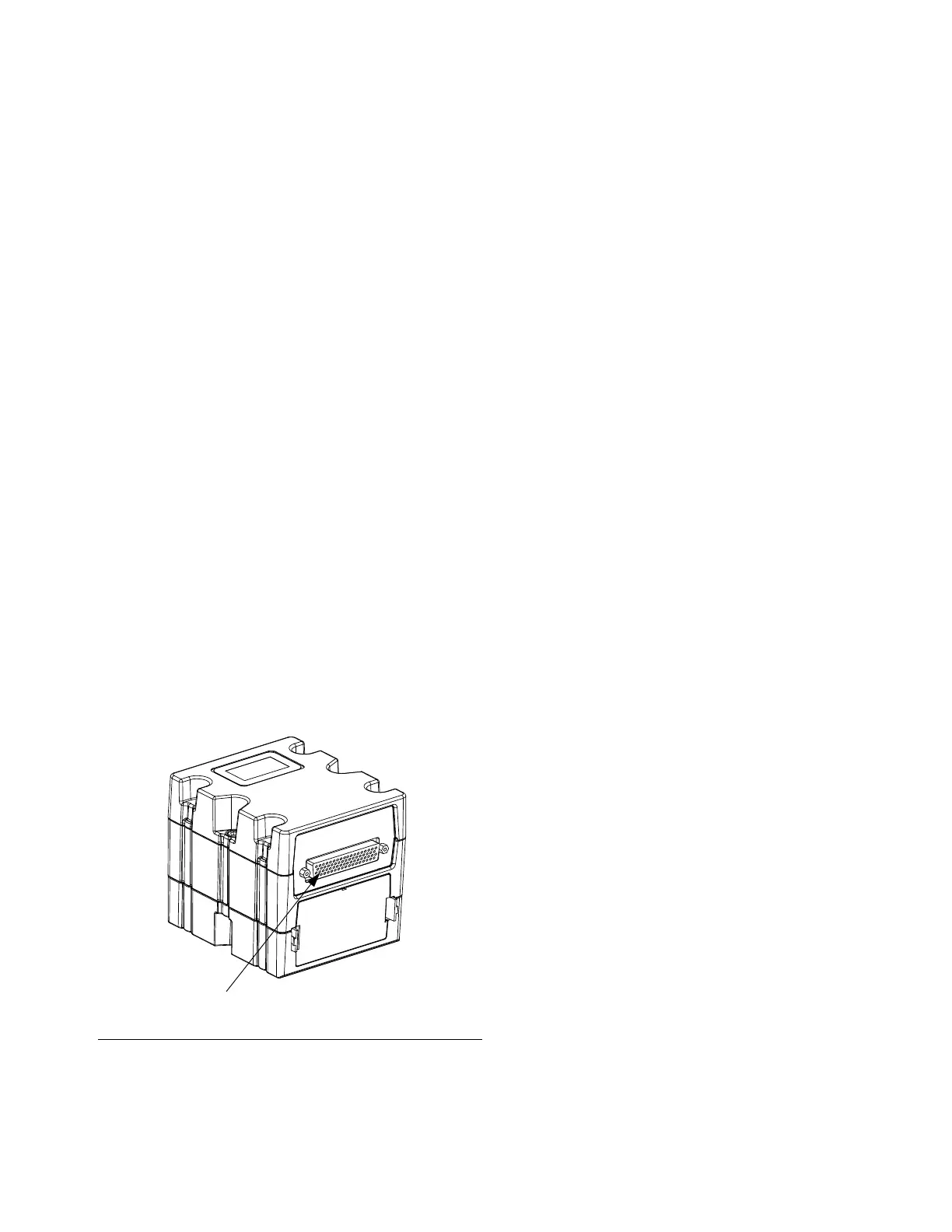
Connect D-Sub Cable
The DGM provides all I/O through the D-Sub cable.
Graco offers two options for connecting a D-Sub cable
to the D-Sub connector (CG). Both options are
accessories and must be ordered separately.
• For single fluid plate systems only: D-Sub to
flying leads cable (123793). See Appendix B -
Discrete Gateway Module (DGM) Connection
Details, page 121, for details and cable
interface signals.
• For multiple fluid plate systems: D-Sub cable
(123972) and 78-pin breakout board (123783).
See Appendix B - Discrete Gateway Module
(DGM) Connection Details, page 121, for
details and pin assignments.
DGM Status LED Signals
See LED Diagnostic Information, page 69, for signal
definitions.
DGM Rotary Switch Position
The Discrete Gateway Module (DGM) rotary switch
must be in position 0 for Automation Gateway DGMs
and positions 1-4 for Swirl Control DGMs in order for the
DGM to operate. See Automation Gateway Module on
page 21 and Swirl Control DGM on page 22.
F
IG. 21: Connect D-Sub Cable



 To Next Page