syncFURNACE OD Instruction & Installation Manual – Rev 09 Pg. 48 of 81
SETUP MENU:
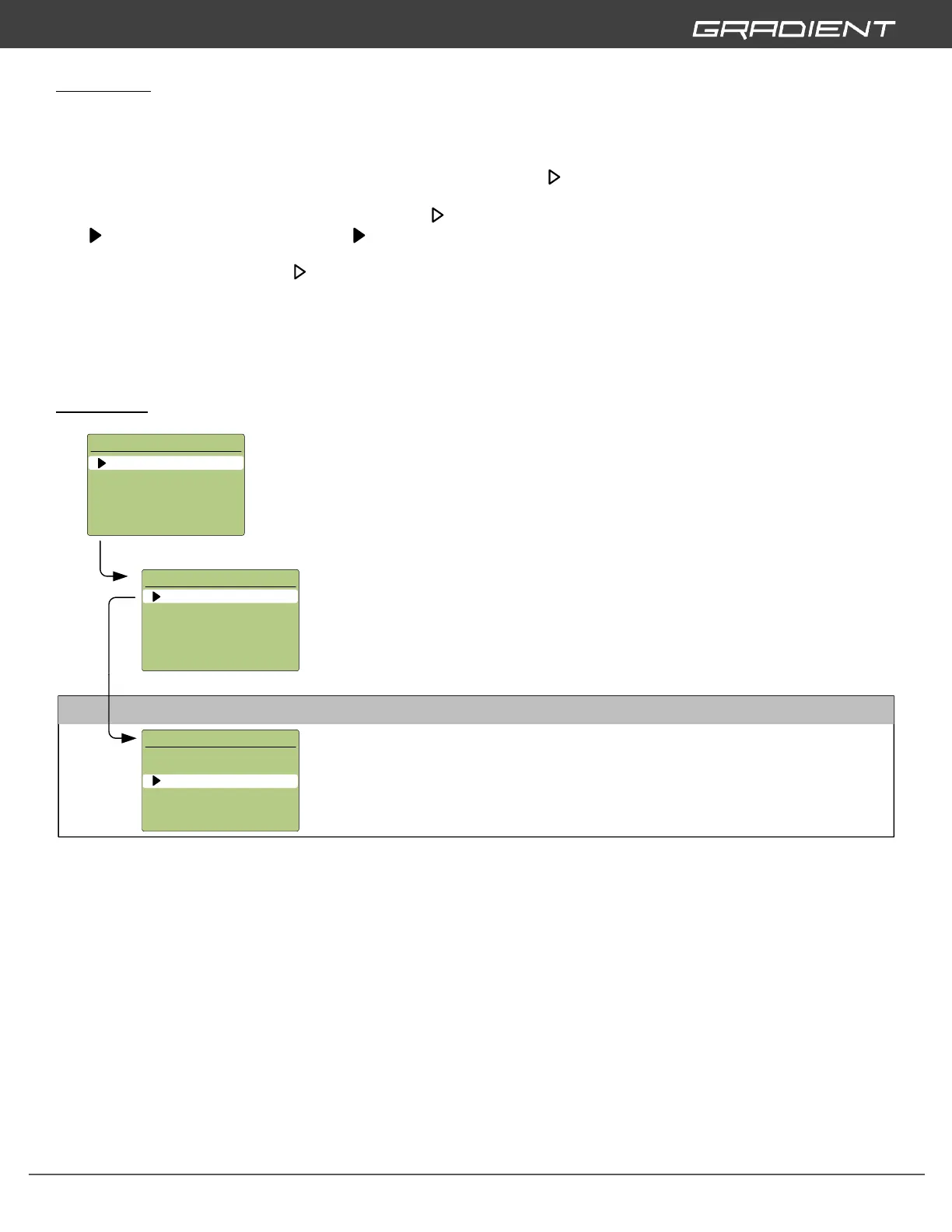
The syncFURNACE OD SETUP MENU is used for configuration of zone applications, adjusting the design
values, burner combustion testing options, commissioning options and remote monitoring setup. To
access the SETUP MENU push and hold SET for 10 seconds. Use the UP or DOWN buttons to scroll
through the various settings. To select a menu item scroll the in line with the desired menu and push
SET. This will enter you into the next menu. To reverse out of a menu push and hold SET for 2
seconds. To adjust a desired setting, scroll the in line with the desire setting and push SET to change
to a type cursor. When you have a cursor you can adjust the desired setting by pushing the UP or
DOWN to increase or decrease the setting value. When you are satisfied with your adjustment push SET
to change the cursor back to type.
To completely exit out of the SETUP MENU push and hold SET for 2 seconds to go one menu backwards.
You may be required to push and hold SET for 2 seconds for up to 4 times to completely exit out – when
you push and hold SET for 2 seconds it will only take you one menu backwards at a time.
ZONE SETUP:
Zone Setup
- Used to setup and customize settings for each application.
SETUP MENU
1) ZONE SETUP
2) BURNER SETUP
3) COMMISSIONING
4) STATISTICS
5) REMOTE MONITORING
DHW SETUP
Supply Target
- This setting allows users to adjust the Water Heater Supply Target Temperature that
the water heater will output to the home when a hot water fixture is opened.
(145°F to 105°F) Default: 125°F
DHW SETUP
FLOW SENSOR
EMITTER:
DHW
TRIGGER:
SUPPLY TARGET:
125
°F
ZONE SETUP
1) DHW
2) FAN-COIL
3) DHW RECIRC
4) ZONE 4
5) RESTORE DEFAULTS
DHW
- Allows configuration setpoints associated with Instantaneous DHW Heating.


 To Next Page