13
Set Paper Length
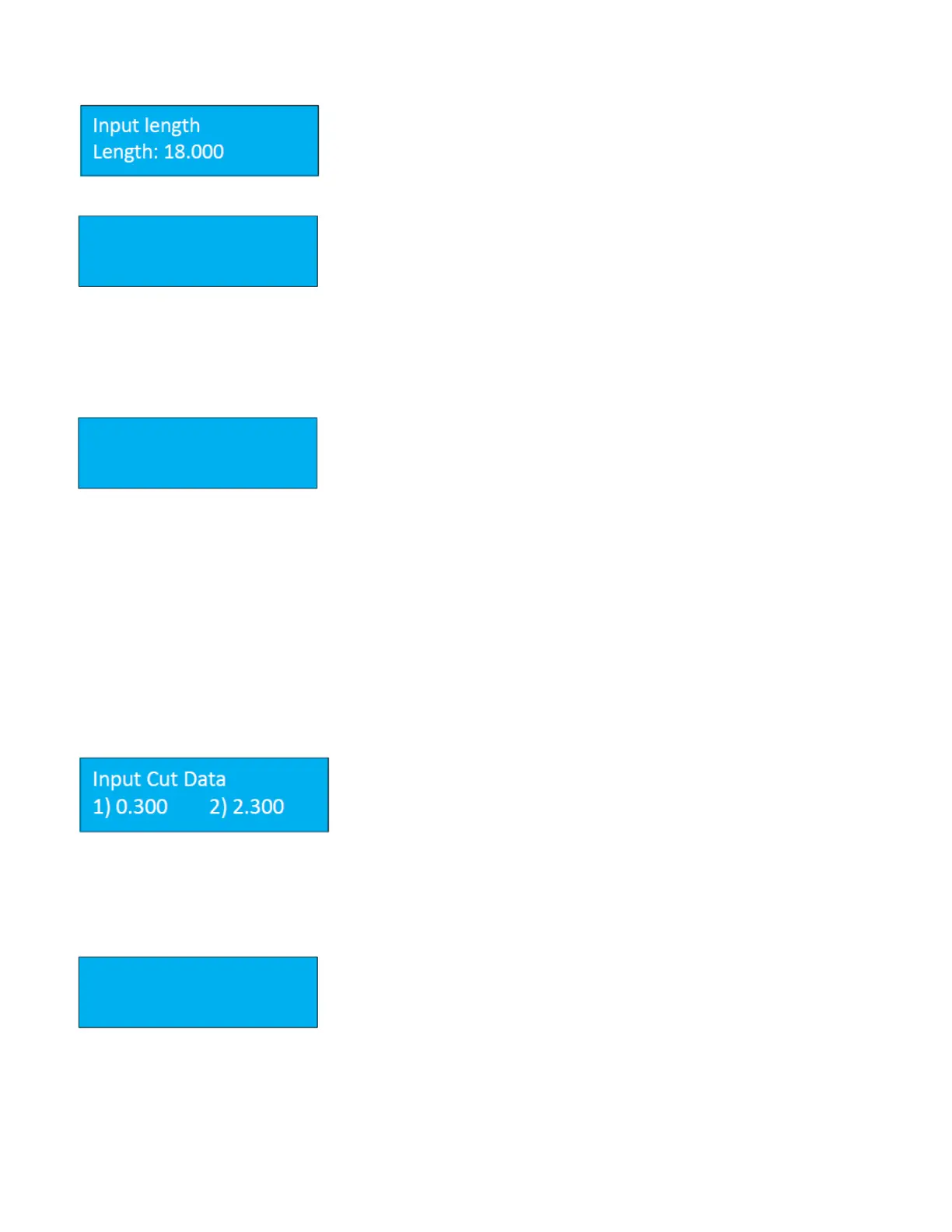
The Input the paper sheet length is the length of the sheet before it has been
trimmed. The maximum length the PT 331SCC can process is 25.5”. There is
no need to set the sheet width.
Register Mark Function
The PT 331SCC is equipped with a register mark reader. To activate the reader,
set the function to On from the REG Mark screen. Press the enter key to save
the change. The current selection is marked with an asterisk.
The default value for the mark reader is Off however, once a change has been made, the function will remain active,
even after the PT 331SCC has been powered off. If the register mark is turned on, a square box will also be displayed
on the main screen.
Smart Input Screen
The smart input functions similarly to the Job Creator on the PT 335SCC
machines. Enter the requested parameters and the PT 331SCC will calculate
the cuts and/or creases required to fit the finished job parameters.
The following information is required when using the smart input feature:
• Trim – distance from lead edge to first cut.
• Length – length of the finished job.
• Gutter Cut – length of cut gutter. There is no requirement for slitter values. The slitters are set using the
template gauge.
Pressing the M button when at the Smart Input screen will advance to the next parameter. It is only necessary to
program values if using the Smart Trim. For manual programming, continue pressing M until the cut screen is
displayed.
Set Cut Data (Manual Mode)
If no values are entered in Smart trim, the Input Cut data screen will be
displayed. A total of 32 cuts can be manually programmed. Input the cut
data according to the job parameters, pressing enter after each value has
been keyed in. If fewer than 32 cuts are programmed, pressing enter on a
zero value will advance the display to the next screen.
Input Crease Data Screen
Like the input cut data, the input crease data allows for a maximum of 32
creases to be programmed per sheet (depending on sheet length). Input the
crease data and press the Enter key to save.


 To Next Page