EasyManua.ls Logo

Grizzly G1033X - User Manual

Grizzly G1033X
76 pages
Print Icon
To Next Page IconTo Next Page
Loading...
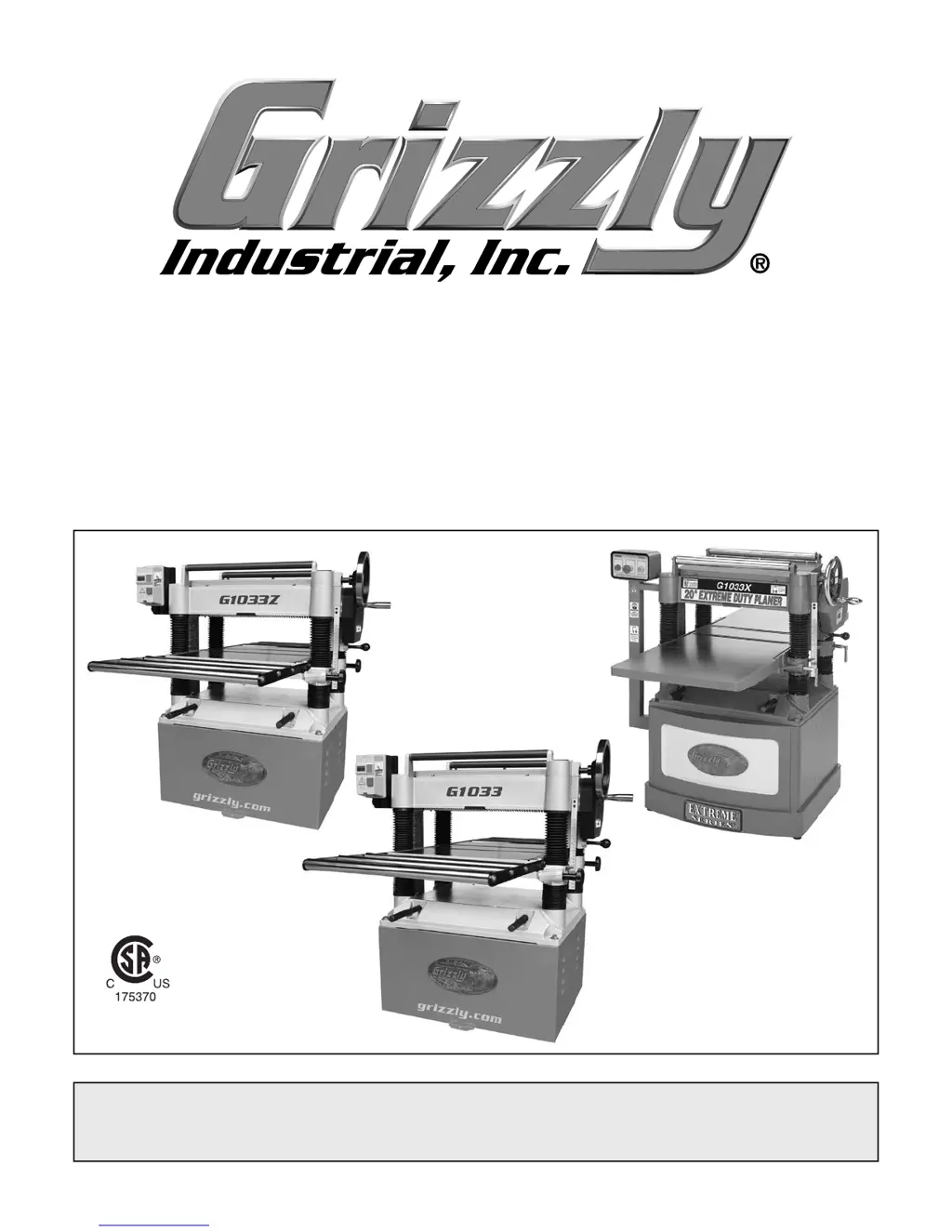
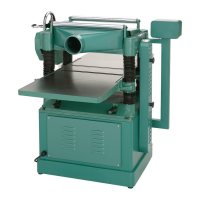
MODEL G1033, G1033X & G1033Z
20" PLANERS
OWNER'S MANUAL
(For models manufactured since 02/19)
COPYRIGHT © FEBRUARY, 2006 BY GRIZZLY INDUSTRIAL, INC., REVISED FEBRUARY, 2019 (JL)
WARNING: NO PORTION OF THIS MANUAL MAY BE REPRODUCED IN ANY SHAPE
OR FORM WITHOUT THE WRITTEN APPROVAL OF GRIZZLY INDUSTRIAL, INC.
#WKBL7969 PRINTED IN TAIWAN
V3.02.19
CSA Certification applies
to G1033 and G1033Z only.
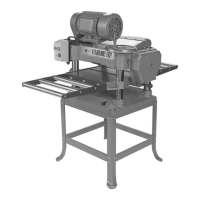
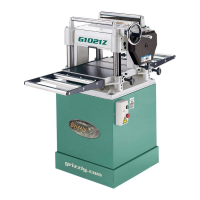
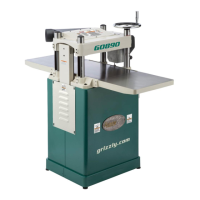
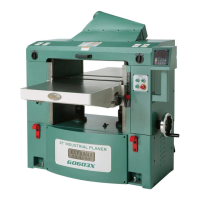
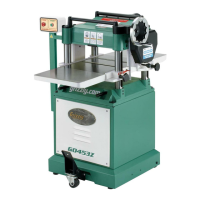
G1033X
G1033
G1033Z

Table of Contents

Other manuals for Grizzly G1033X

Questions and Answers

  • J
    Joshua TaylorAug 23, 2025
    Why does my Grizzly G1033X motor stall or shut off during a cut?
    • S
      Steven JohnstonAug 23, 2025
      The motor may stall or shut off during a cut for several reasons: * The motor might be overloaded during operation. Try reducing the cutting load by taking lighter cuts. * The thermal overload protection may have tripped in the magnetic switch. Press the RESET button on the thermal overload relay, located inside the magnetic switch. * There could be a short circuit in the motor or loose connections. Repair or replace connections on the motor for loose or shorted terminals or worn insulation. * The circuit breaker may have tripped. Install the correct circuit breaker and reduce the number of machines running on that circuit.
  • K
    Kathleen LopezSep 22, 2025
    What to do if workpiece twists in my Grizzly G1033X Planer?
    • J
      Joshua MontesSep 22, 2025
      If the workpiece twists in your Grizzly Planer, it is likely that the feed rollers are not parallel with the table, so adjust the feed rollers.
  • J
    John CollinsSep 18, 2025
    Why is my Grizzly Planer leaving a glossy surface?
    • N
      nunezrebeccaSep 18, 2025
      A glossy surface after planing with your Grizzly Planer can be caused by dull knives/inserts, so replace the knives or have them professionally sharpened, or rotate/replace the inserts. Feeding the workpiece too slowly can also result in a glossy surface, so increase the feed rate. Additionally, a cutting depth that is too shallow can cause this issue, so increase the depth of cut.
  • G
    Gina CarterSep 16, 2025
    What causes lines on wood from Grizzly Planer?
    • A
      Anthony BallSep 16, 2025
      Long lines or ridges running along the length of the board after using your Grizzly Planer are typically caused by nicked or chipped knives/inserts, so replace the knives or have them professionally sharpened, or rotate/replace the inserts.
  • W
    wleSep 14, 2025
    Why is my Grizzly G1033X Planer leaving fuzzy grain?
    • S
      Stephanie HallSep 15, 2025
      Fuzzy grain after using your Grizzly Planer can occur if the wood has a high moisture content or surface wetness, so check that the moisture content is below 20% and allow the wood to dry if it's too high. Also, dull knives or inserts can cause fuzzy grain, so replace the knives or have them professionally sharpened, or rotate/replace the inserts.
  • C
    charlesgallagherSep 13, 2025
    Why is my Grizzly Planer causing inconsistent chipping?
    • C
      cody36Sep 13, 2025
      Inconsistent chipping on your Grizzly Planer can occur if chips aren't being properly expelled from the cutterhead, so use a proper dust-collection system. Also, the chip breaker might not be set correctly, so correctly adjust the chip breaker.
  • C
    Claudia AndersonSep 12, 2025
    How to fix chatter marks on Grizzly G1033X?
    • T
      Terry WalshSep 12, 2025
      To fix uneven cutting marks, wavy surfaces, or chatter marks on your Grizzly Planer, consider the following: You might be feeding the workpiece too fast, so slow down the feed rate. The chip breaker or pressure bar could be set unevenly or not low enough, so adjust the height of the chip breaker. The knives may not be installed evenly, or the inserts may not be properly installed, so adjust the knives with a knife gauge, or remove the inserts, properly clean the mounting pocket, and reinstall them. Finally, worn cutterhead bearings can cause these issues, so replace the cutterhead bearings.
  • L
    Lisa ElliottSep 10, 2025
    What causes consistent chipping on my Grizzly G1033X?
    • A
      Amy JohnsonSep 12, 2025
      Consistent chipping on your Grizzly Planer can be caused by knots or conflicting grain direction in the wood, so inspect the workpiece for these issues and only use clean stock, cutting with the grain. Taking too deep of a cut can also cause chipping, so reduce the cutting depth, especially when planing hardwoods. Feeding the workpiece too fast can lead to chipping, so slow down the feed rate. A mis-adjusted chip breaker can be the cause, so adjust both sides of the chip breaker to the correct height. Lastly, a nicked or chipped knife/insert can cause consistent chipping, so replace the affected knife or have it sharpened, or rotate/replace the insert.
  • M
    Matthew JamesSep 8, 2025
    Why does my Grizzly Planer stop mid-cut?
    • I
      isaundersSep 8, 2025
      If your Grizzly Planer stops or slows down mid-cut, it could be due to several reasons. You might be taking too heavy of a cut, so try taking a lighter cut. One or both of the bed rollers may be set too low or too high, so adjust them. The chip breaker or pressure bar could be set too low, so raise their height. The feed rollers may be set too low or too high, so adjust them. Finally, pitch and glue buildup on the planer components can cause this issue, so clean the internal cutterhead components with a pitch/resin-dissolving solvent.
  • L
    Lisa CannonSep 7, 2025
    How to prevent snipe on my Grizzly G1033X?
    • S
      Sharon RaySep 7, 2025
      To prevent excessive snipe on your Grizzly Planer, consider these points: One or both bed rollers may be set too high, so lower them. The outfeed extension might slope down or not be level with the main table, so shim the outfeed extension wing level with the main table. If the chip breaker is set too low, raise its height. Ensure the workpiece is supported as it leaves the planer by holding it up slightly as it exits the outfeed end. Note that some snipe is inevitable; plane lumber longer than your intended workpiece length, then cut off the excess after planing.

Summary

Section 1: Safety

Safety Symbols and General Instructions

Defines hazard symbols and outlines critical safety rules for machinery operation.

Planer-Specific Safety and Material Handling

Addresses kickback, moving parts, and material inspection.

Section 2: Power Supply

Power Supply Requirements and Ratings

Discusses circuit needs, current ratings, and electrical safety.

Grounding Instructions and Extension Cord Usage

Explains grounding procedures and proper extension cord use.

Section 3: Setup (Continued)

Lifting, Placing, and Assembling the Planer

Instructions for moving, assembling, and attaching tables.

Test Run and Recommended Adjustments

Performing the Test Run

Steps to verify machine operation and safety features.

Section 4: Operations

Planing Tips and Cutting Problems

Provides advice and addresses chipping, fuzzy grain, snipe.

Depth of Cut Adjustment

Setting and Measuring Depth of Cut

Explains how to adjust and measure depth of cut.

Adjusting;Replacing Knives (G1033 & G1033 Z)

Knife Adjustment Procedure

Step-by-step guide using the knife-setting jig.

Rotating;Replacing Cutterhead Inserts (G1033 X)

Cutterhead Insert Management

Instructions for rotating or replacing carbide inserts.

Section 7: Service

Troubleshooting Common Issues

Lists problems and solutions for motor, electrical, and stalls.

Troubleshooting Operation and Surface Defects

Addresses vibration, noise, snipe, chipping, and surface issues.

Tensioning;Replacing V-Belts

V-Belt Adjustment and Replacement

Guides on belt tension adjustment and replacement.

Setting Feed Roller, Chip Breaker & Pressure Bar Heights

Component Height Adjustment

Details critical component adjustments for optimal planing.

Checking Anti-Kickback Fingers

Anti-Kickback Finger Inspection

Details how to inspect and maintain anti-kickback fingers.

Adjusting Table Parallelism

Inspection and Adjustment Methods

Describes how to check and adjust table alignment.

Section 8: Wiring

Wiring Safety Instructions

Crucial safety guidelines for electrical work.

G1033 Wiring Diagram

Electrical schematic for the G1033 model.

G1033 X Wiring Diagram

Electrical schematic for the G1033X model.

G1033 Z Wiring Diagram

Electrical schematic for the G1033Z model.

Section 9: Parts

Warranty & Returns

Product Warranty Terms and Return Policy

Details the product warranty terms and return policy.

Grizzly G1033X Specifications

General IconGeneral
Motor Power3 HP
Cutterhead Speed5000 RPM
Number of Knives3
Amperage15 Amps
Cutterhead TypeSpiral
Cutting Depth1/8 inch
Feed Rate20 FPM
Maximum Cutting Height6"

Related product manuals