Model 672/675 Technical Reference Manual
8-29
A Character type input specification will match a single received character. Although the specification may
be several characters long, it can be only one character long. When a match occurs, all preceding data is
cleared, and if a macro number is programmed, it is invoked.
With Line type input specifications, the received data is held in a buffer until a terminating character is
received. This terminating character is programmable, but the default is a decimal 10, which is an ASCII
LINEFEED. All Line type input specifications use the same terminating character.
When the terminating character is received, the data in the buffer is compared against the Line type input
specifications. If a match is found and a macro number is programmed, it is invoked. Whether or not a match
is found, the buffer will be cleared of all data up to and including the terminating character.
Line specifications can contain text, control codes, and parameters. If there are no parameters, the received
data is simply compared against the specification, and they must be identical to be considered a match.
If parameters exist in the line specification, characters from the received data will be stored into that
parameter. Characters before the parameter in the line specification must match characters in the received
data. If a match occurs, then the data will be stored into all parameters in the line specification. Input
specification format lines can be up to 255 characters long.
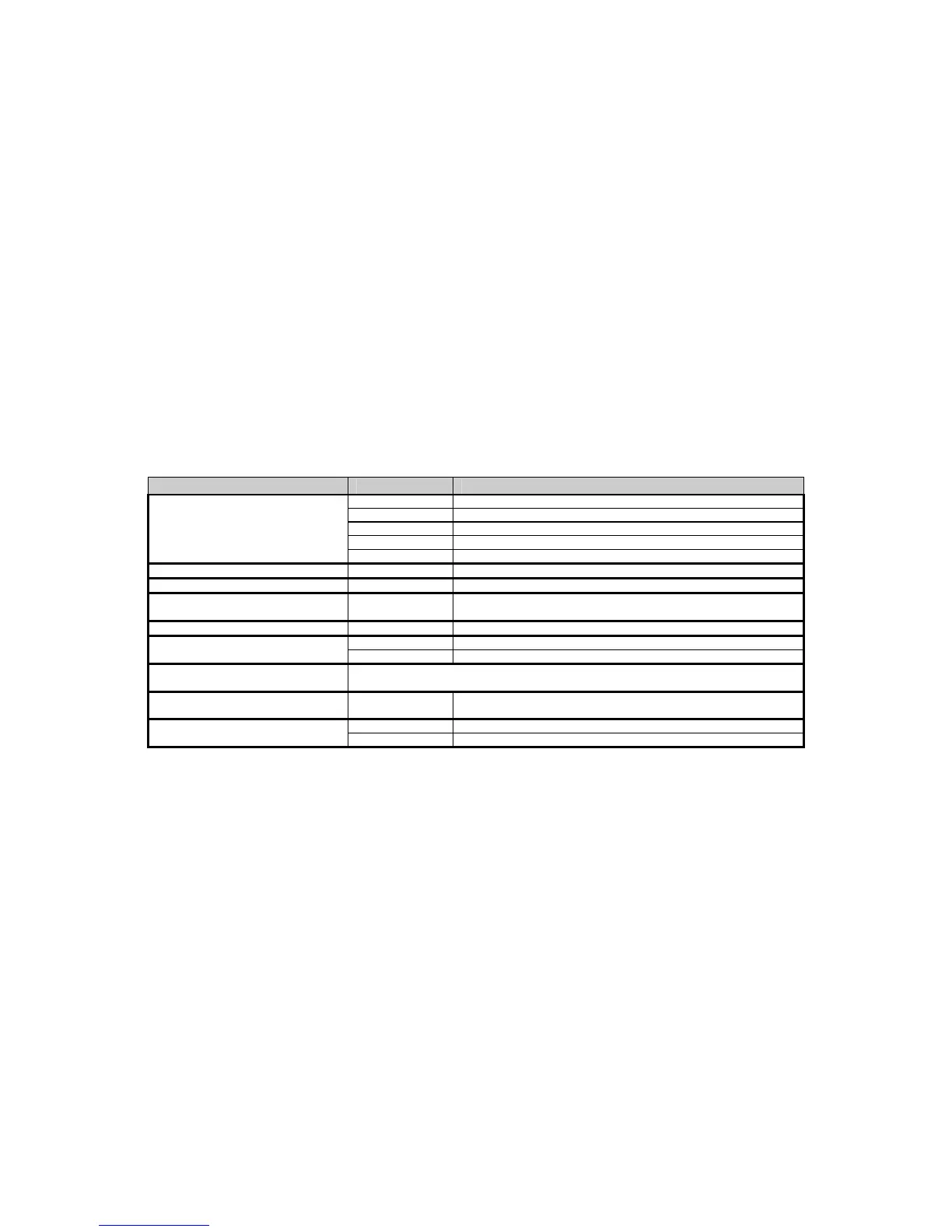
Table 8-22 describes the Input Interpreter setup parameters.
Table 8-22: Input Interpreter Setup Parameters
P
ARAMETER
S
ELECTIONS
D
ESCRIPTION
199 PortX 0 None
1 COM1 port selected
2 COM2 port selected
3 COM3 port selected
4 COM4 port selected
205 Recv# 2 Interpreter Enable
218 RxTrm 0 through 255 Line Type Termination Character
219 RxIn# 1 through 250 Specify the interpretation number for the COMM port specified at
P199.
220 RxNam XXXXXX Key in more descriptive name for the specified interpretation.
221 RxTyp 0 Character Type
1 Line Type
222 Rx X Key in Text, Parameter, Control codes for the line type interpreter number specified at
P219.
223 RxChr 0 through 255 Select the character to be interpreted for the interpreter number
specified at P219.
224 RxMac 1 through 250 Macro Number
0 No Macro
S
ETUP
The Input Interpreter is an advanced software feature that must be set up properly in order to function
properly. Setup data for the Input Interpreter is stored in non-volatile memory along with all the other scale
setup information.
G
ENERAL
S
ETUP AND
C
OMM
P
ORT
S
ELECTIONS
The Input Interpreter can be enabled or disabled at parameter P219 (selections may be different for each
COMM port). All remaining input interpreter setup parameters are always retained regardless how this
parameter is set up.
The instance or interpretation for a specified port is specified at Parameter P219 (selections are 1 through
250). Parameter P199 specifies which COMM port the interpretation is associated with. When an
interpretation is specified at P219, all received serial data is captured and used by the input interpreter.
When P219 is disabled or no interpretations specified, all serial data is received and used by the scale’s
command processor.



 To Next Page