Model 672/675 Technical Reference Manual
3-11
M
M
O
O
D
D
E
E
L
L
6
6
7
7
5
5
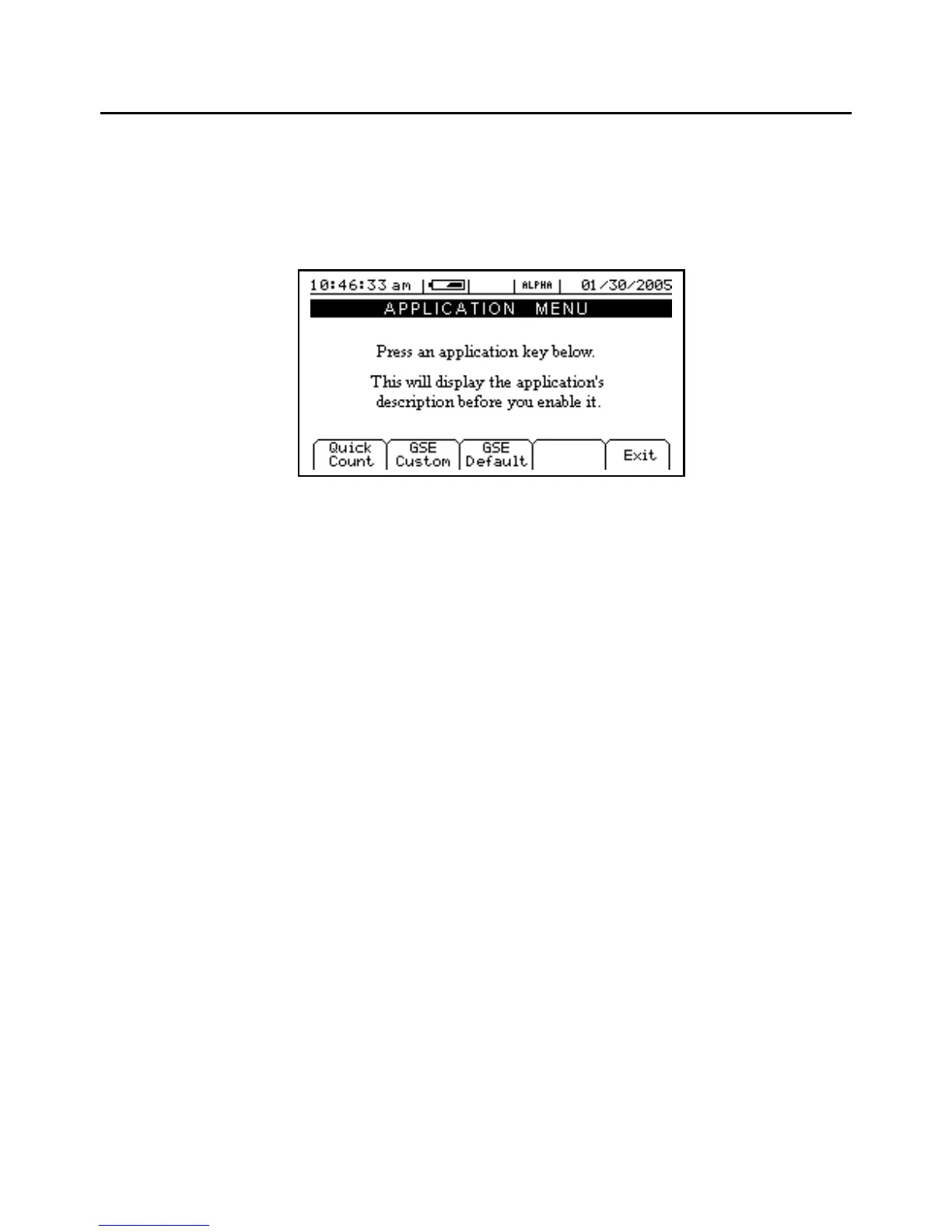
The GSE 675 Precision Counting Scale comes from the factory with the Application Menu enabled. This is
where you will choose the preferred method of parts counting or weighing. See the explanations of each
method below. After each counting method are the instructions for setting up that method.
Refer to Chapter 4 for operating instructions of each method.
Figure 3-5: Model 675 Power Up Screen
F1 – Q
UICK
C
OUNT
The QUICK COUNT mode is designed for performing a quick sample and count. The soft keys are used in
secession from left to right to increase speed and ease of parts counting. Basic functionality is offered to
simplify operation. Below are the available soft keys and an explanation of their purpose in the QUICK
COUNT mode.
Sample
Sample pieces to be counted.
Count
Gives access to the quantity mode.
Accum
Accumulate - Maintains a total of quantity accumulations. The current quantity is
added to this total each time an accumulation is performed.
Print
Send specific information to a printer, computer or other peripheral devices.
Setup
Access setup menus, see page 3-12 for further details.
SAMPLE ()
Press [F1] to sample pieces. See page 4-3 for more details on counting and sampling. The default sample
size is used unless a new sample size is keyed in.
COUNT ()
Press [F2] to access the quantity mode. This key is primarily used for continuing to count pieces using the
current average piece weight.



 To Next Page