Application Setup
Chapter 3
3-12
ACCUM ()
Press [F3] to add the sampled pieces to a total. See page 4-12 for more details.
PRINT ()
Press [F4] to print a ticket or send a transmit to a computer.
SETUP THE QUICK COUNT MODE
1. Press [F1] from the APPLICATION MENU. The display will come up with an explanation of the QUICK
COUNT menu.
2. At this time you can choose the QUICK COUNT mode by pressing [ENTER] (YES) or return to the
APPLICATION MENU by pressing [F5] (Exit) or [CLR] (NO).
3. The QUICK COUNT file will load automatically and return to the QUICK COUNT mode.
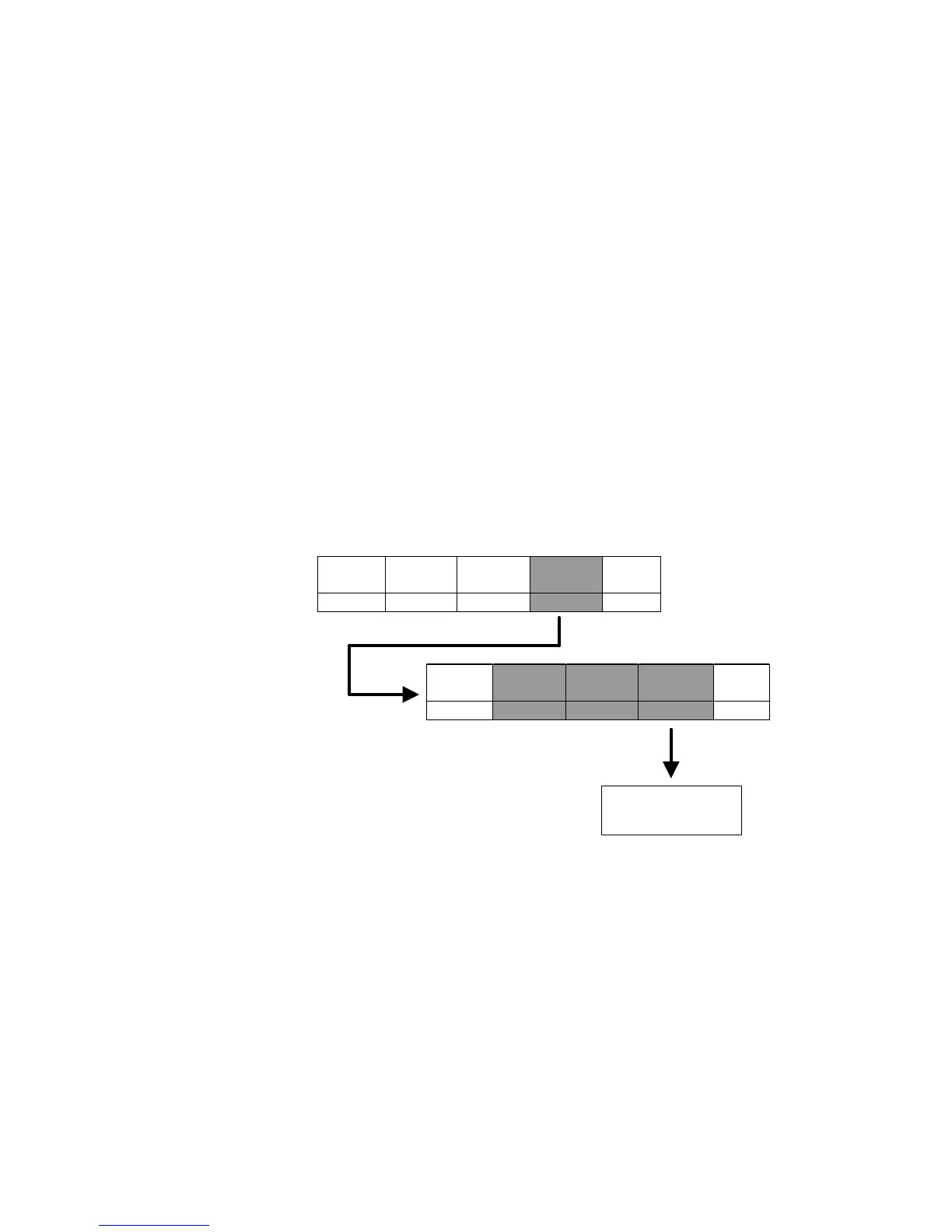
QUICK COUNT SETUP MENU ()
Use the [F4] Setup menus key from the QUICK COUNT screen to gain access to different menus.
Change
Sample
Clear
Totals
Key-In
APW
Setup
Menus
Exit
F1 F2 F3 F4 F5
Cal
Display
Style
Print
Formats
Advance
Setup
Exit
F1 F2 F3 F4 F5
See Advanced Menu
Section for complete
details



 To Next Page