Application Setup
Chapter 3
3-2
M
M
O
O
D
D
E
E
L
L
6
6
7
7
2
2
The GSE 672 Precision Scale comes from the factory with the BASIC WEIGH mode enabled. It is possible
to enable the APW Lookup method of counting.
Refer to Chapter 3 for operating instructions of each method.
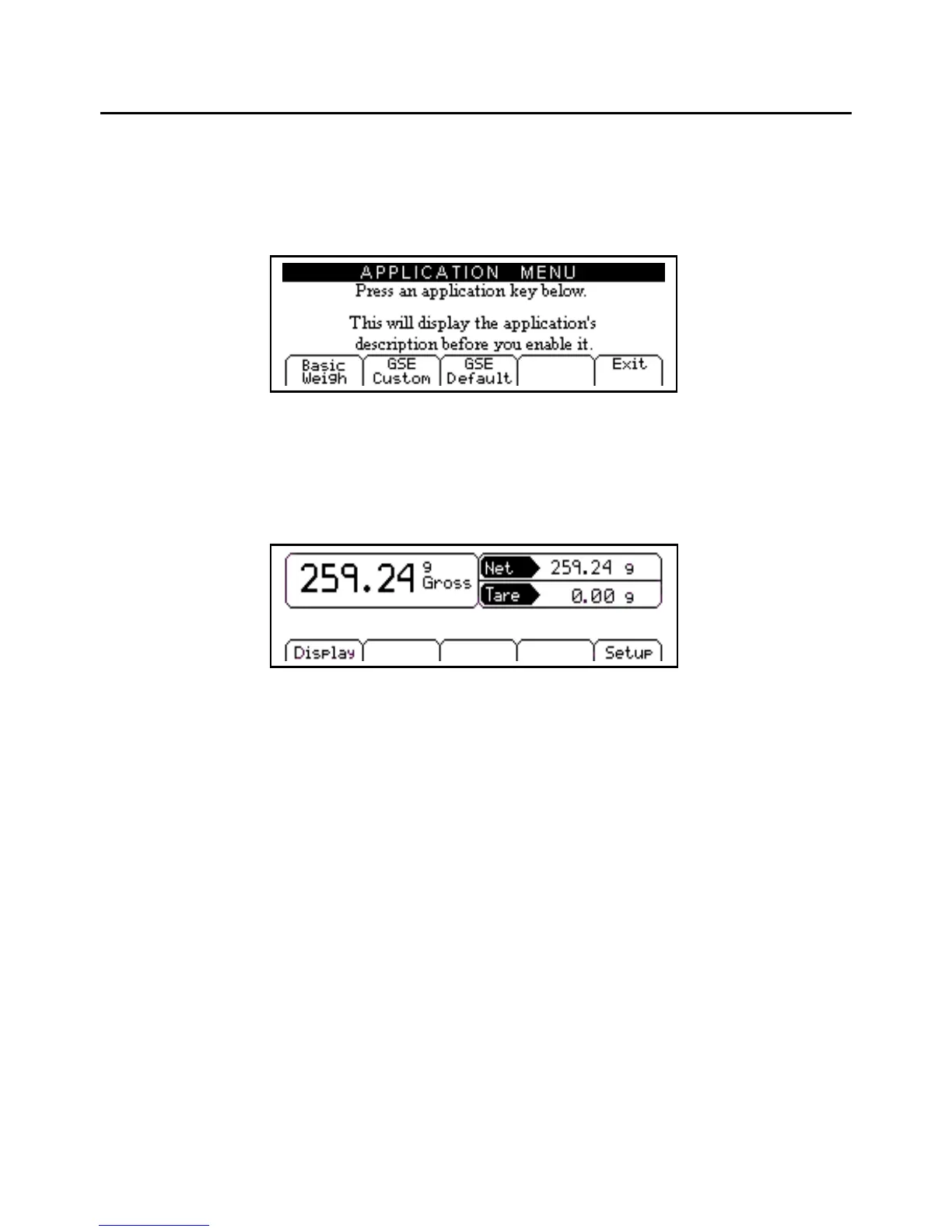
Figure 3-1: Model 672 Application Menu Screen
F1 - B
ASIC
W
EIGH
The Basic Weigh method offers basic weighing with three different display styles. The default display style
shows the gross, net and tare weights.
Figure 3-2: Basic Weigh Screen
Display
Chose between 3 different display styles.
Not Available
Not Available
Not Available
Setup
Access setup menus, see page 43 for further details.
DISPLAY ()
Different display styles are offered to help customize the Model 672 to fit your needs. Press [F1] to choose
one of the display types. By using the [SELECT] key several modes can be viewed from the BASIC WEIGH
screen.



 To Next Page