Model 672/675 Technical Reference Manual
2-19
D
ATABASE
S
ETUP
I
NSTRUCTIONS
W
HAT’S A DATABASE?
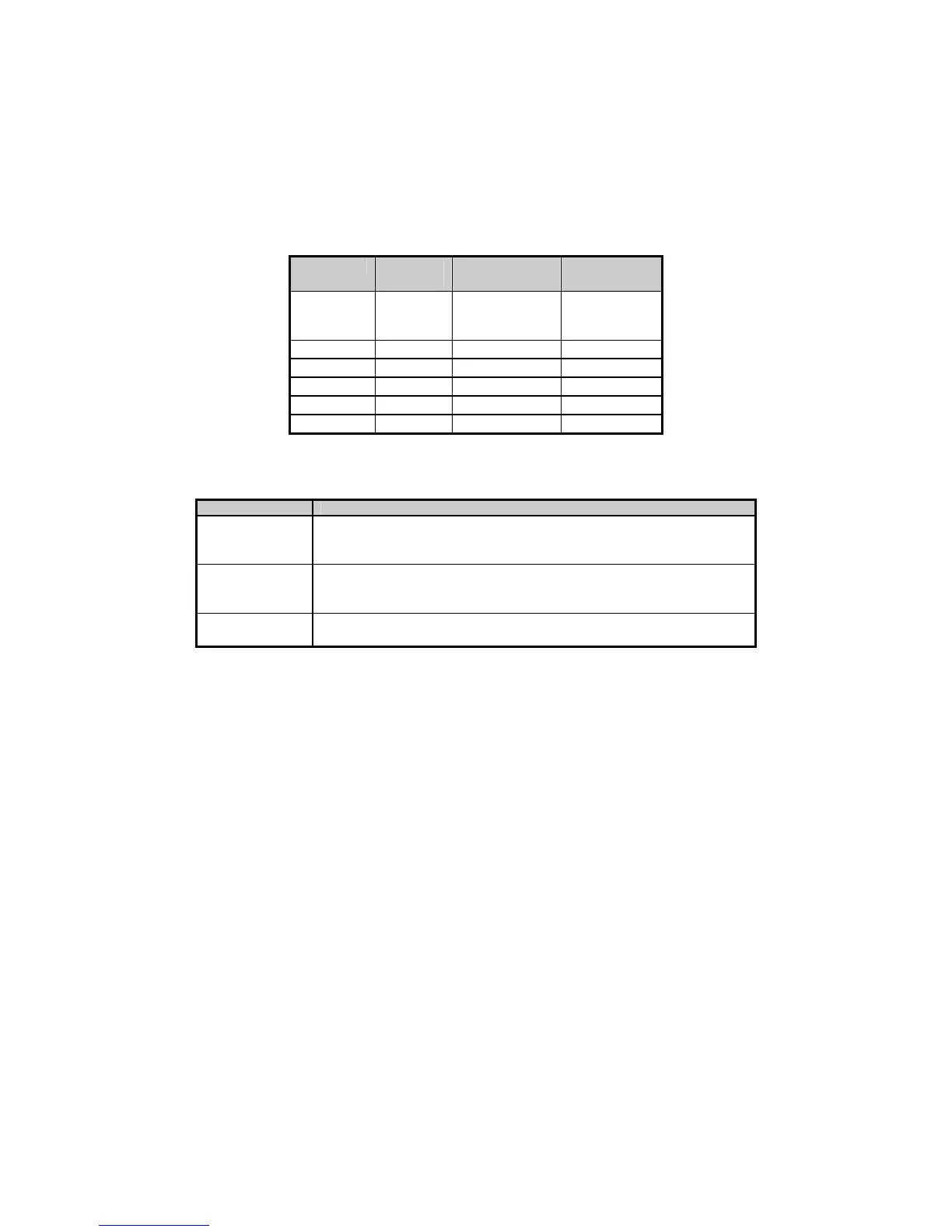
A database is a collection of useful information that is organized in a specific manner for easy access. For
instance, a telephone directory can be thought of as a database. See Figure 2-13.
Column

Column

Column

Column
Name or
“Field” ´
Name
Telephone
Number
Address
Row ´ Name 1 Phone No. 1 Address 1
Row ´ Name 2 Phone No. 2 Address 2
Row ´ Name 3 Phone No. 3 Address 3
Row ´ Name 4 Phone No. 4 Address 4
Row ´ Name 5 Phone No. 5 Address 5
Figure 2-13: Telephone Directory
Components of a database include fields and records. Database terms are defined in the table below.
Term Definition
Field A parameter type or column name.
For instance, “Name 1” and “Name 2” are fields that refer to data stored in
the column defined as Name in the preceding telephone directory example.
Record One row in a database, or a collection of fields in a column of a database.
In the preceding telephone directory example, one of the four records shown
includes Name 2, Telephone Number 2 and Address 2 fields.
Database A collection of records. For example, the entire telephone directory is a
database.
A database is defined by parameters. These parameters and the data in them are stored in the database.
Each stored parameter becomes a column in the database.
Rows of data are created using the "make row" command. Copies of the current data in the row parameters
are stored together with the column parameters in the database.
Once a row exists, that entire row of data can be recalled. To recall data, you must first specify which
column of data is to be searched. If no column is specified, the first column becomes the default search
column.
After you specify a column, you must specify the exact data that is to be located. To do this:
• Make an entry at the "Recall Row" command
or
• Store the search value into the search parameter and press [ENTER] at the "Recall Row" command
without making an entry
If a row is found whose data in the search column matches the specified data exactly, then all of the data
within that row is copied into the parameters associated with that column.
DATABASE APPLICATIONS
Databases can be used for different purposes. Some of the most popular weighing applications use a
database as a transaction recorder, looking up part numbers, the quantity of parts on hand, and batch
formulas.



 To Next Page