Model 672/675 Technical Reference Manual
2-5
LOW BATTERY CONDITION
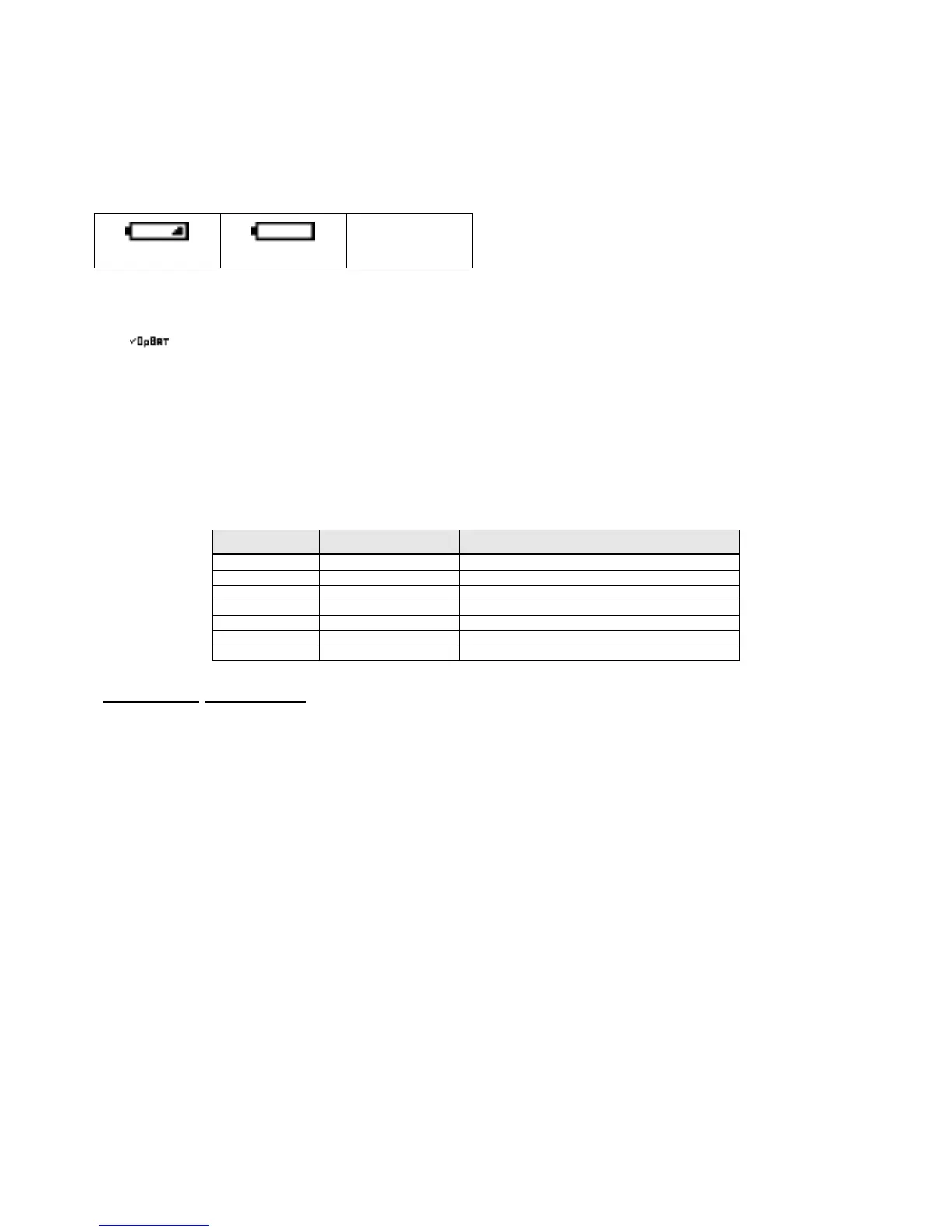
When the battery voltage reaches a low battery condition the battery icon will cycle between 25%, 0%,
blank. It is recommended that the Model 675 be plugged into an outlet within 10 minutes to recharge the
battery so data is not lost.
25 % 0 %
LOW DATABASE BATTERY
The icon will be displayed when the database battery voltage is less than 2.5 volts. Priority is given to
the option battery low except when AC power is used.
N
ON
-R
ECHARGEABLE
B
ATTERY
I
NSTALLATION
This option (24675B-301B0) is used for installation of non-rechargeable D cell batteries only. DO NOT
attempt to charge non-rechargeable D cell batteries. There is no battery status indication with the non-
rechargeable battery option. Also the display will go dim when the batteries achieve a low battery status.
Table 2-3: Non-Rechargeable Battery Pack Kit Parts List
Quantity Part Number Description
1 44-25-40738 Battery door
1 299290-41024 Battery holder assembly
2 38-26-2100 Thumb Screw
1 28-10-41004 Warning Decal
2 38-21-2610 M3 Screw
2 38-26-8112 M4 x 0.7 x 10 mm screw
2 42-50-0070 Battery door foam
Installation Instructions
1. DISCONNECT POWER! UNPLUG THE MODEL 675 TO INSURE DAMAGE WILL NOT OCCUR
DURING OPTION INSTALLATION.
2. Remove the (6) 38-31-8710 M5 x 0.8 x 10 mm screws from the bottom plate set it aside.
3. Attach the battery tray to the battery holder cavity of the bottom plate using (2) 38-21-2610 self-tapping
screws. The cable of the battery holder needs to face the slot in the battery holder cavity.
4. Put the rubber grommet of the battery holder cable into the slot of the battery holder cavity.
5. Connect the battery cable to J3 (battery connector) of the main board.
6. Reinstall the bottom plate to the enclosure with the (6) 38-31-8710 M5 x 0.8 x 10 mm screws that were
removed in step 1.
7. Install the (2) strips of foam lengthwise to the battery door.
8. Install the battery door by aligning the (3) tabs of the battery door with the (3) slots of the enclosure
bottom plate and push the tabs into the slots. The battery door is raised on the end with the screw holes.
Make sure the raised portion of the door is up insuring the battery door is flush.
9. Install (2) 38-31-8750 thumbscrews to the battery door and fasten the battery door to the bottom plate.
10. Some older models will not have threaded holes in the bottom cover plate. Use 38-26-8112 self-tapping
screw to create thread. Remove and install thumbscrews.



 To Next Page