Option Installation
Chapter 2
2-6
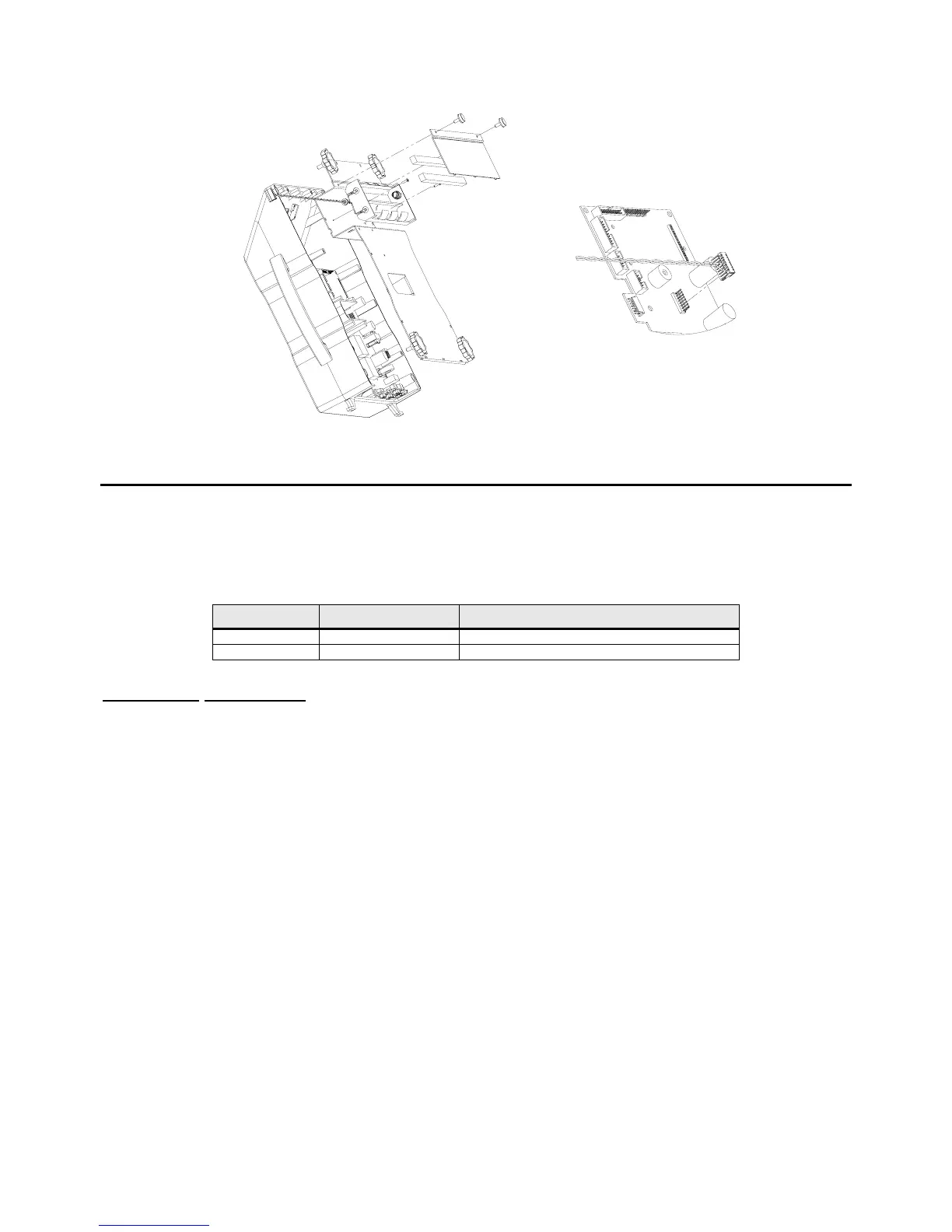
Figure 2-2: Installing the Non-Rechargeable Battery Holder
O
O
P
P
T
T
I
I
O
O
N
N
M
M
O
O
U
U
N
N
T
T
I
I
N
N
G
G
B
B
R
R
A
A
C
C
K
K
E
E
T
T
(
(
M
M
O
O
D
D
E
E
L
L
6
6
7
7
5
5
O
O
N
N
L
L
Y
Y
)
)
The option mounting bracket kit is required for option installation. The bracket will accommodate up to four
options. The options installed on the option mounting bracket are, Ethernet Module, Multi-scale, RS-
232/PS2 and Setpoint. The options mount on the bracket with the hardware provided with each option kit.
Quantity Part Number Description
1 44-25-40951 Mounting Plate
2 38-31-8710 M5 self tapping screw
Installation Instructions
1. DISCONNECT POWER! UNPLUG THE MODEL 675 TO INSURE DAMAGE WILL NOT OCCUR
DURING OPTION INSTALLATION.
2. Install all options on the mounting bracket. Refer to the specific option section for installation
instructions.
3. Remove the (6) 38-31-8710 M5 x 0.8 x 10 mm screws from the enclosure bottom plate and set it aside.
4. Use the (2) M5 self-tapping screws to fasten the option-mounting bracket to the Model 675 enclosure.
For the installation drawing refer to Figure 2-3.
5. Reinstall the enclosure bottom plate.



 To Next Page