Option Installation
Chapter 2
2-22
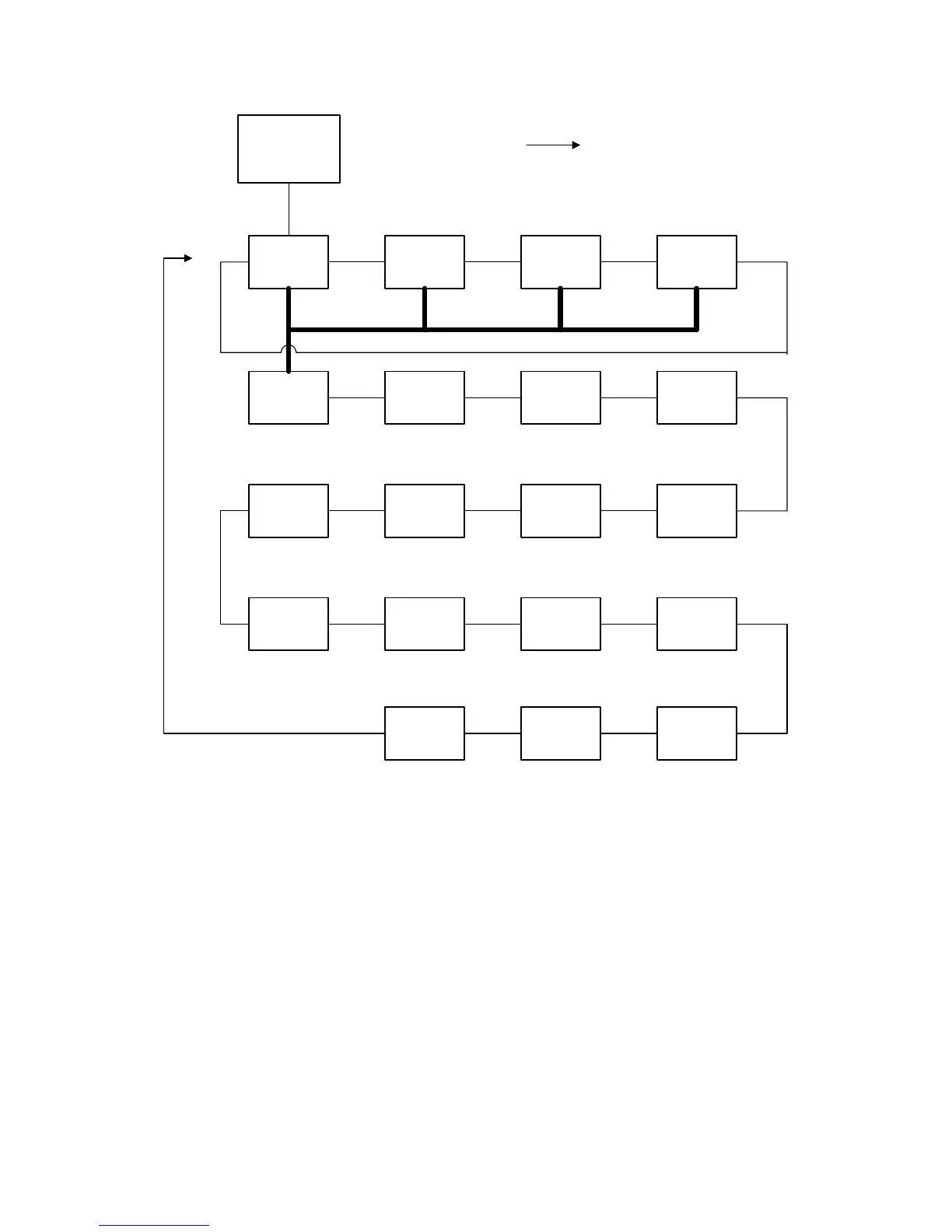
Weigh Mode
Recall Row
1
Update Row
2
Make Row
3
Print Database
4
First Row
5
Next Row
6
Next Match
7
Delete Row
8
Set Column
12
Set Database
11
Clear
Database
10
Clear Column
9
Auto Test
19
Sort Database
18
Upload Update
17
Download
Database
13
Print Row
14
Print Errors
15
Upload New
16
SELECT
RECALL ROW (FUNCTION 1)
A. [ENTER] key alone:
For the "Recll row" command, the first row matching the current data in the parameter (that corresponds to
the currently selected column in the currently selected database) is located. All other information in the row
is copied into the corresponding parameters.
Unless otherwise specified, the selected column defaults to being the first column. Thus, if the first column is
set up as VAR#1 (VAR 80.1), and the data stored in VAR#1 is "ABC," the current database is searched from
the beginning for a row in which "ABC" appears in the first column.
Once the row is found, it is recalled. If a matching row is not found, an error message is displayed briefly. In
addition, the error code is saved so a macro can test for the occurrence of that error.
The recall operation is used when information - such as the description, target weight, and/or quantity on
hand - is needed about an item. This particular operation is used when the look-up data has already been
entered into the corresponding Model 672/675 parameter.
B. An entry followed by the [ENTER] key:



 To Next Page