Application Setup
Chapter 3
3-20
Print #5 - 9
Reserved for future use.
Custom Print
CREATE A CUSTOM TRANSMIT FORMAT!
→ SEE THE TECH MANUAL FOR DETAILS
→ CREATE AND LOAD AS TRANSMIT #130
Advanced Setup Menu
The advanced menu will allow access to the time/date, setup mode and application files. Use the arrow keys
to navigate to the desired tab. This is common on the preprogrammed methods of counting such as QUICK
COUNT and APW LOOKUP.
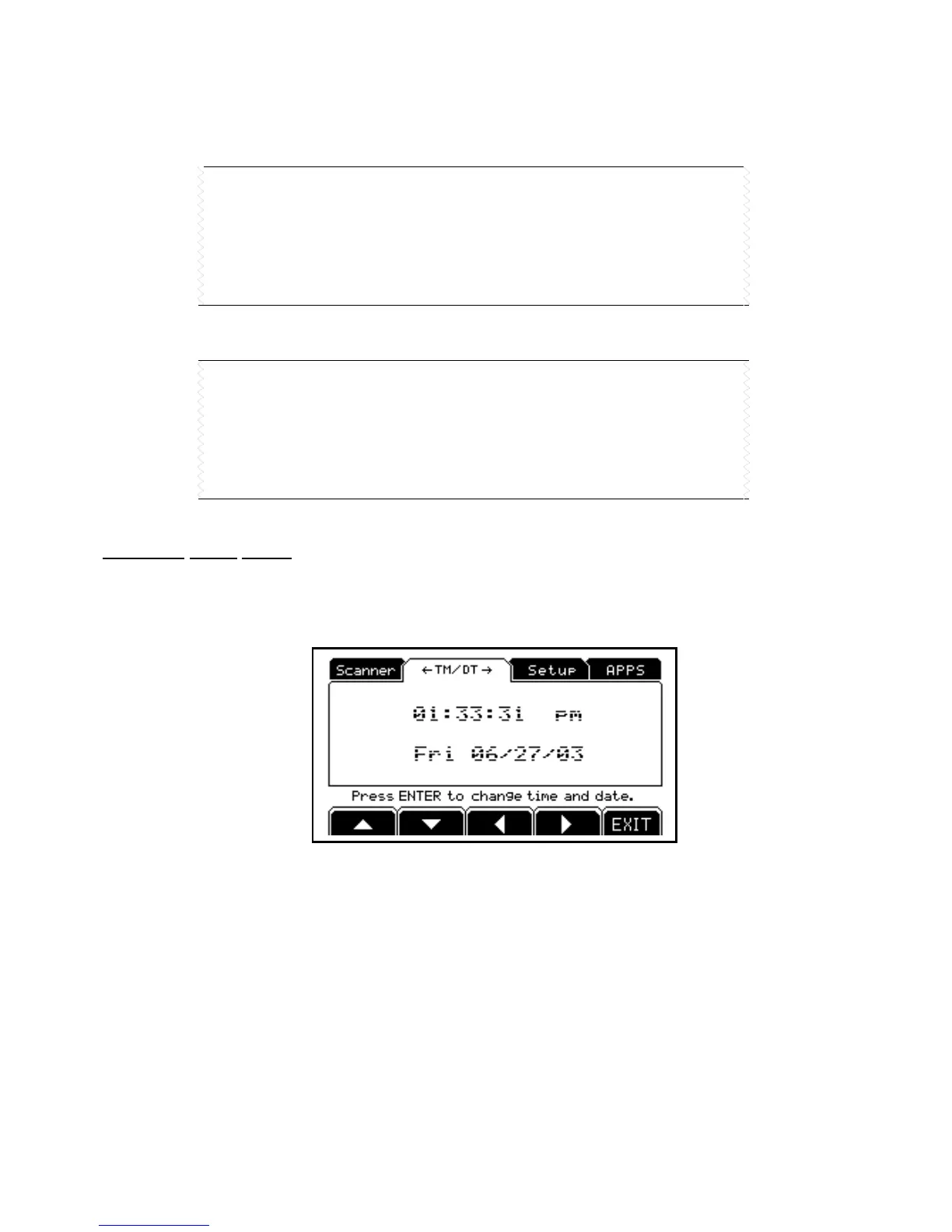
Time/Date
1. From the time/date tab, press [ENTER] to access the configuration screen. The time can be changed
with the [F1] key. The date can be changed with the [F2] key.
2. Key in the time or date by following the format on the display and press [ENTER] to accept the entry.
3. Press [F5] (EXIT) to return to the main menu.
Setup (Setup Mode Access)
This tab allows access to the setup mode to make changes to parameters such as full scale, count accuracy
and baud rate etc. Please refer to the following chapters for details on more advanced setups and
configurations.



 To Next Page