Disassembly
Service Manual for the Accutherm Ultra Printer 7-5
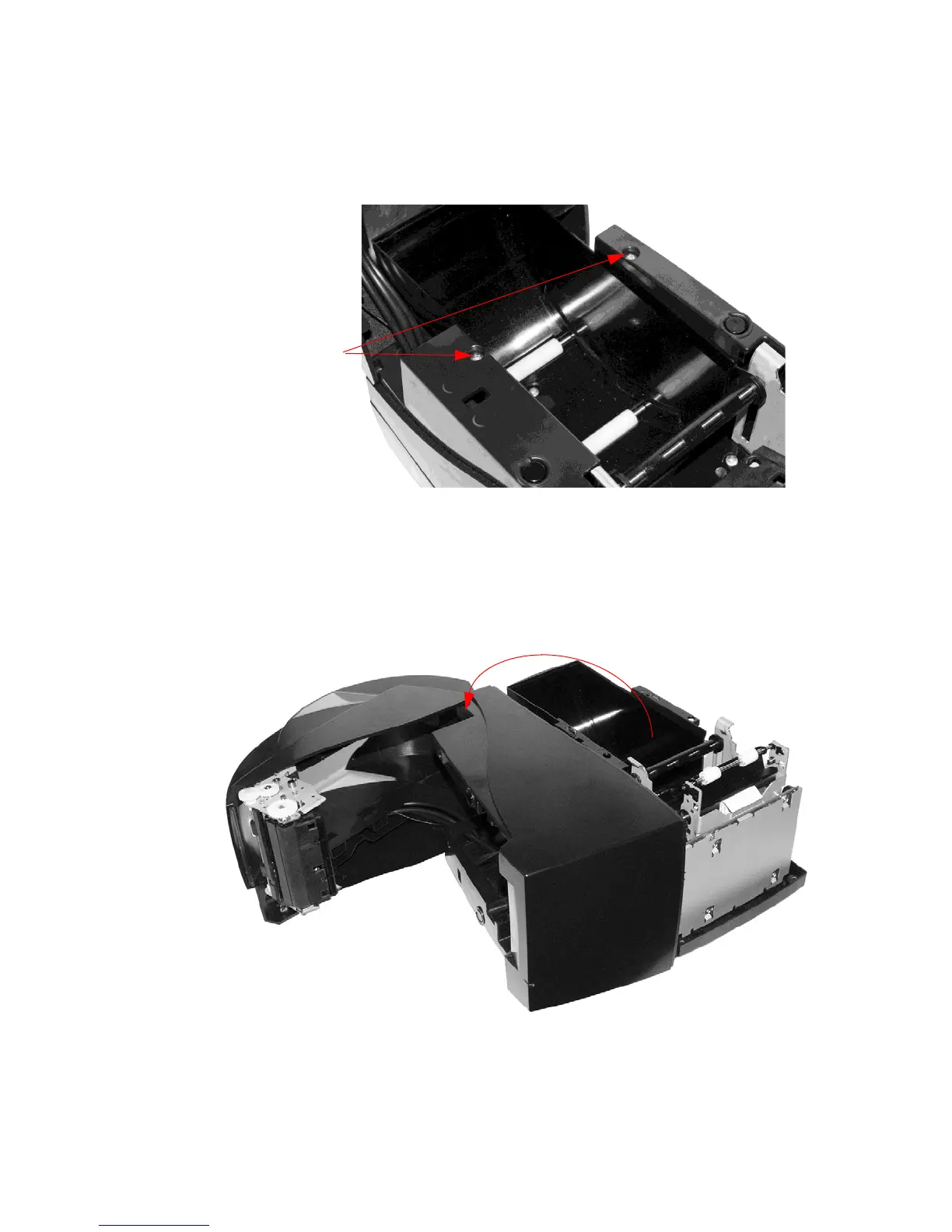
3. Unscrew two (2) #6 thread-forming screws, holding Mid-frame to Paper
Bucket (Figure 7-4).
Figure 7-4. Remove Screws Holding Midframe to Paper
Bucket
4. Lift and rotate the Mid-frame/Cover Assembly sideways, and then separate it
from the Ba
se Assembly, as shown (Figure 7-5).
Figure 7-5. Separate Midframe/Cover from Base Assembly



 To Next Page