Service instructions | 71Trophy Service instructions | 71Service instructions | 71
5.5 Display menu settings
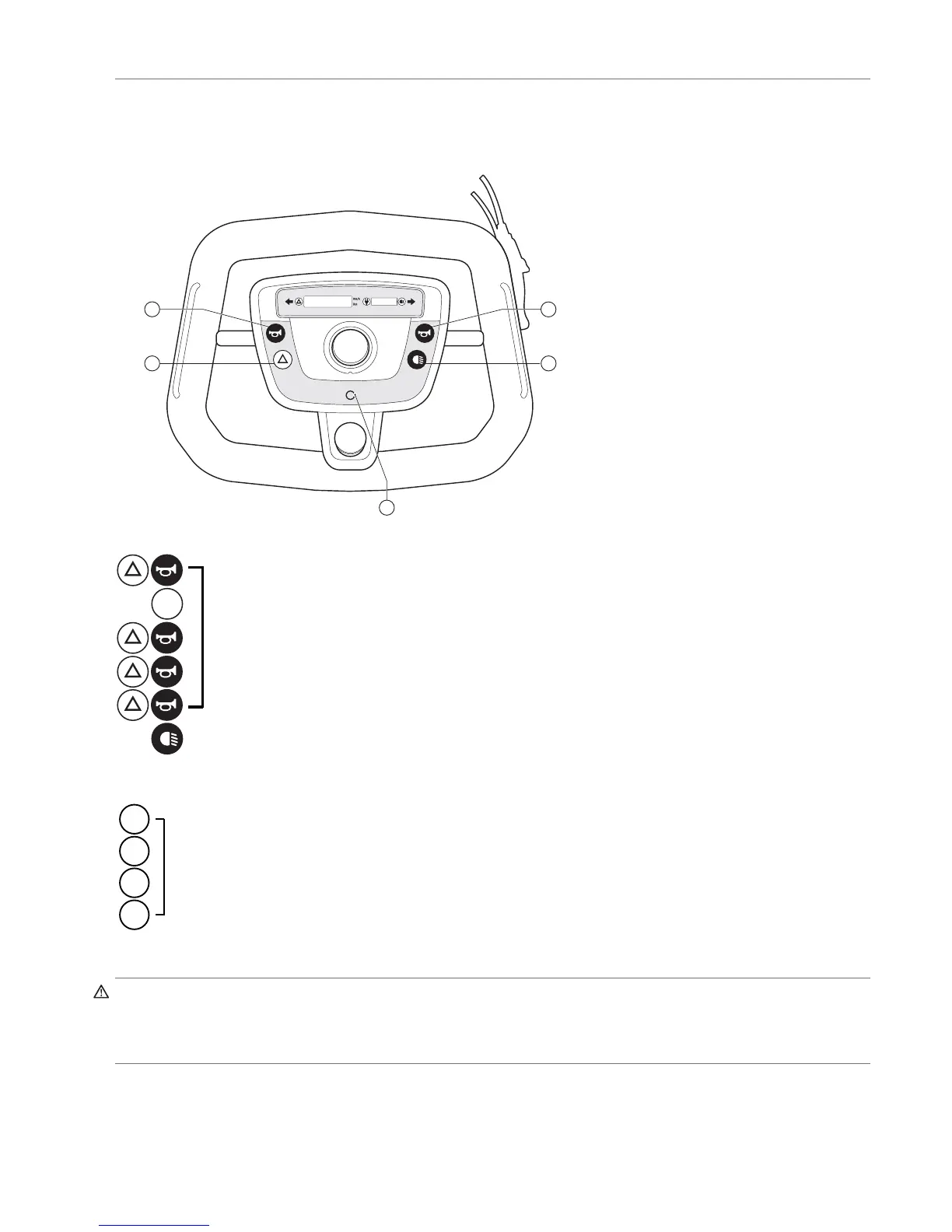
Starting the service menu for original electronics (ID-no < QT02400)
I
E
E
G M
Dealer
Kilometer total (user) Hold the hazard light button and press the left horn button briefl y
Reset total (user Push the I button (3 sec.)
Kilometer total (scooter) Hold the hazard light button and press the left horn button briefl y
Hours-on total (scooter) Hold the hazard light button and press the left horn button briefl y
Battery voltage Hold the hazard light button and press the left horn button briefl y
Leave dealer menu Any other button
R
User
km/h Push the I button
Daily kilometer counter Push the I button
Reset daily counter Push the I button (3 sec)
Kilometer total (user) Push the I button
R
R
R
R
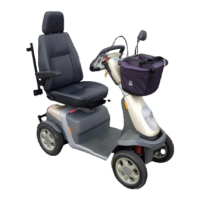
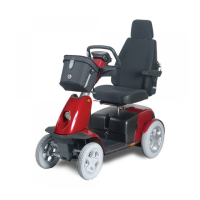
It’s possible to fi t the Trophy with either one foot throttle, one hand throttle or two hand throttles. See technical diagram chapter 7.
Warning!
A combination of foot throttle and fi nger control is not possible.
Any guarantee on the Trophy is invalidated by the third-party fi tting of electronic circuits, other than as described below, which
interfere with the fi nger control or foot throttle signal.


 To Next Page