Chapter 7 Page 175
Sending a blind carbon copy
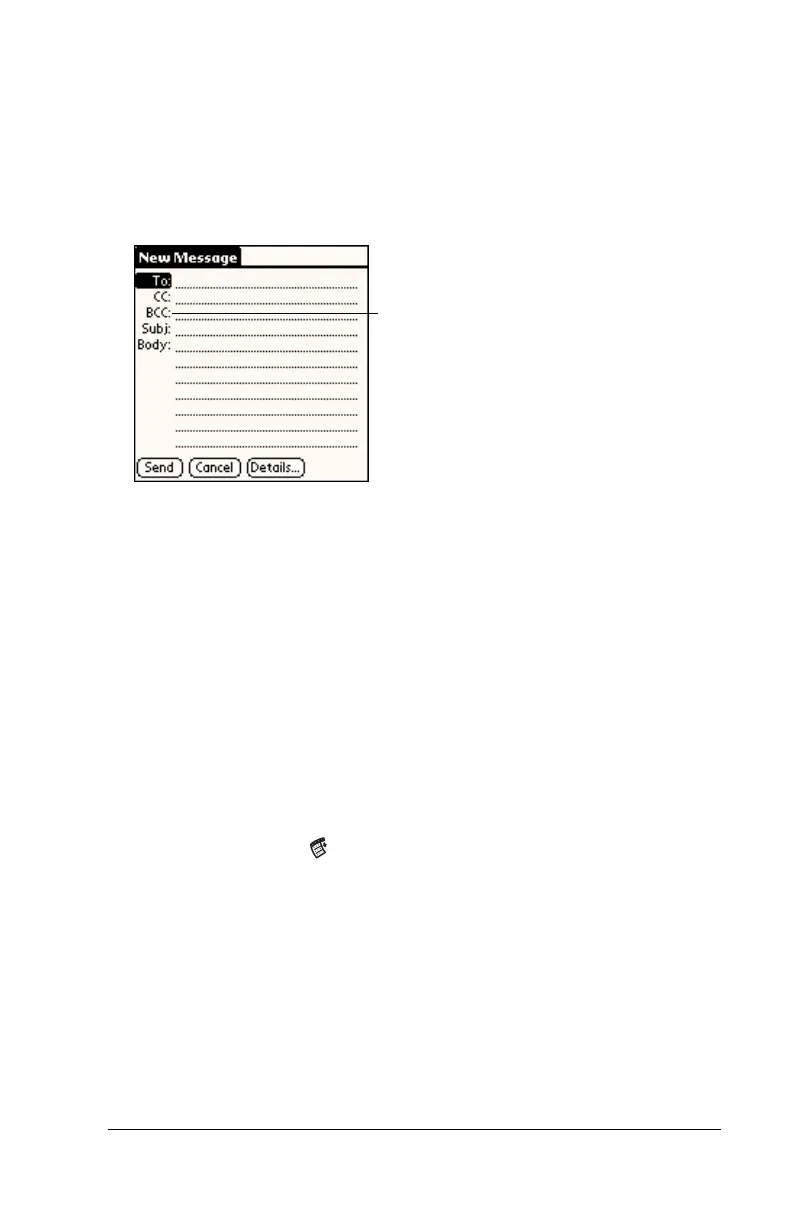
To add a BCC field to your e-mail item:
1. In the New Message screen, tap Details.
2. Tap the BCC check box to select it.
3. Tap OK.
4. Tap the BCC: field and enter an address.
Adding a signature to your e-mail item
A signature consists of information about yourself that is appended to
your e-mail item as its closing. For example, a signature can contain
your name, address, phone and fax numbers, and any other text you
want to include. By defining such information as a signature, you save
yourself the trouble of having to enter it every time you create an
e-mail item.
Adding a signature to your message is a two-part process. First, you
create your signature. Then you select the Signature option.
To create a signature:
1. Tap the Menu icon .
2. Tap Options, and then tap Preferences.
3. Tap the Signature text field and enter the text of your signature.
BCC field



 To Next Page