Page 176 Communicating Using Your Handheld
4. Tap OK.
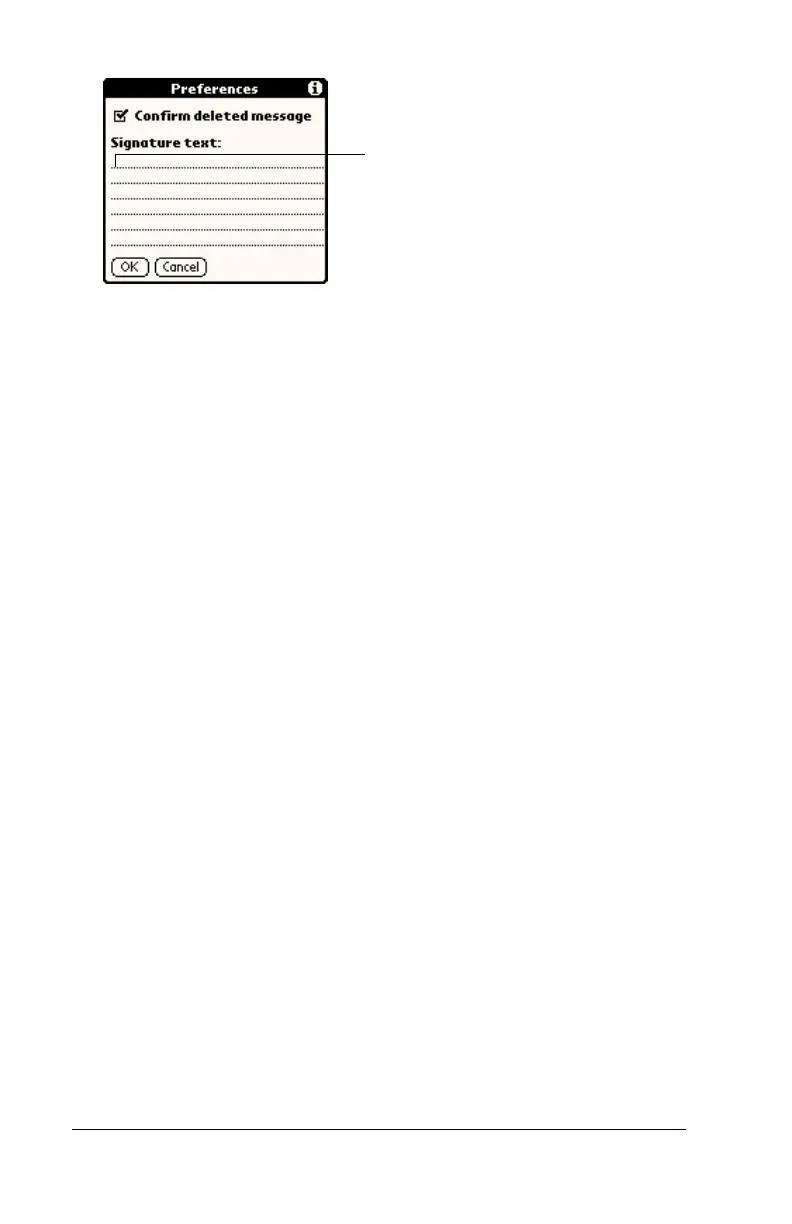
To add a signature to your e-mail item:
1. In the New Message screen, tap Details.
2. Tap the Signature check box to select it and add your signature to
the e-mail item.
Note:
The check box stays selected, so all subsequent e-mail
items you create will also contain your signature until you
deselect the Signature option.
3. Tap OK.
Note:
The signature does not display in your e-mail item; only your
recipient sees the signature.
Requesting confirmations
To receive a confirmation when your e-mail item is read:
1. In the New Message screen, tap Details.
2. Tap the Confirm Read check box to select it.
3. Tap OK.
To receive a confirmation when your e-mail item is delivered:
1. In the New Message screen, tap Details.
2. Select the Confirm Delivery check box to select it.
3. Tap OK.
Add signature
text here



 To Next Page