Page 28 Introduction to Your Visor™ Handheld
Using Palm Desktop software
If you have new records you want to add to your handheld and prefer
to use the computer keyboard rather than the onscreen keyboard,
enter the data in Palm Desktop software or the PIM you have installed
to use with your handheld.
After the information is in Palm Desktop software, perform a HotSync
operation to synchronize your handheld with your computer. See
“Exchanging and updating data: HotSync operations” in Chapter 5 for
more information.
Importing data
If you already have data in a database on your computer, you can
import it into Palm Desktop software. You can import data stored in
computer applications such as spreadsheets and databases, or data
from another Palm OS handheld. When you import data, you transfer
the records to your handheld without having to enter them manually.
See “Importing data” in Chapter 2 for more information.
Using an external keyboard
You can connect an optional keyboard accessory to the connector on
your handheld so you can type data directly into your handheld.
External keyboards are very helpful when you need to enter large
amounts of data quickly and accurately while you are away from your
computer. For more information about external keyboard accessories,
go to the web site: www.handspring.com.
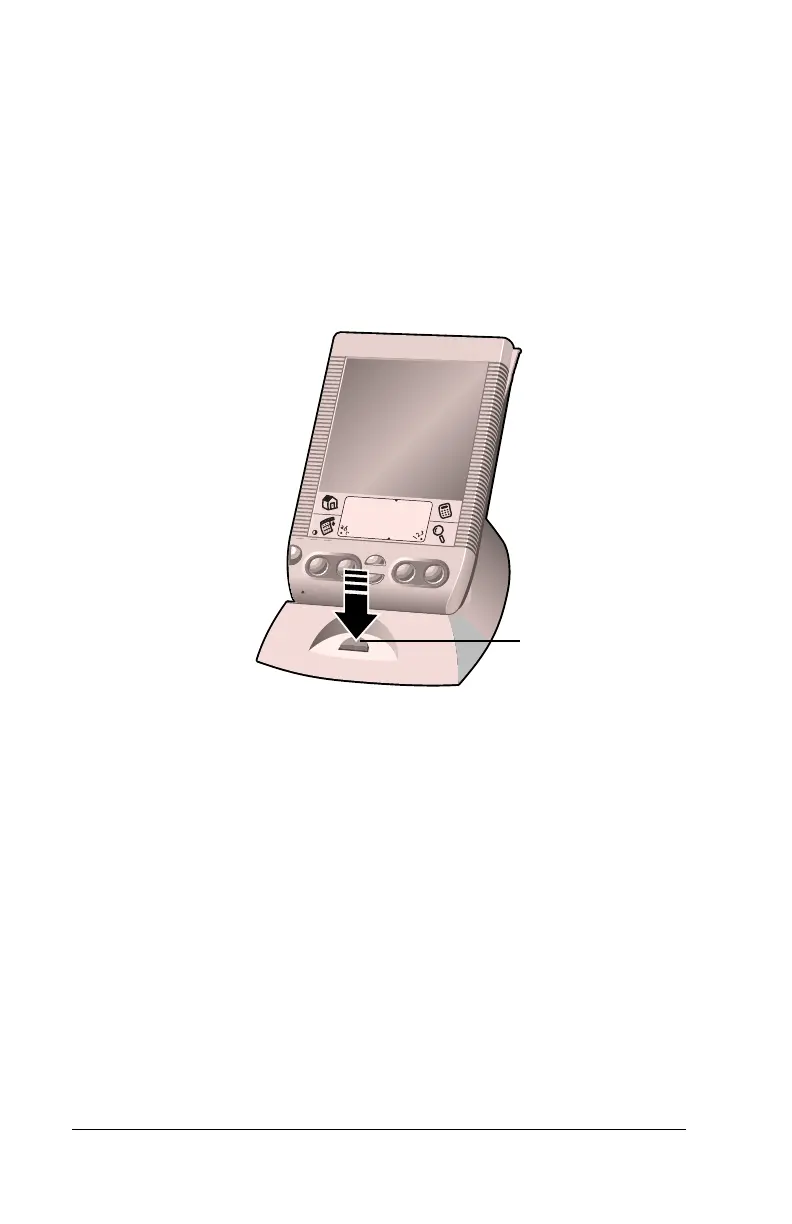
HotSync
button



 To Next Page