23
5.3 Checking for correct function of the display
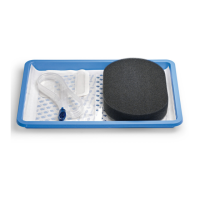
> Start the therapy without an exudate canister�
> Manually cover the left opening on the rear side of the device�
The warning message “Exudate canister full” appears after a few seconds.
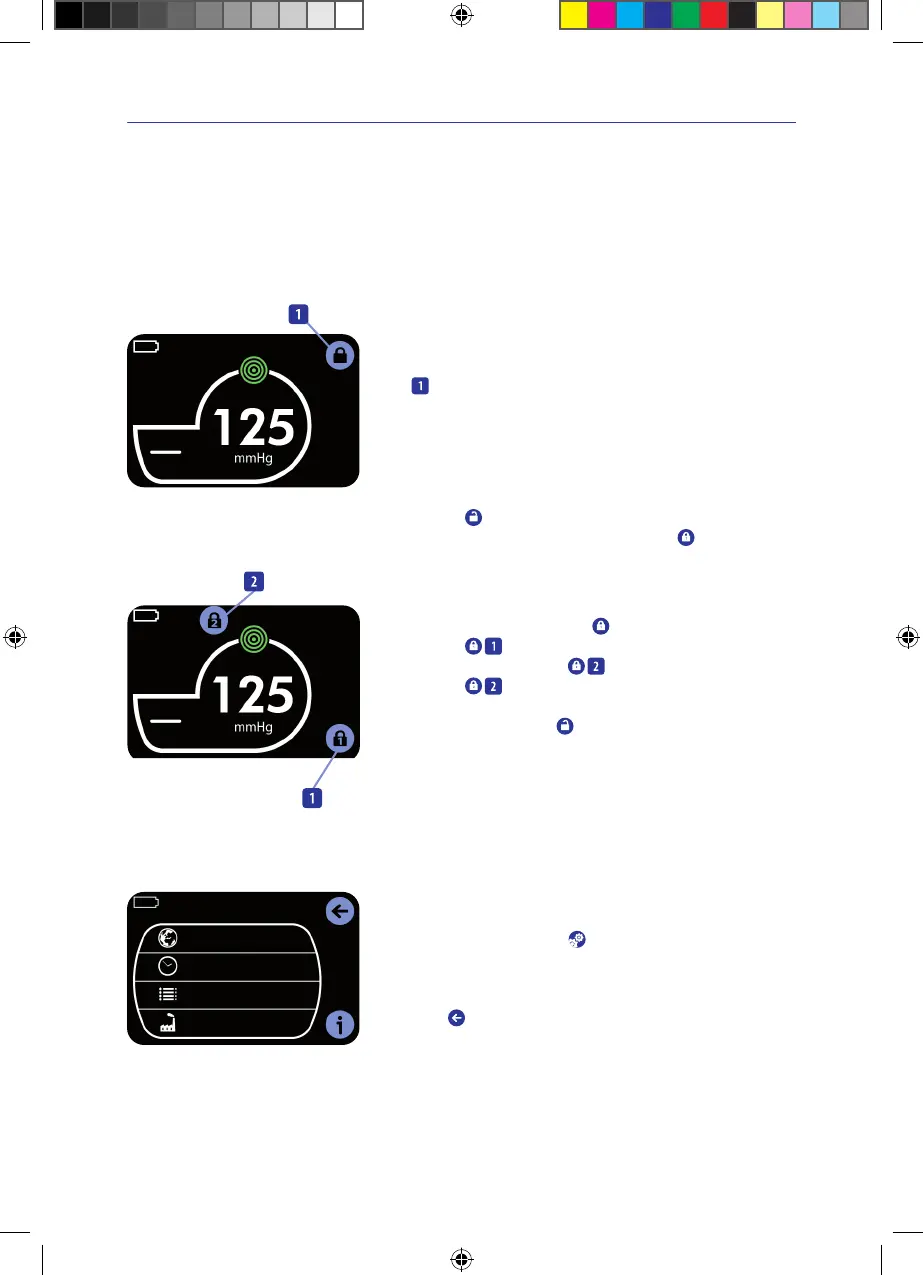
5.4 Key lock
Continuous
Key lock enabled
Automatic key lock
The VivanoTecPro negative pressure unit has an automatic key lock�
If the touchscreen is not touched for longer than 1minute, the automatic key
lock
is enabled.
This prevents any unintentional entry�
During battery operation, the display illumination switches off after
5minutes�
Switching the key lock on
> Tap on the
open lock symbol�
The key lock is enabled. This is indicated by the symbol
.
Continuous
Disabling the key lock
Disabling the key lock
> Tap briefly on the touchscreen or press the On/Off switch�
This activates the touchscreen and the
closed lock symbol appears.
> Tap on the
closed lock symbol�
This activates the second flashing
closed lock symbol.
> Tap on the
closed lock symbol�
This disables the key lock.
This is indicated by the flashing
open lock symbol.
6. Settings
Language
Setting local time
Event history
Factory settings
Settings menu
The activities in this chapter may be carried out only by a physician or
a qualified person�
> In the main menu, tap on the
key�
The settings menu appears.
Return to main menu
Tap on the
key�
IFU_4095080_0302884_190824_EN.indd 23IFU_4095080_0302884_190824_EN.indd 23 19.08.24 12:3119.08.24 12:31


 To Next Page