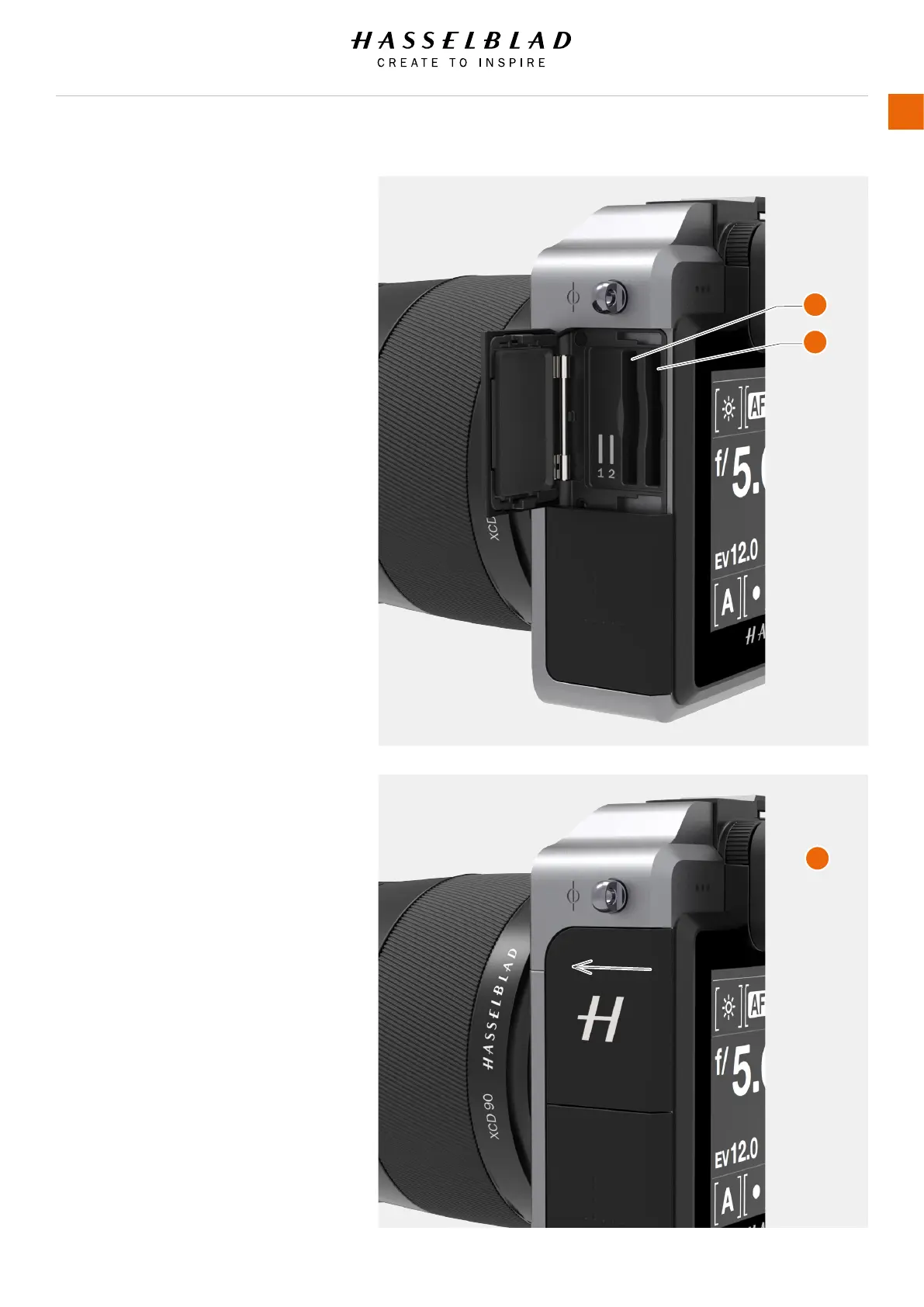
INSERT A MEMORY CARD
Insert SD card
1 Open the Memory Card Slot Cover by sliding
it towards the back of the Camera and then
rotate it counter clockwise.
2 When the card slot cover door is opened,
mount the SD card in the SD card slot no 1
(A) or no 2 (B).
3 Close the slot cover by rotating it back and
pushing it in place towards the front of the
camera (C) to lock it into position.
A
B
C
X1D www.hasselblad.com
USER GUIDE
46
Functions



 To Next Page