X1D www.hasselblad.com
USER GUIDE
85
Settings
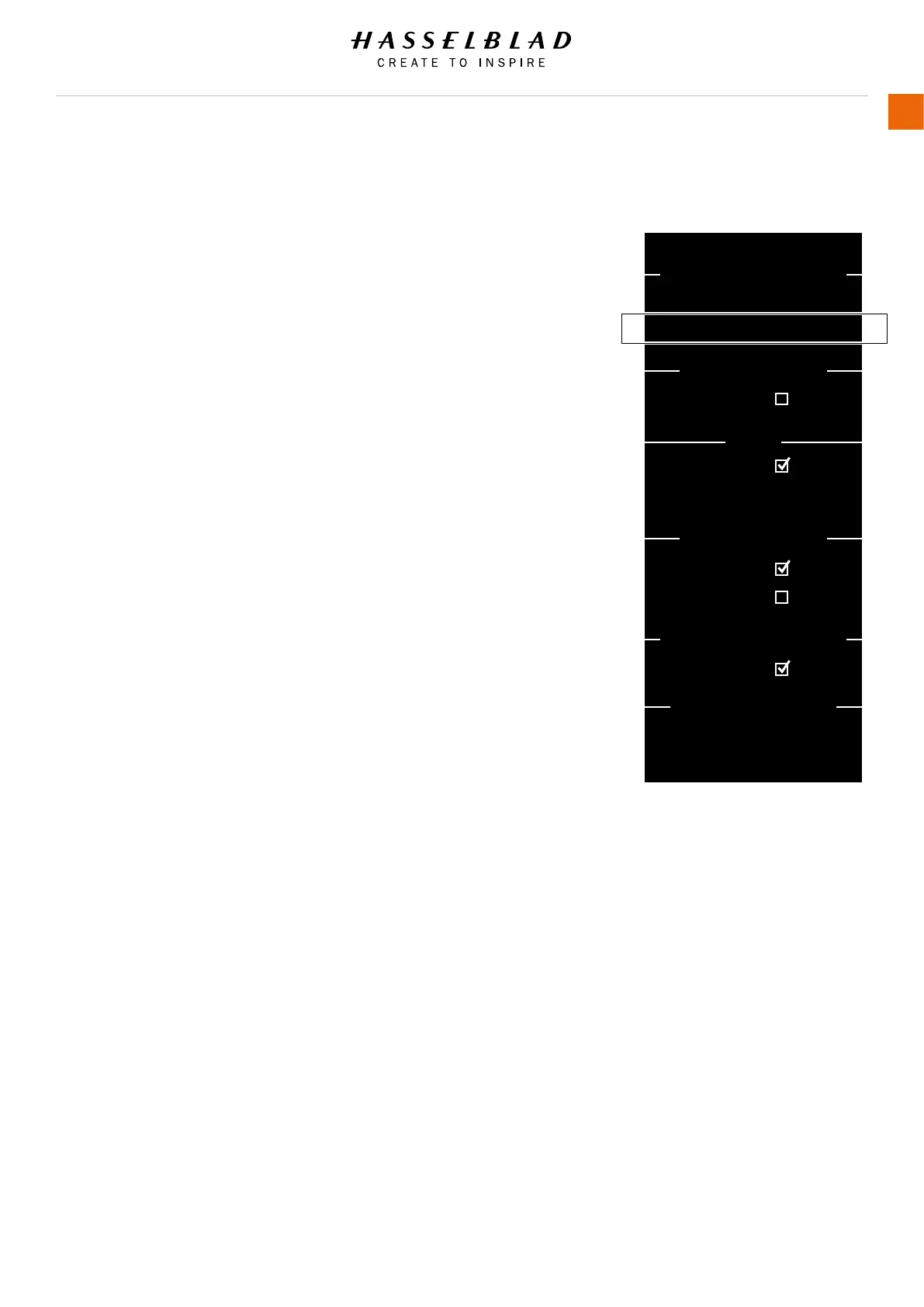
EXPOSURE ADJUST
MAIN MENU > CAMERA SETTINGS > INCREMENT STEP SIZE >
EXPOSURE ADJUST
1 Press the Camera icon on the Touch Display.
2 The Camera Settings Menu appears.
3 Press the Exposure Settings Menu.
4 Select Exposure Adjust under Increment Step Size.
Swipe right or press Menu / EXIT button to save and get back to
Main Menu.
Increment Step Size
Exposure Adjust
Select between 1, 1/2 and 1/3 stop
increments.
Increment Step Size
AE-L / Quick Adjust
Image Orientation
Exposure Mode
Exposure Lock
Flash
CAMERA SETTINGS: EXPOSURE
Exposure:
Exposure Adjust:
Sync:
Orientation:
True Exposure:
Low Flash Warning:
Flash Ready:
Reset after Exposure:
Out of Range:
1/2 step
1/3 step
Normal
Auto
Exposure Settings Menu



 To Next Page