X1D www.hasselblad.com
USER GUIDE
97
Settings
4.7 VIDEO SETTINGS MENU
MAIN MENU > VIDEO SETTINGS
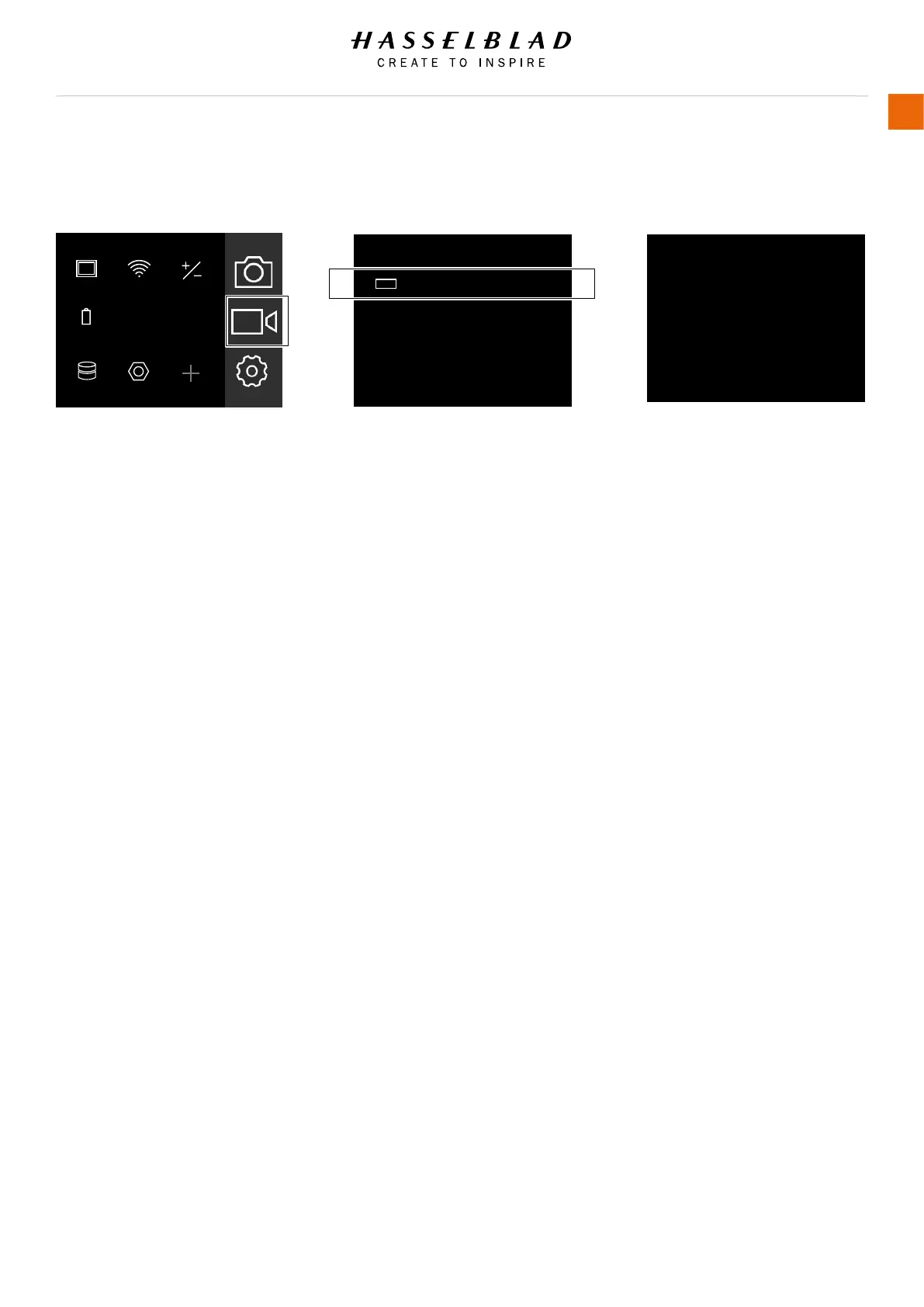
1 Press the Video icon on the Touch
Display.
2 The Video Settings Menu appears.
3 Select the Video Settings Menu.
Swipe right or press Menu / EXIT button
to get back to Main Menu.
VIDEO SETTINGS
Resolution
Video Quality Resolution Setting
1080p or 720p.
Resolution:
1080p
VIDEO SETTINGS: QUALITY
MAIN MENU
ExposureWi-FiDisplay
FocusQualityPower &
Timeouts
ServiceStorage
AF
RAW
JPG
Main Menu Video Settings Menu
Video Quality Settings
Quality
VIDEO SETTINGS
1080p
Video icon



 To Next Page