X1D www.hasselblad.com
USER GUIDE
95
Settings
Exposure
Quality
Focus
Self Timer
Conguration
CAMERA SETTINGS
RAW
JPG
AF
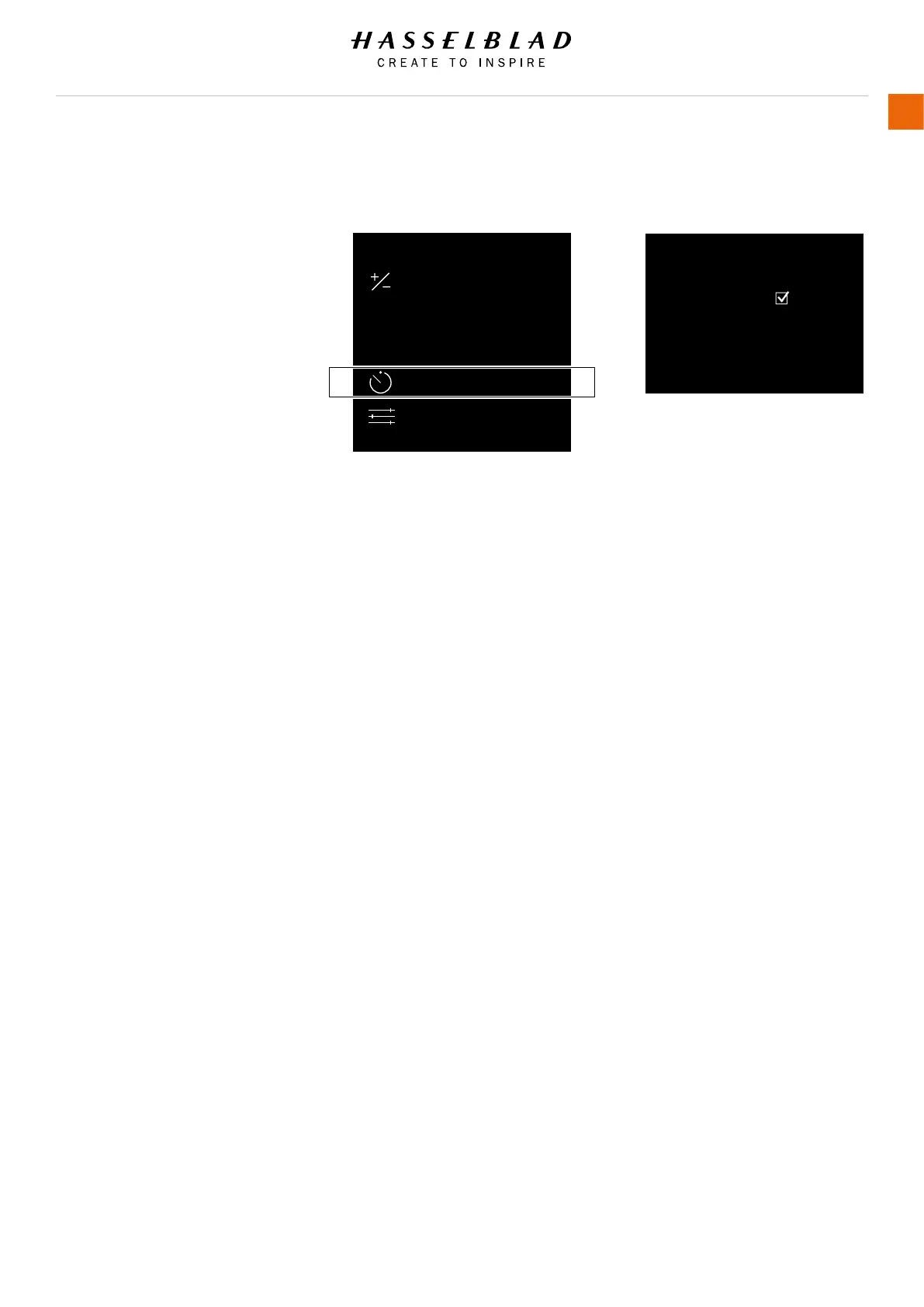
4.5 CAMERA SELF TIMER SETTINGS
MAIN MENU > CAMERA SETTINGS >
SELF TIMER
1 Press the Camera icon on the Touch
Display.
2 The Camera Settings Menu appears.
3 Press the Self Timer Settings Menu.
Swipe right or press Menu / EXIT button
to get back to Main Menu.
Self Timer Settings Menu
Active
On or Off.
The check box will be marked with a
√ when Active and the check box will
be empty when Self Timer is Off.
Time
2, 3, 4, 5 and so on in steps of one
second up to 60 seconds.
CAMERA SETTINGS: SELF TIMER
Active:
Camera Menu Self Timer Settings Menu
Time:
2 seconds



 To Next Page