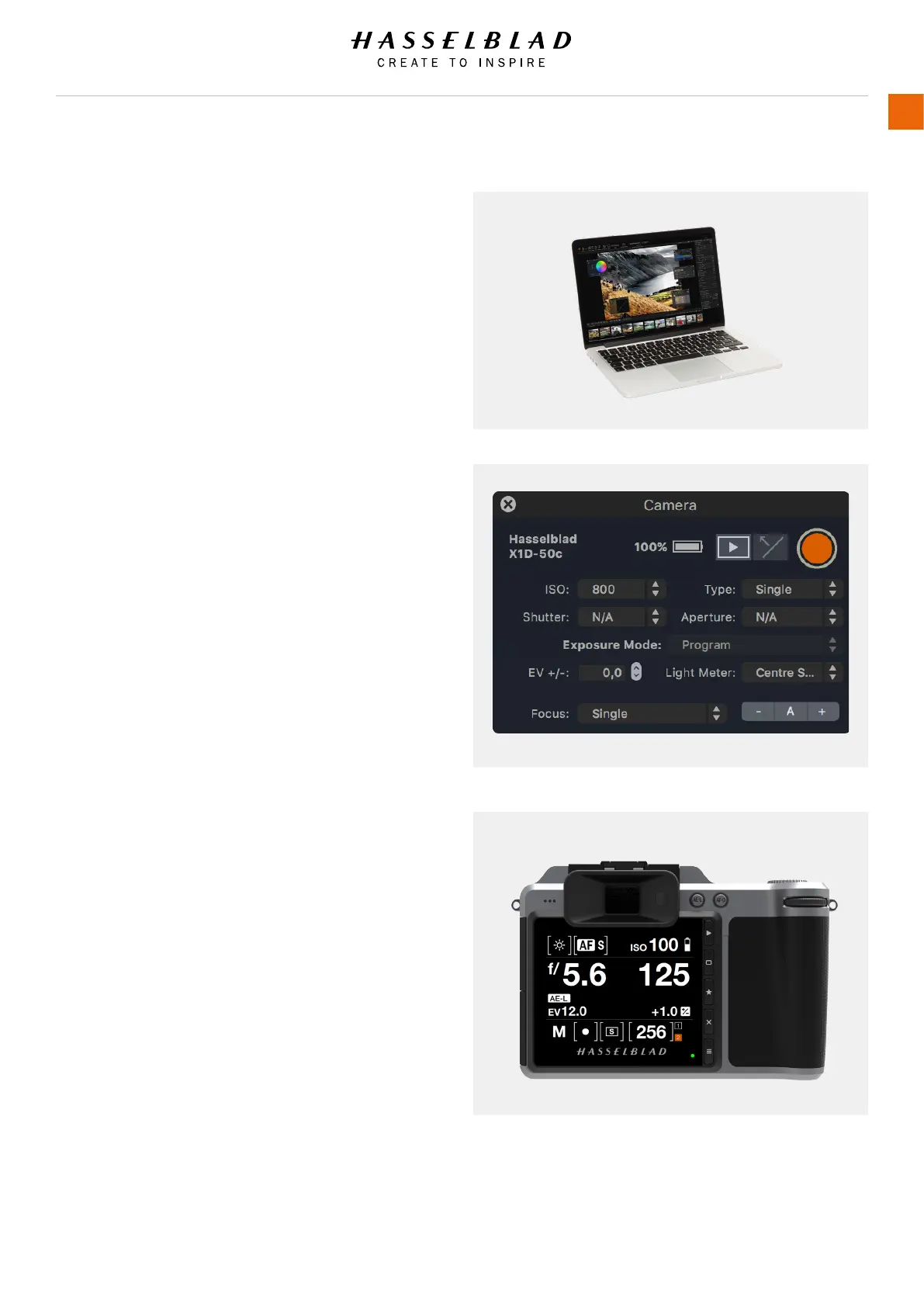
3.26 CONNECT TO A COMPUTER
1 Connect a USB 3 cable to the USB port on the computer.
2 Open the hinged cover on the camera.
3 Connect the USB 3 cable to the USB port on the camera.
When initiating a shot from Phocus, the Computer sends a
signal to the X1D Camera, which triggers the shutter (and
strobe/ash, if any). The Camera then sends the capture over
the USB connection to the Computer, where it is displayed
on the Computer Screen and saved as a 16-bit 3F le in the
currently selected folder on the Computer hard disk.
Note!
When connected to a computer, the following applies:
● The destination medium and location are controlled from
Phocus.
● All exposure settings, including ISO, aperture and
exposure time, are controlled from Phocus if you choose
to expose from Phocus. In addition extra tools such
as Live Video, remote focus control are available. See
Phocus user manual for full description.
X1D www.hasselblad.com
USER GUIDE
77
Functions



 To Next Page