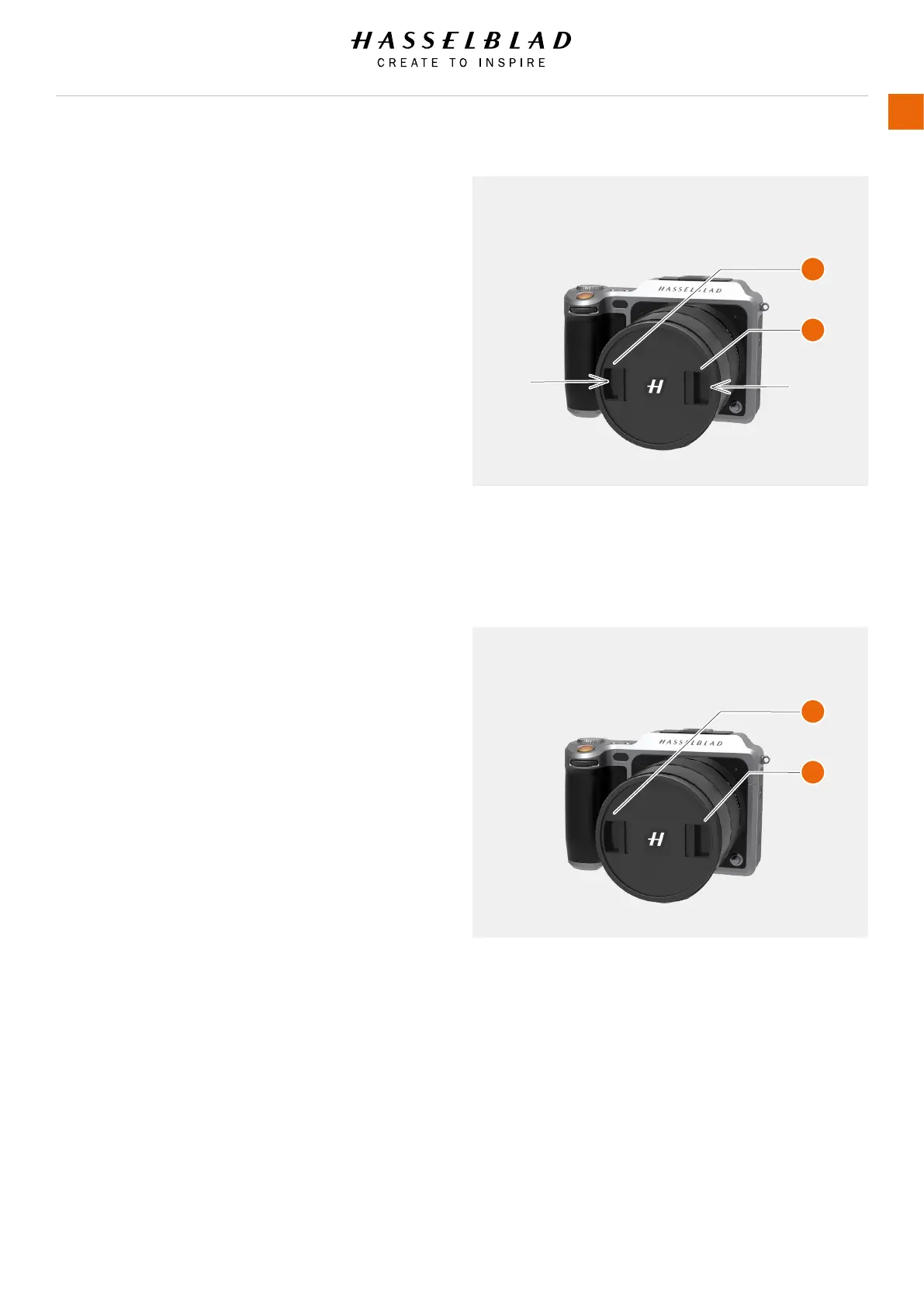
REMOVE THE LENS CAP
1 Insert thumb and index nger into the recesses (A).
2 Pinch the recesses (A) together.
3 Remove the front lens cap.
ATTACH THE LENS CAP
1 Insert thumb and index nger into the recesses (A).
2 Pinch the recesses (A) together.
3 Attach the front lens cap on the lens until it snaps into
place.
A
A
A
A
X1D www.hasselblad.com
USER GUIDE
52
Functions



 To Next Page