Wheel Alignment AXIS500
AXIS500 Manual Instructions
Front Wheel Alignment
Caster and Inclination (continued)
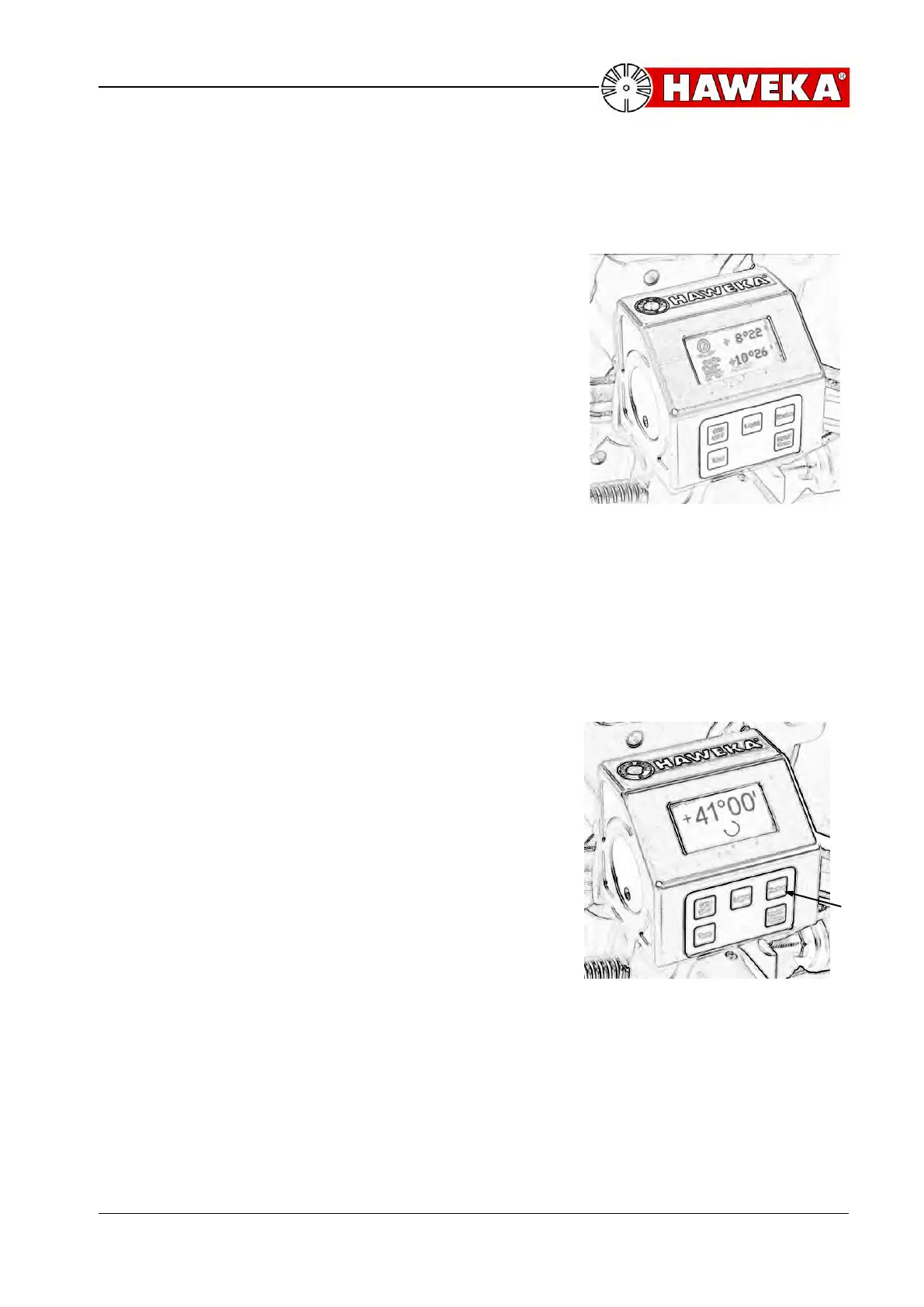
After all measured values have been successfully
recorded the screen display automatically changes
and the absolute values for the caster and steering
axis inclination are displayed in degrees and
minutes. (Illustration 17)
• After the inclinometer has read the new
different angel, the display changes to
Caster (upper line) and KPI (lower line).
• Enter the ascertained values in the
measurement sheet.
Repeat the same procedure (after acquiring
all measurements) on the other side of the
vehicle.
5.8 Max. Steering Angle
• If the caster and the inclination are determined,
change the area steering angle by pressing the
“Mode”-button.
• Now, the display shows the steering angle.
• The steering wheel is turned to the max. steering
lock and the angle value for the max. steering
angle can be read. (Illustration 18)



 To Next Page