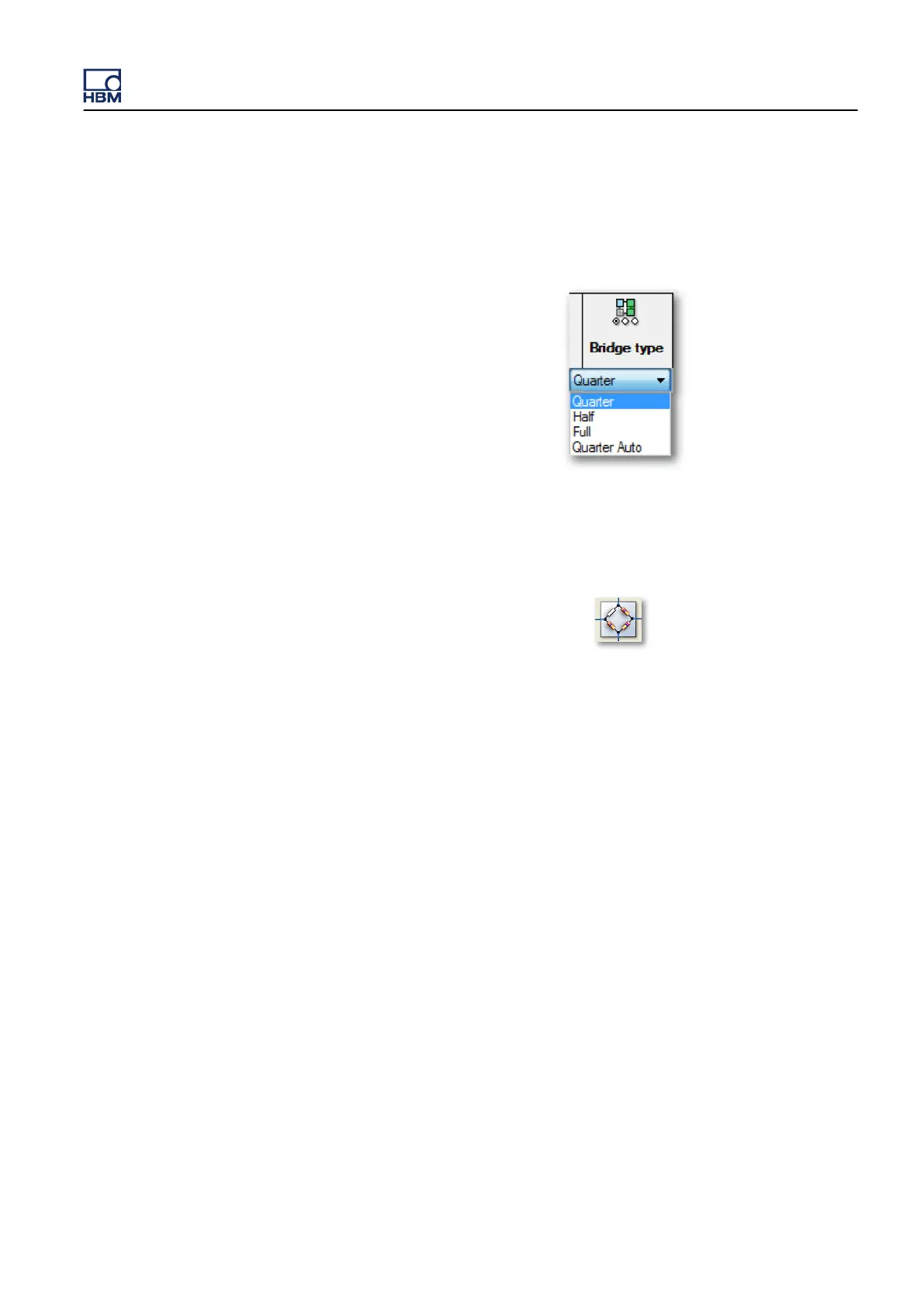
4 Do one of the following:
l In the Bridge type column of the spreadsheet style matrix, select the
bridge type Quarter.
l In the simplified graphical diagram, click on the bridge icon (D in
Figure 12.39 on page
257) the quarter-bridge representation can be
seen.
5
Switch S3 in Figure 12.31 on page
250 is closed when quarter-bridge
completion is selected.
Excitation
The following options are provided for bridge excitation:
l Switch excitation on and off.
l Select between voltage and current excitation.
l Use sense lines to make sure that the correct voltage is applied to the
bridge, even with longer lead wiring.
All selections are made using Perception. However, additional wiring is
necessary when using sense lines:
l Add a connection from Pin 3 (+sense) to the bridge connection marked A
in Figure 12.31 on page 250.
l
Add a connection from Pin 4 (-sense) to the bridge connection marked D
in Figure 12.31 on page 250.
GEN3i
I3763-3.1 en HBM: public 263



 To Next Page