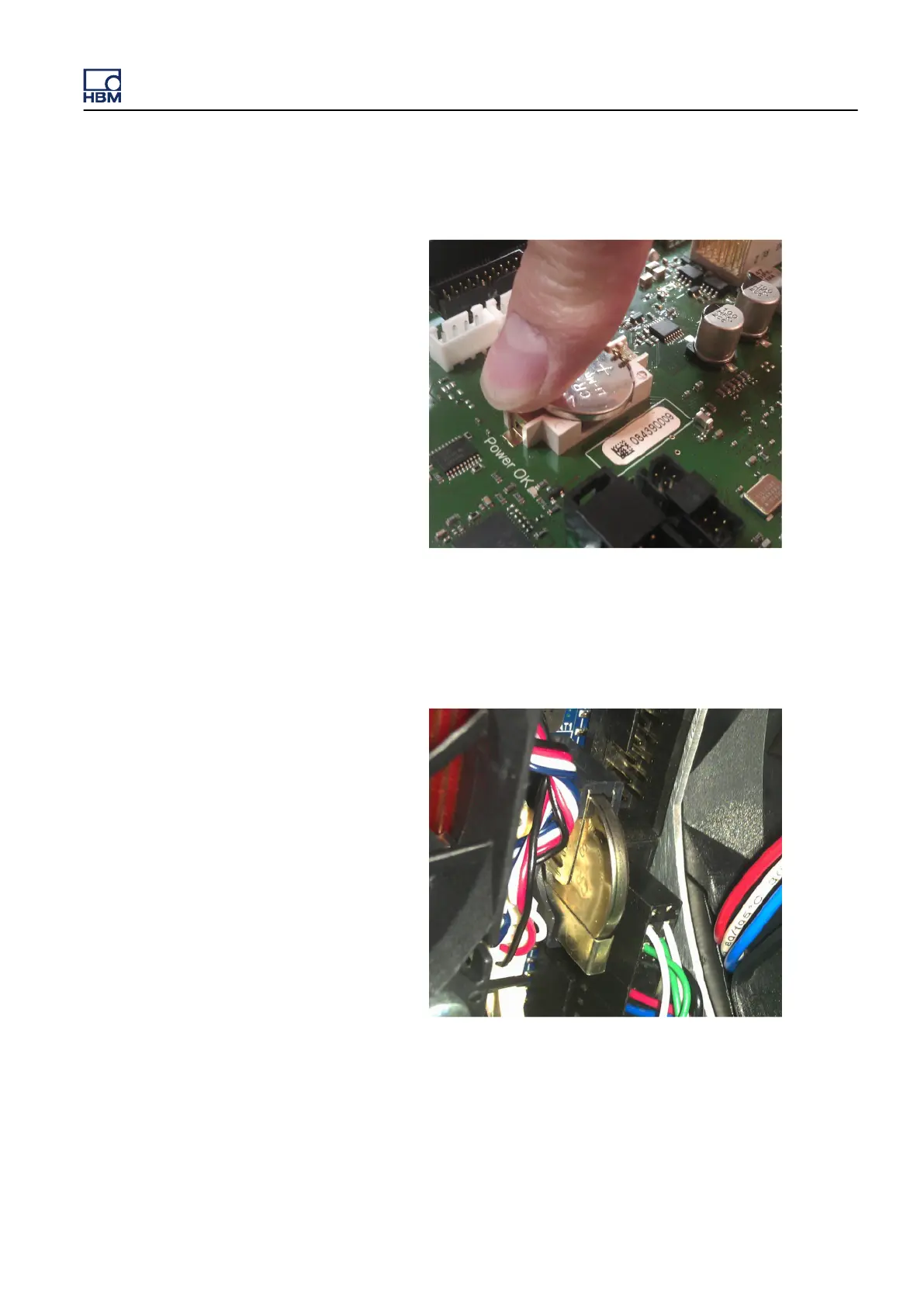
6 Push the battery until the lid clicks back into position.
Figure 4.6: Battery almost in its final position (backplane)
4.2.2
Remove/replace the battery from the PC section
1 Power off the GEN3i system and remove the power input cable.
Figure 4.7: Battery - PC section
2 Disconnect all cables to the acquisition cards.
3 Remove acquisition cards/blind panels from the GEN3i.
GEN3i
I3763-3.1 en HBM: public 65



 To Next Page