2 Disconnect all cables to the acquisition cards.
3 Remove acquisition cards/blind panels from the GEN3i.
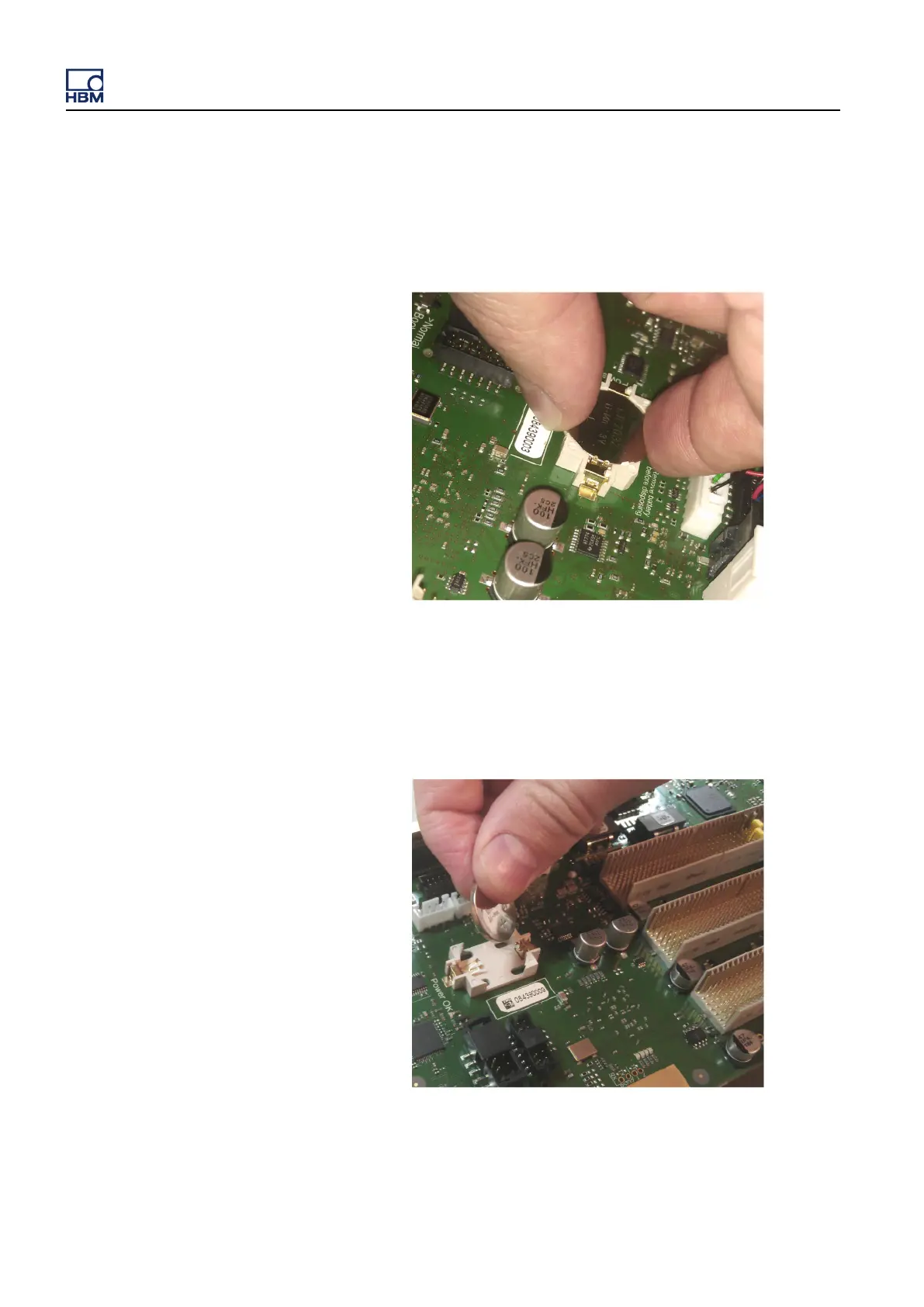
4 To remove the battery, simply pull it out with two fingers.
Figure 4.4: Remove battery from the backplane
5 To place the battery on the backplane, place it on the battery holder.
Figure 4.5: Place the battery on the holder (backplane)
GEN3i
64 I3763-3.1 en HBM: public



 To Next Page