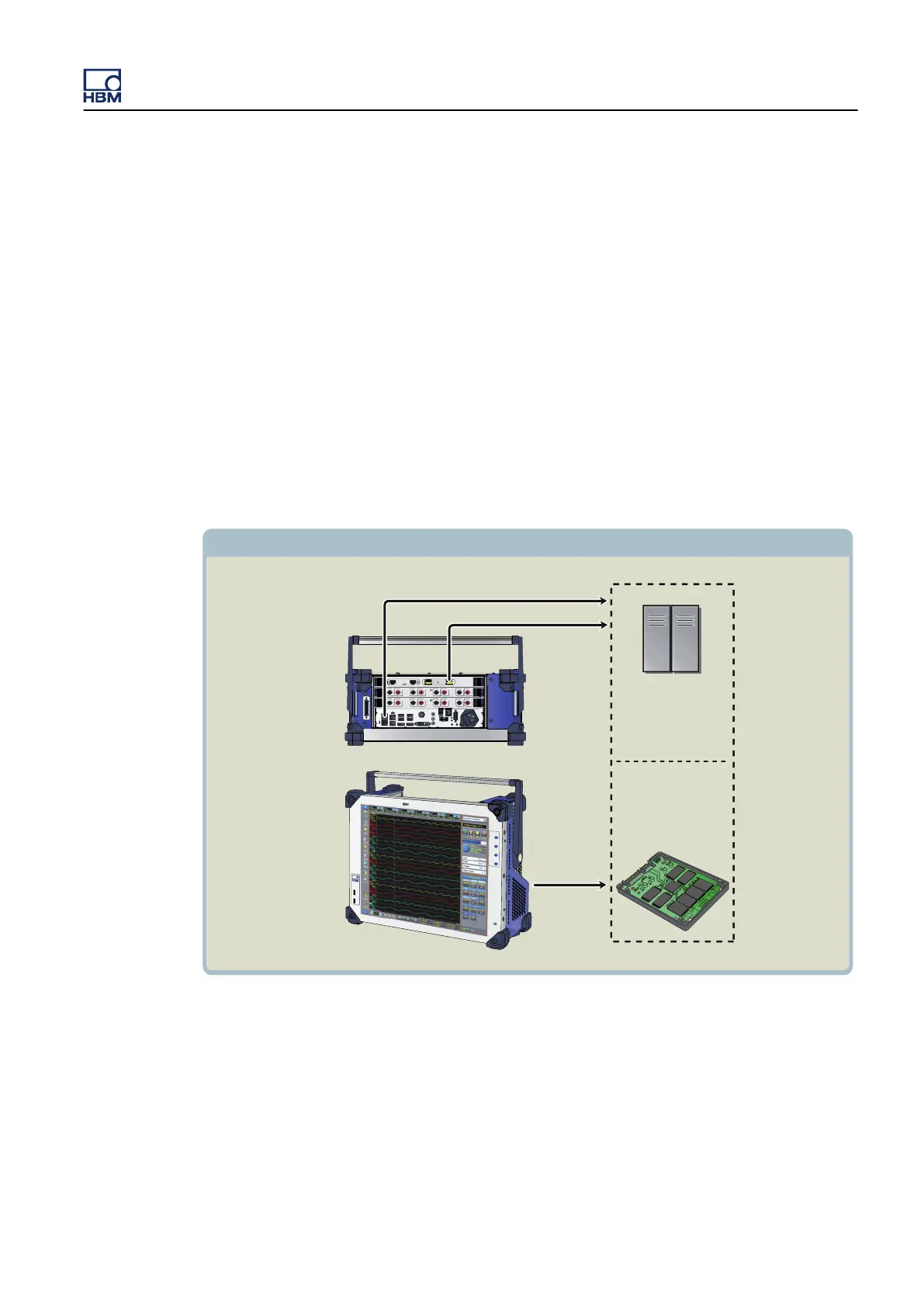
6.6 Data storage
In
addition to mega samples of on-board RAM, record data directly to the GEN3i
hard drive, or USB device. In addition you can archive your data on a USB stick,
or to a network server over the Gigabit Ethernet. GEN3i always stores to on-
board high-speed RAM. Recorded data is then automatically stored at the
GEN3i defined storage location at maximum speed.
Storing data to the built-in GEN3i SSD allows data storage at 200 MB/s. In
continuous mode, a full drive recording can be made at 200 MB/s. In circular
recording, the GEN3i can monitor signals at 200 MB/s forever and will stop only
when triggered by a user pre-defined event. The entire SSD can then be used
as pre-trigger recording.
Recorded files are standard Perception files with the PNRF extension
(Perception Native Recording File).
1 MW 250Vpk 1 MW 250Vpk
1
2
3
4
5
6
7
8
1
2
3
4
5
6
7
8
IN OUT
RUN
XMC 402
CH B
Ether
L/A
U1
ERR
L/A
U2
Data Storage
Built-in SSD
Servers
Perception PC Storage
10 Gbit Ethernet
1 Gbit Ethernet
GEN3i Built-in Windows PC
GEN3i Top View
Figure 6.5: Data storage options
GEN3i
I3763-3.1 en HBM: public 87



 To Next Page