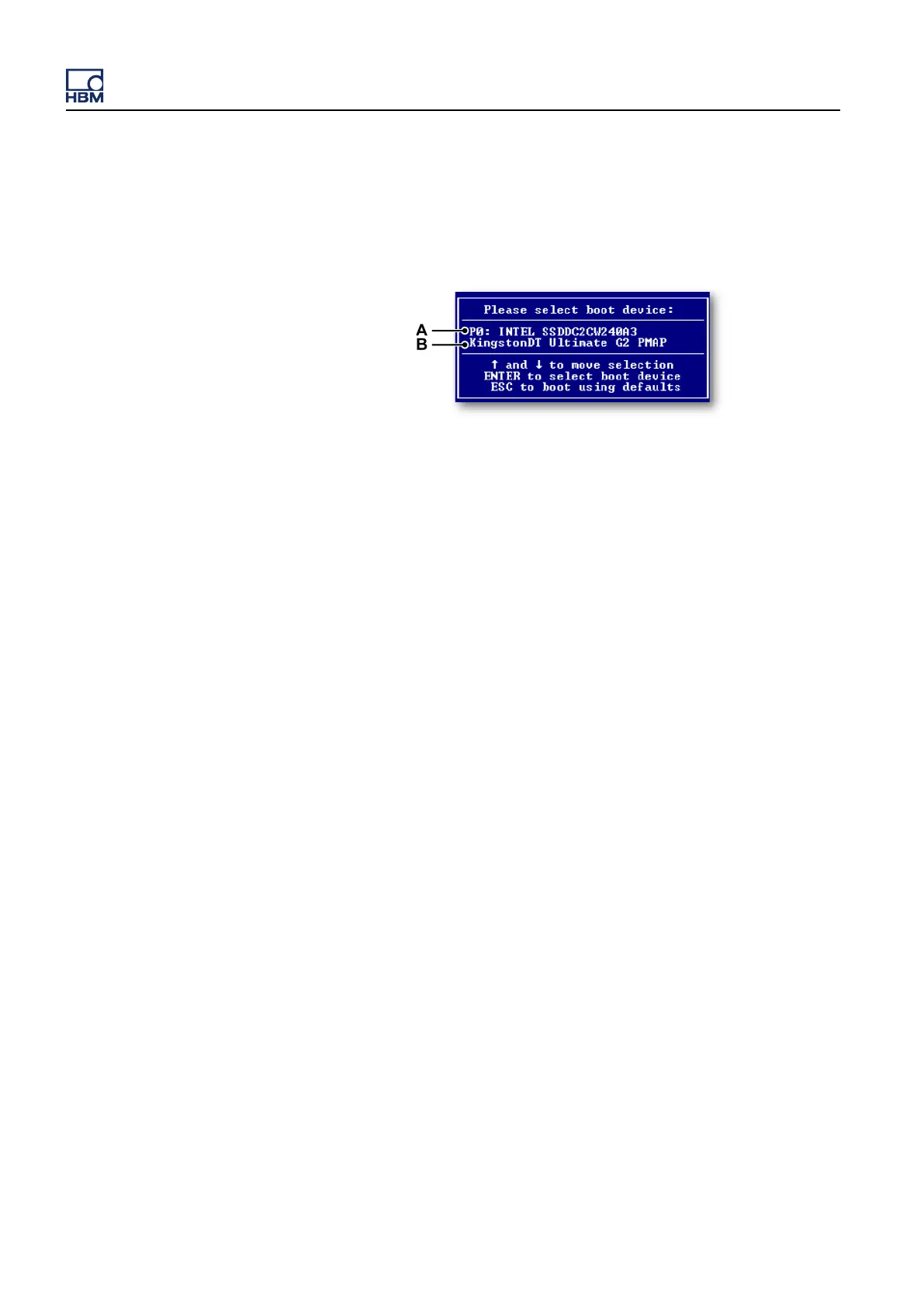
If an external disk needs to be booted, press the F7 key while the BIOS is
booting. BIOS displays a selection of all available bootable disks. Select the
disk of choice and continue booting from this disk.
Note Text displayed in this dialog can be different, depending on which SSD/RAID
disk and USB disk are used.
A Name of installed (RAID) Solid State Drive
B Name of USB disk/stick attached to your system
Recovery tools can be accessed by pressing the down arrow key during the
boot process. A selection menu of recovery tools available appears. These
recovery tools are available on the recovery partition. This partition is not
available
during normal instrument operation and can only be accessed during
the boot process. For more details, please refer to the section "Recovery tools
disk" on page 812.
Solid State Drive layout
The Solid State Drive is partitioned in two partitions.
GEN3i
810 I3763-3.1 en HBM: public



 To Next Page