E-21
Configuring the Spider8 with the Setup program Ý Description of the setup dialogue
Spider8
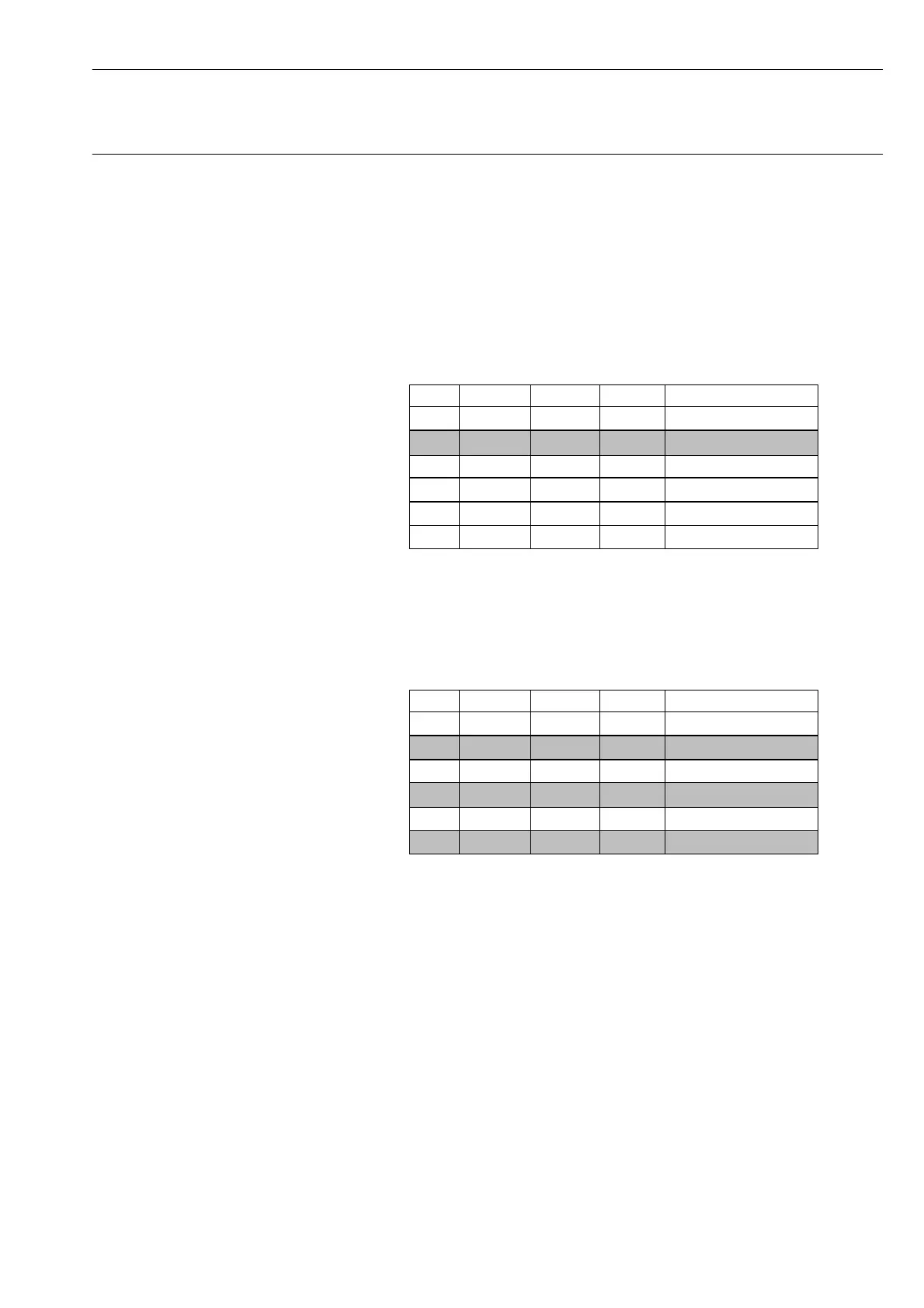
Marking non-consecutive channels
You do not want to select channels en bloc.
1. Position the cursor in the ”Mark” column alongside the first
channel you want to mark (e.g. channel 2). Click with the mouse
to mark the channel.
Chan. Name Trans. Meas. Rng.
1
1.
Mark
2
3
4
5
6
3
2. Press the CTRL key and hold it down.
3. Move the cursor to the ”Mark” column alongside the next
channel to be marked (e.g. channel 4 and then channel 6) and
click with the left-and mouse-button. Channels 2, 4 and 6 are
now marked.
Chan. Name Trans. Meas. Rng.
1
2.
Mark
2
3
4
5
6
3
3
3



 To Next Page