A
A
A
A
Cover
C-4
Commissioning Ý Installing modules
Spider8
1.1 Installing modules
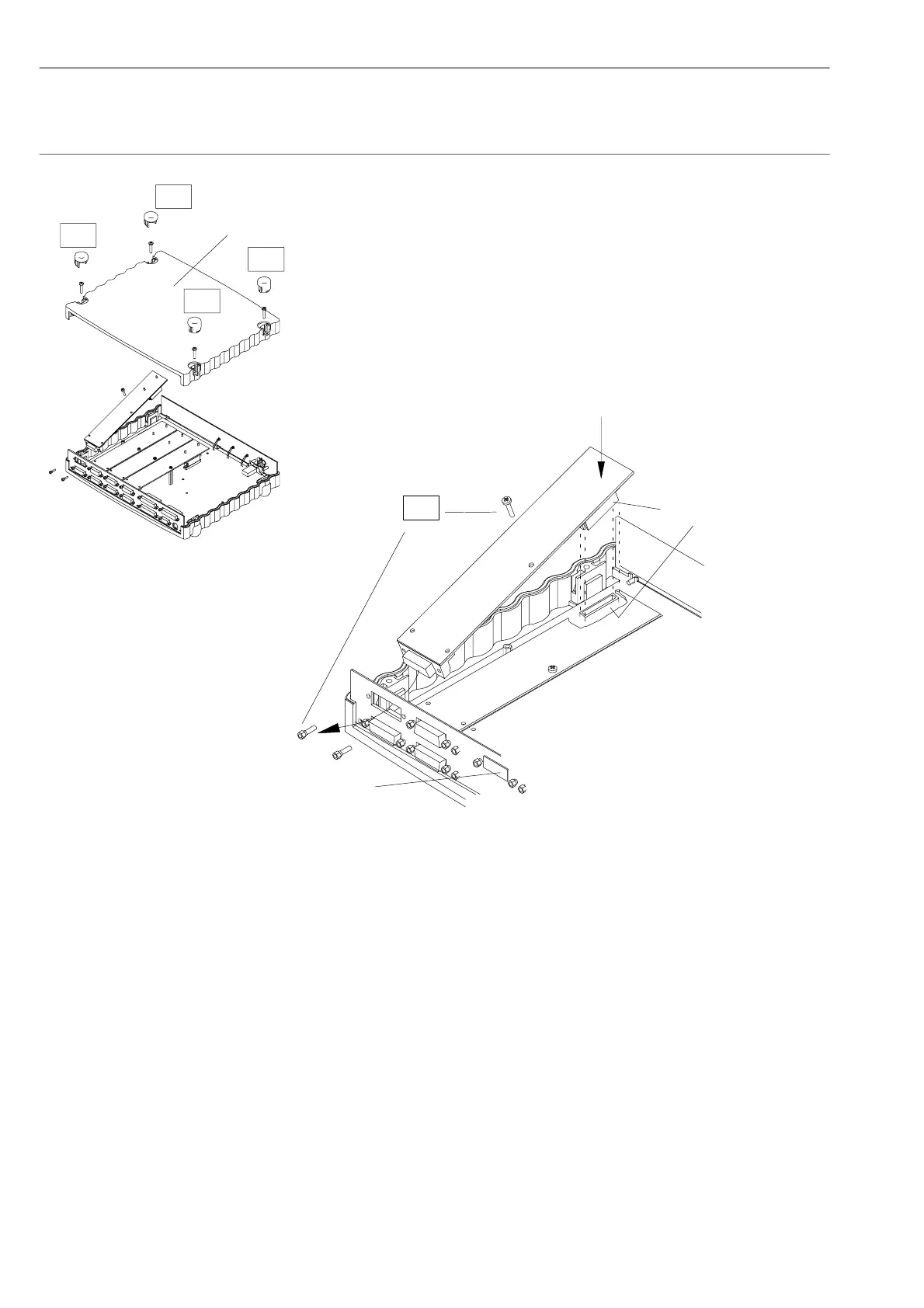
1. Remove the four caps (A) from the top of the Spider8 housing
(prise them up with your thumb).
2. Undo the four screws (M4) with a cross-headed screwdriver.
3. Remove the cover.
4. Unscrew the appropriate blank plates from the rear panel of the
housing.
5. Plug the module into the rear panel of the housing as shown in
Fig. C 1 and press the connectors together. Fasten the module
firmly in place with the screws (B).
Fig. C 1: Installing a module
B
Connector
Blank plate



 To Next Page