E-20
Configuring the Spider8 with the Setup program Ý Description of the setup dialogue
Spider8
1.3 Mark channels
By simultaneously marking several channels, the settings for these
channels can be executed at the same time. If you set up one
channel, the settings for this channel will be transferred to the other
marked channels, as long as this is possible.
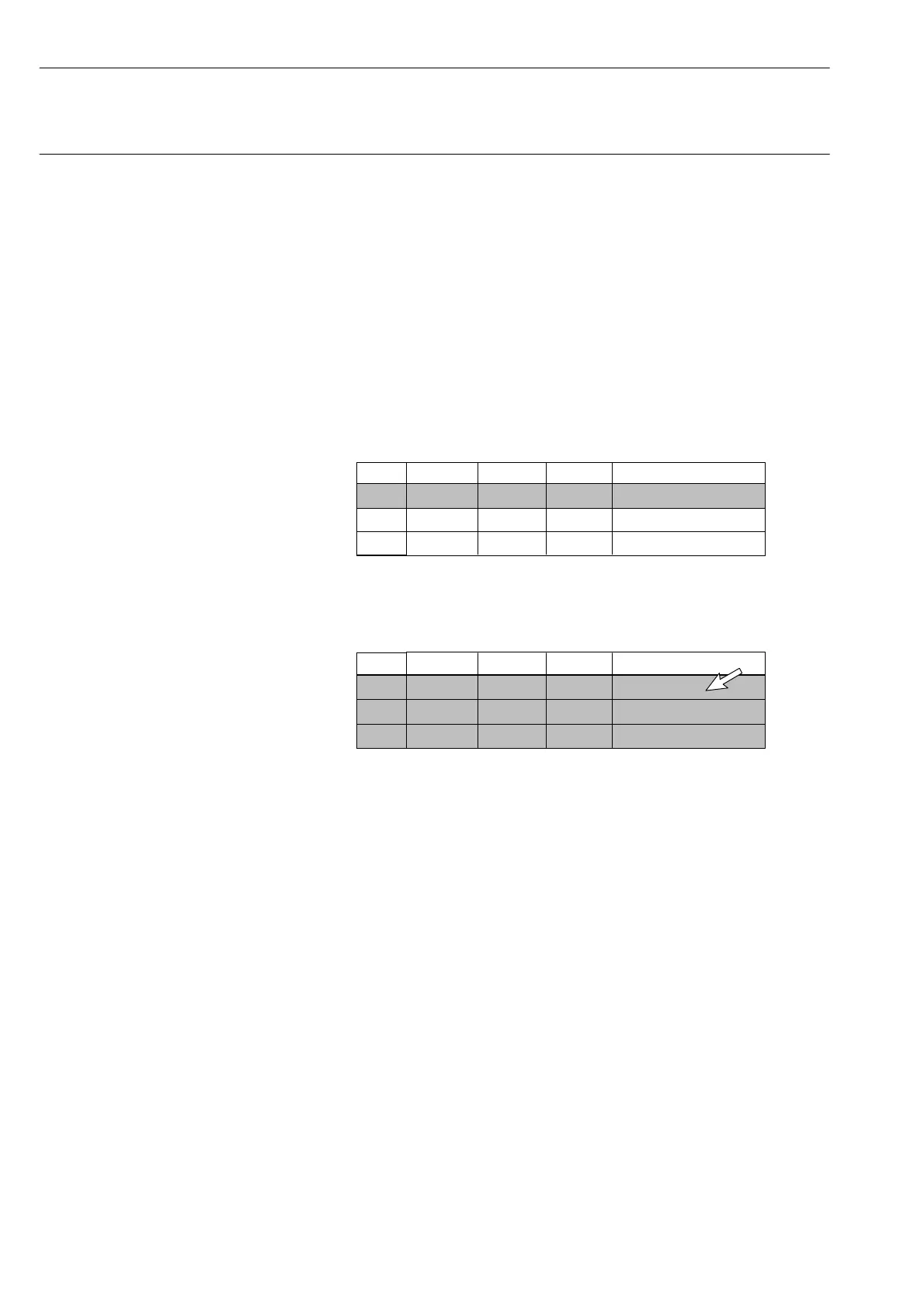
Marking consecutive channels
1. Position the cursor in the ”Mark” column next to the first channel
you want to mark (e.g. channel 1) and click the mouse-button. A
tick appears.
If you click again the marking is cancelled.
Chan. Name Trans. Meas. Rng.
1.
Mark
2
3
13
2. Hold down the shift key.
3. Position the cursor in the ”Mark” column alongside the last
channel you want to mark (e.g. channel 3).
Chan. Name Trans. Meas. Rng.
2.
Mark
1
2
3
3
3
3



 To Next Page