E-5
Configuring the Spider8 with the setup programÝ Setup program
Spider8
1.1 The first display
1. In the WINDOWs screen double-click on Spider8 Setup
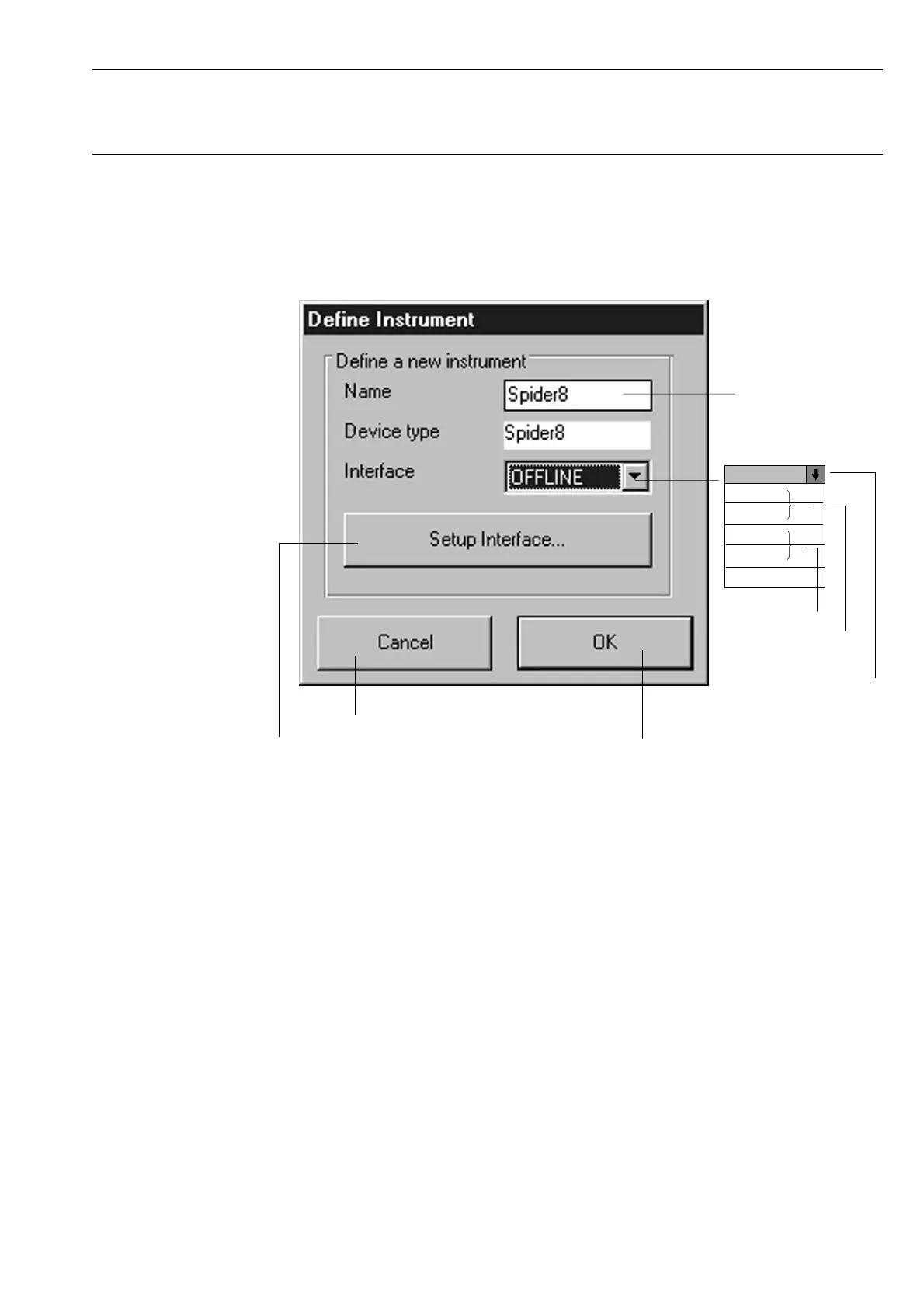
2. After you have started the setup program, the following dialogue
box is displayed :
Enter device
name
The setup program is terminated
The setup dialogue appears
Select interface:
Set up the PC interface
serial
PC interface
Offline mode, you can
input settings without
having a device
connected.
OFFLINE
COM1
COM2
LPT1
LPT2
OFFLINE
parallel
PC interface
• Click on Setup Interface: see following page
• Click on OK: this takes you to the setup dialogue (see
Page E-10)



 To Next Page