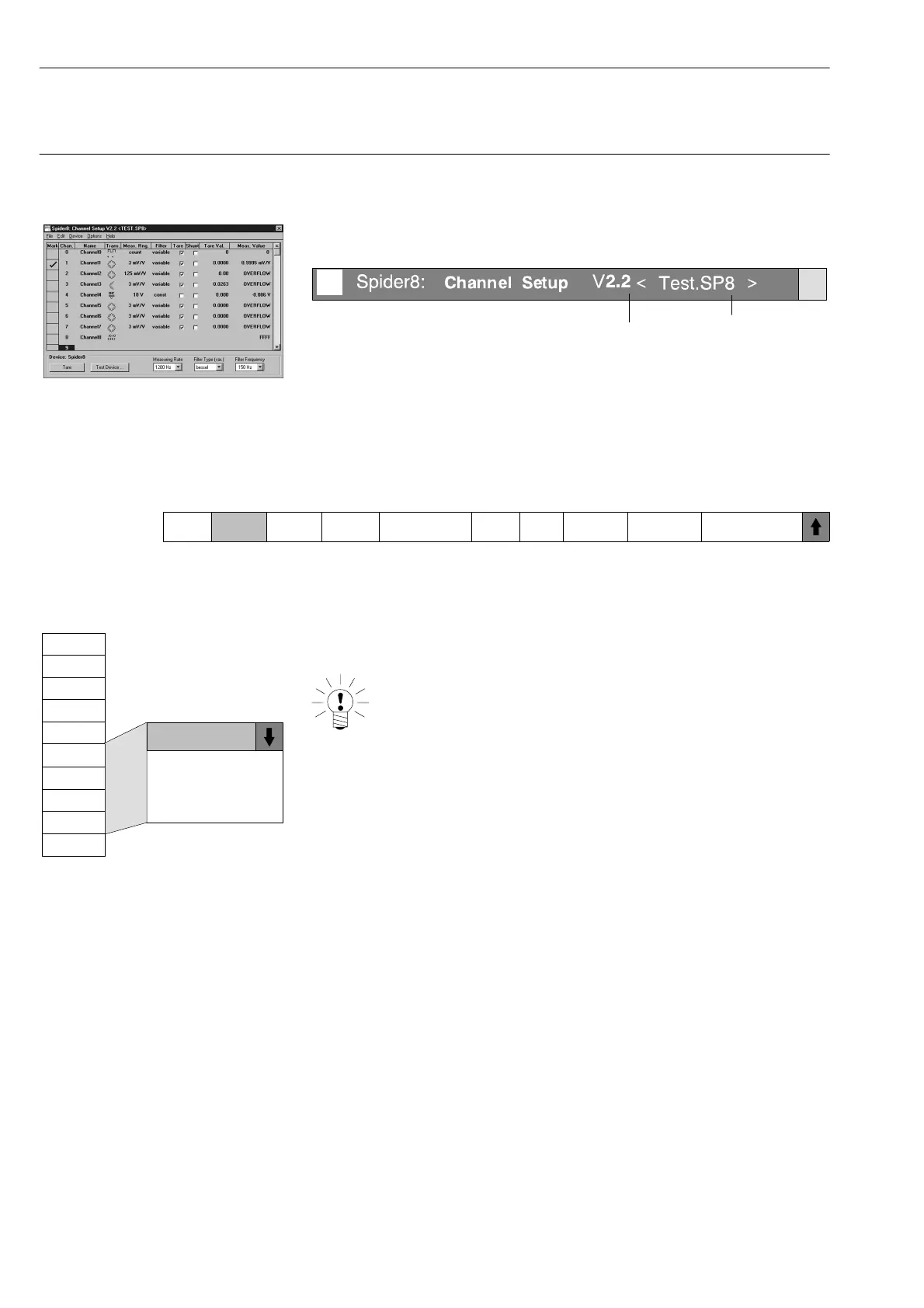
Setup dialogue
Chan.
0
1
blank
SR55
SR01
2
3
4
5
6
7
8
SR30
E-22
Configuring the Spider8 with the Setup program Ý Channel-specific menus
Spider8
2 Channel-specific menus
Structure of the setup dialogue (see also page E-10):
Setup name:
Program version
Current file
x
Selection bar:
The selection bar shows you the functions necessary for setting up
the Spider8. Functions will be explained from left to right (each in
turn shown on a grey background). In addition you need the
device-specific functions for setting up (see page E-30).
Mark Chan. Name Trans. Meas. Rng. Filter Tare Shunt
1)
Tare Val. Meas. Value
In online mode: Channel numbers are displayed.
In offline mode:
Channel: You set up whether carrier frequency or DC
modules are to be used for channels 4...7.
NOTE:
The function ”Add/remove device” can only be
set up via the menu bar (see page E-16).
1)
This menu item only functions for Spider8-30 or SR30



 To Next Page