9.3486
0.00005
E-29
Configuring the Spider8 with the Setup program Ý Channel-specific menus
Spider8
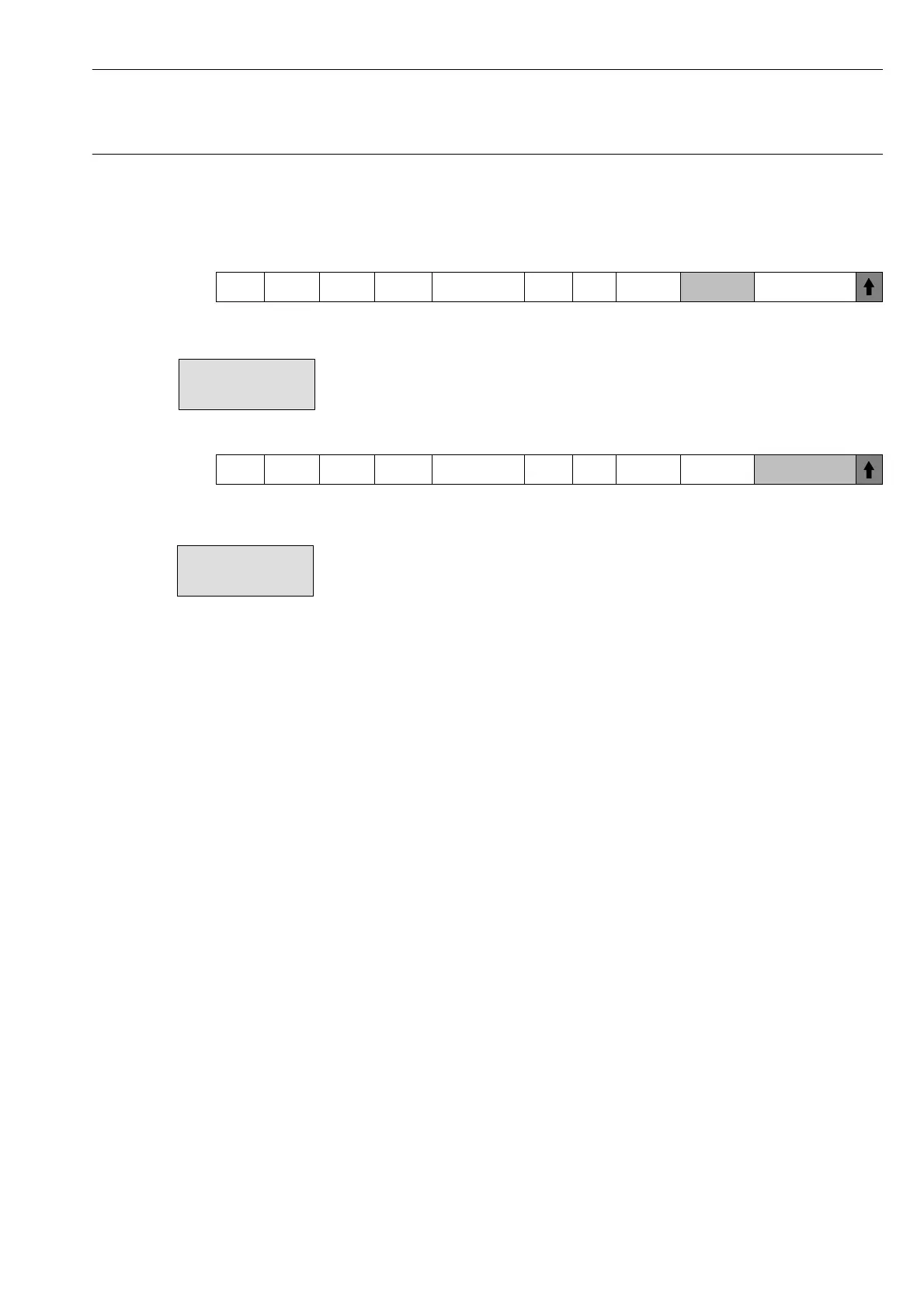
Mark Chan. Name Trans. Meas. Rng. Filter Tare Shunt Tare Val. Meas. Value
Tare value: You can view the current tare value or
enter a required tare value.
Mark Chan. Name Trans. Meas. Rng. Filter Tare Shunt Tare Val. Meas. Value
Measured value: The current values are displayed (maximum
6 places).
In online mode the following applies to digital I/O:
Click in the box containing the measured value. Click to choose one
of these three display formats:
Decimal: e.g. 2505
hexadecimal: 9C9
Binary: 00001001
11001001
Output signals can be set in binary representation:
• Select the required bit with the mouse pointer and click the
righthand mouse-button. Then 0 becomes 1 and vice-versa.



 To Next Page