<<<
>>
OK
E-31
Configuring the Spider8 with the Setup program Ý Device-specific menus
Spider8
Test Device:
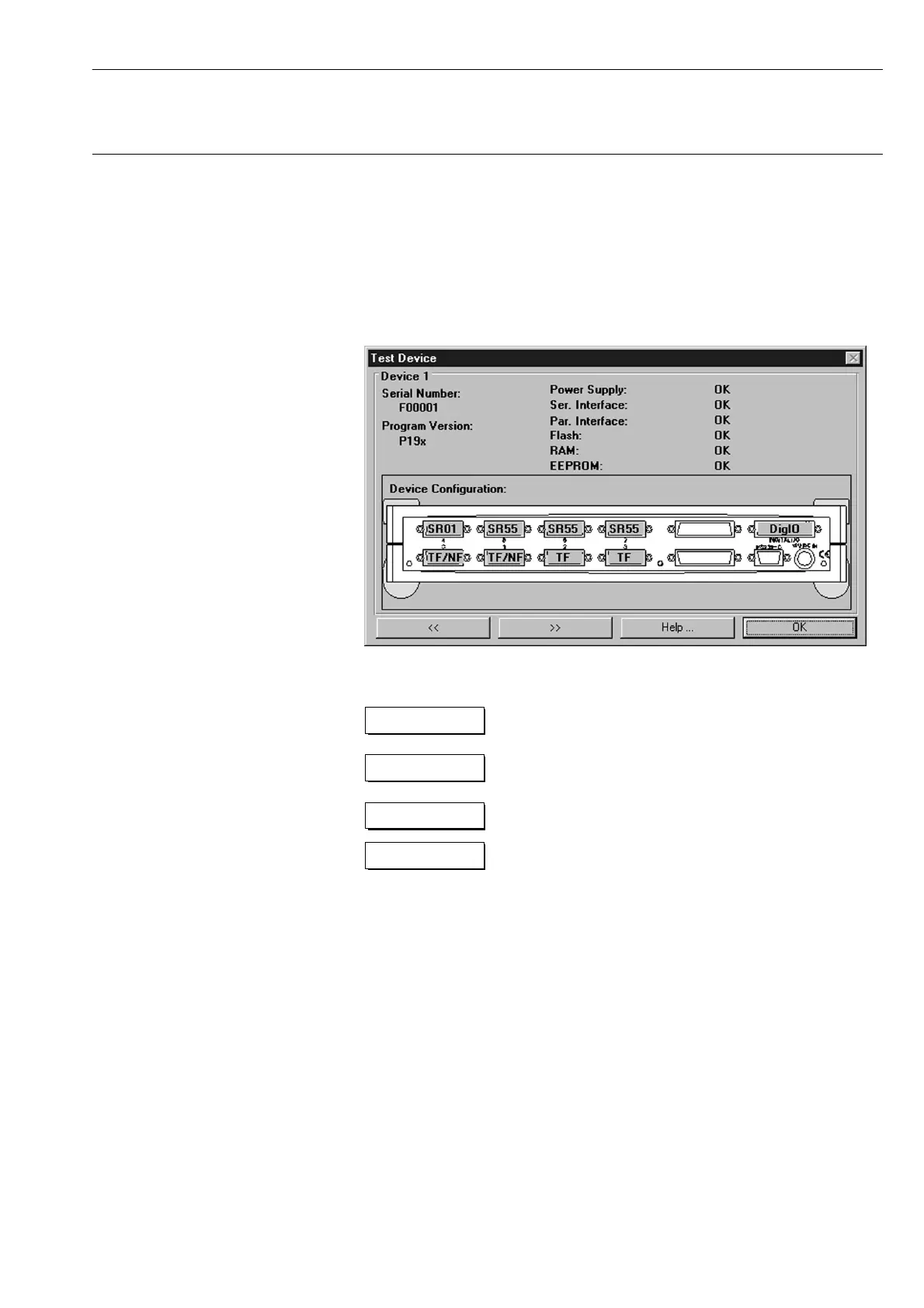
• Click on the Test Device button. The device carries out a
component test.
The following dialogue box is then displayed:
Changing from one Spider8 to the next:
descending
Changing from one Spider8 to the next:
ascending
Help
The help text is displayed.
The device test is ended and you return
to the set-up program.



 To Next Page