D-28
Connecting Ý Connecting a PC
Spider8
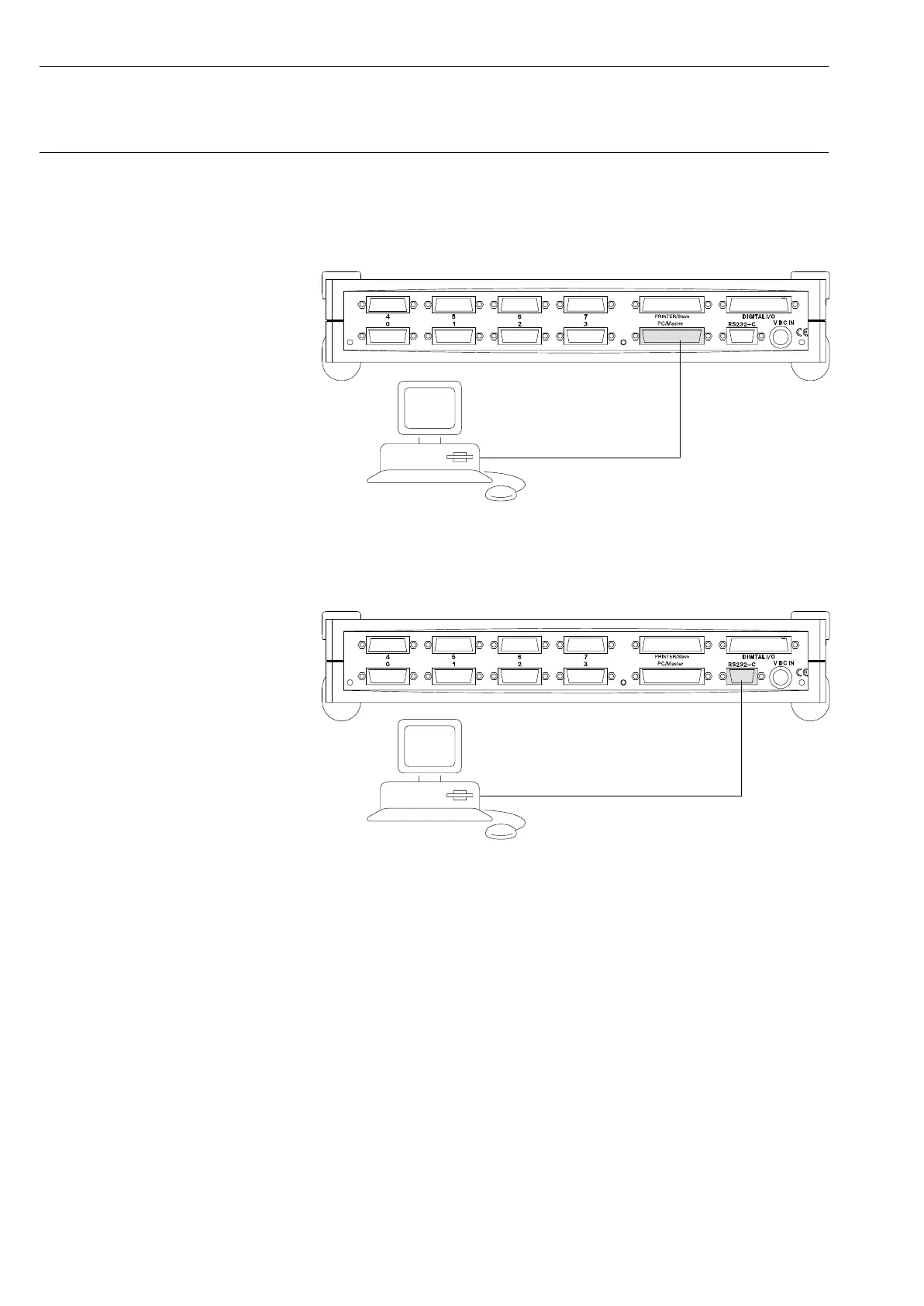
Connecting an MS-Windows PC:
Parallel port (LPT1):
Printer port (parallel, LPT1)
13
D Connect an IEEE1284 cable to the PC
D Connect the cable to the PC/Master socket on the Spider8
Other PCs (e.g. Mac) or if printer interface not available:
COM1, COM2 serial port
13
D Connect an RS-232 cable to the PC (COM1 or COM2)
D Connect the cable to the RS-232 socket on the Spider8



 To Next Page