34 CDM 3201 Order No. BA 92-12-3321A Issue 19.09.08
Library mode
In library mode, you can call-up charging voltages related to stud diameter and stud
material. If necessary, you can modify the charging voltage. Preset values are only
guidelines. They apply for identical materials of stud and work piece.
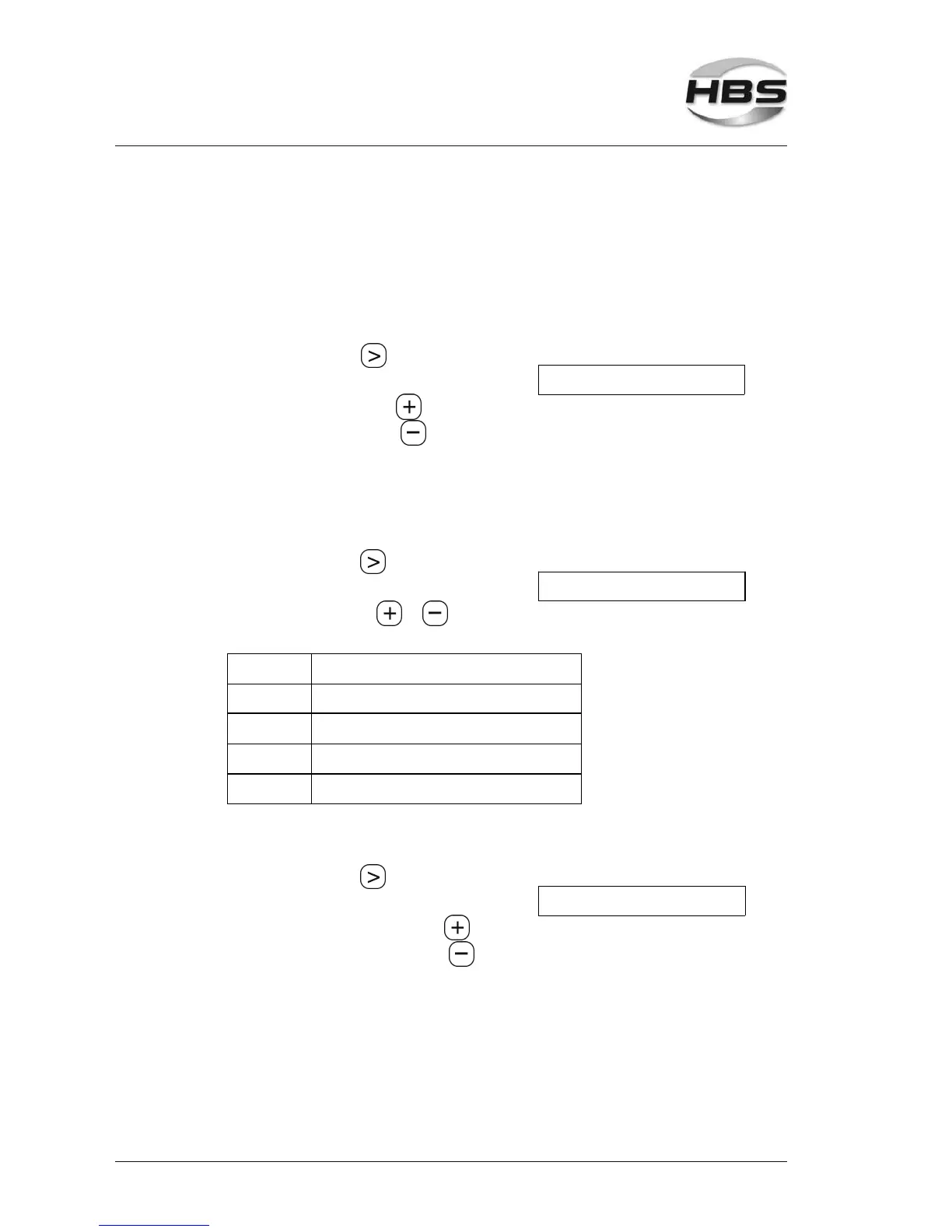
Selection of stud diameter
Press the arrow key until the
sign ">" is displayed to the left of "M x"
>M5 AlMg3 130 V
⇒ increase diameter with
⇒ decrease diameter with
Diameters: M3, M4, M5, M6, M8
Selection of material
Press the arrow key
until the sign ">" points to the material
M5 >AlMg3 130 V
⇒ select material with or
Materials:
S235 mild steel S235
S235 + Zn galvanized steel (S235 + zinc < 25 µm)
1.4301 stainless steel 1.4301, 1.4303
AlMg3 aluminum AlMg3; AlMgSi0,5
CuZn37 brass (zinc < 37%)
Changing the charging voltage
Press the arrow key until
the sign ">" appears to the left of "xxx V".
M5 AlMg3 >130 V
⇒ increase charging voltage with
⇒ decrease charging voltage with
Charging voltage: 50 V to 220 V
5 Stud Welding Procedure
5.6 Switching on the Power Unit



 To Next Page