40 CDM 3201 Order No. BA 92-12-3321A Issue 19.09.08
5.6.7 Adjusting Service
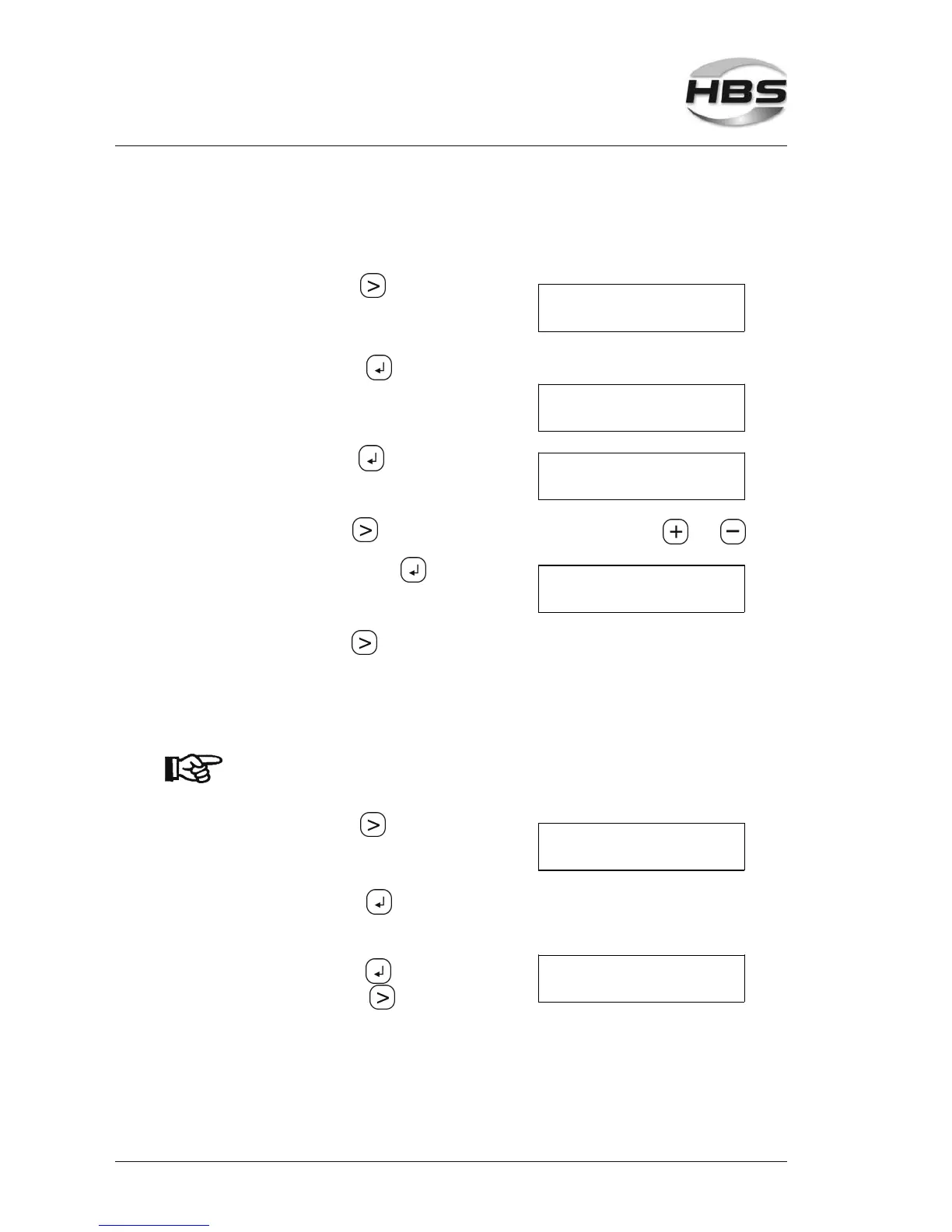
In this menu item, you can set date and time.
Press the arrow key
Control Language
Gun >Service
until the sign ">" appears in front of "Service".
⇒ with the enter key open the
menu item "Service"
The following menu item is displayed:
>Date / Time----
---- End
Press the enter key ,
the following menu is displayed:
Date Time
22.09.04 15:32:36
With the arrow key you change the position of the cursor. Use and to
enter the individual numbers.
Confirm with the enter key ,
the following menu is again displayed:
>Date / Time----
---- End
With the arrow key switch over to the button „End“.
5.6.8 Adjusting Reset
With “Reset” you can reset all settings of the power unit to manufacturers settings.
Attention! All your individual application settings are deleted!
Press the arrow key
until the sign ">" appears in front of "Reset".
Control Language
Service >Reset
⇒ with the enter key open the
menu item "Reset"
⇒ with the enter key confirm"Reset"
RESET
OK X
⇒ with the arrow key cancel "Reset".
5 Stud Welding Procedure
5.6 Switching on the Power Unit



 To Next Page