CDM 3201 Order No. BA 92-12-3321A Issue 19.09.08 37
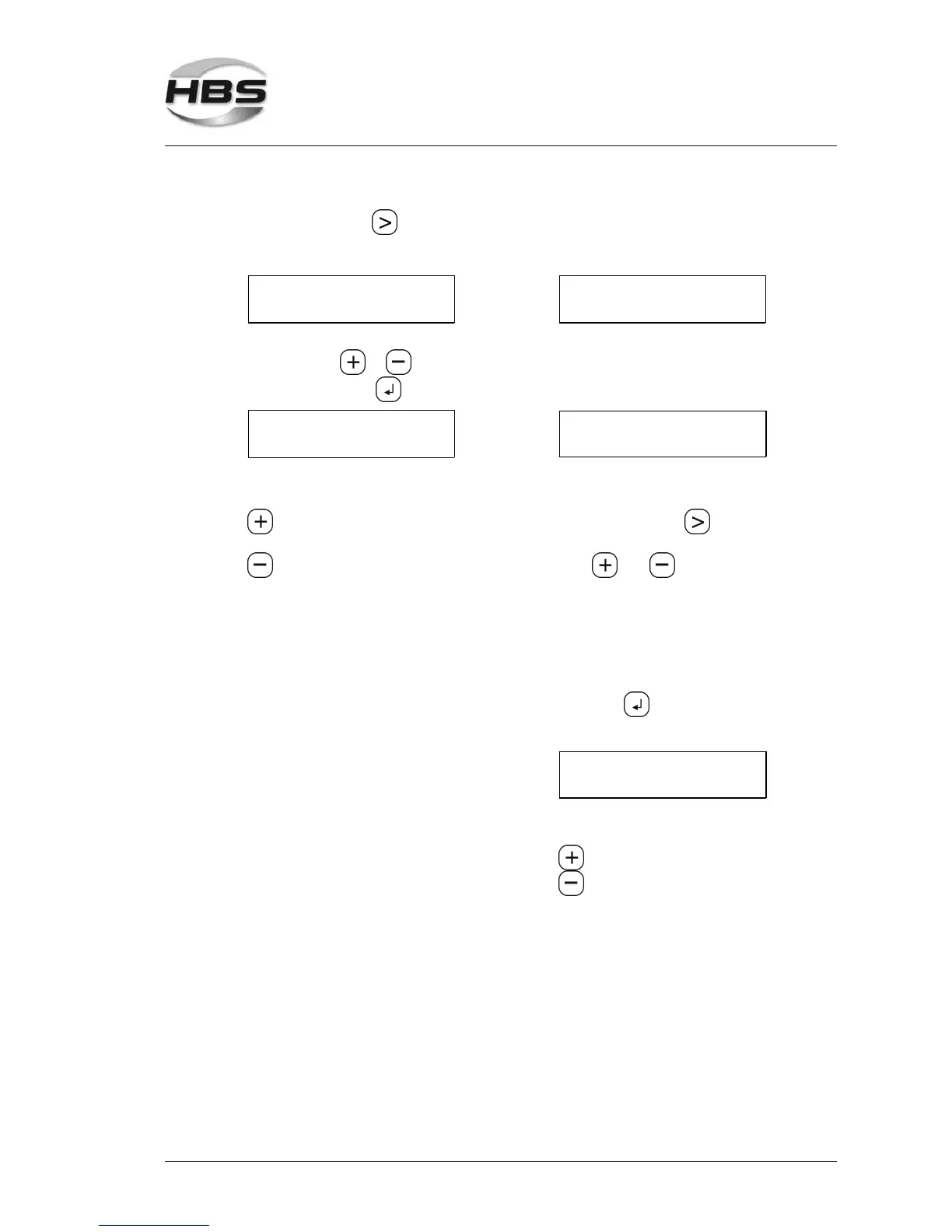
With the arrow key go to the field Ref. Welding or Ref. Input.
The following menu appears:
Control ON
>Ref. welding
Control ON
> Ref. Input
You determine the reference value with sequence 1, sequence 2 is manual entry.
With the keys or you toggle between the menu items.
Press the enter key and the following menus are displayed:
Control ON
Range >
Control ON
REFEREN()>00000
Here you define the tolerance range. PAF value - manual entry
- increase tolerance range With the arrow key you
change the position.
- decrease tolerance range With and you can enter
1 - small tolerance range = the individual digits.
high sensitivity Reference (z) 4 6 7 7 6
20 - large tolerance range = means that you define the
low sensitivity reference value „46776“ for the
program place 1. After the entry
of the PAF value, confirm with the
enter key .
The following menu is again
displayed:
Control ON
Range() >
Here you define the tolerance
range.
- increase tolerance range
- decrease tolerance range
1 - small tolerance range =
high sensitivity
20 - large tolerance range =
low sensitivity
5 Stud Welding Procedure
5.6 Switching on the Power Unit



 To Next Page