36 CDM 3201 Order No. BA 92-12-3321A Issue 19.09.08
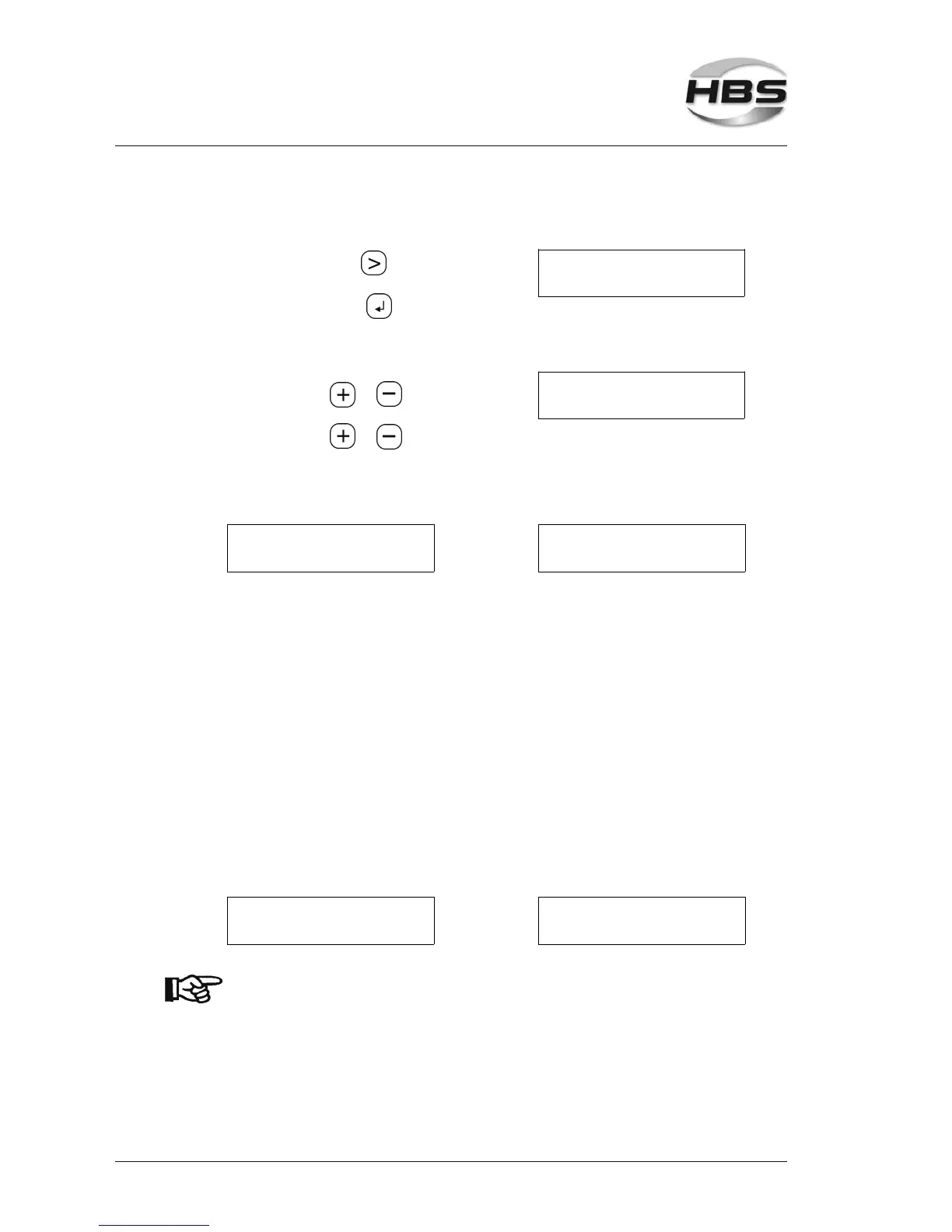
How to enable the process sequence control
Press the arrow key
until the
Autom. Mode
>Control Language
sign ">" appears to the left of "Control".
⇒ with the enter key open the
menu item "control"
The sign ">" points to "Control".
⇒ with the key or
>Control OFF
disable "Control"
⇒ with the key or
enable "Control"
The following menu items display:
> Control ON
Ref. welding
or
>Control ON
Ref. Input
Now you have the choice between the following options:
1. Ref. Welding:
Carry out 8 reference welds. You can define a tolerance range by limiting the
max. deviation of the weld values compared to the weld PAF values
(sequence 1).
2. Ref. Input:
The PAF value was determined through previous welds and can be stored for use
with any individual welding program.
8 program places are available where you can store PAF values. In the tolerance
range you define how much the welds can deviate from the PAF value
(sequence 2).
Welds for determination of the PAF value and/or manual entry of the
PAF value
Reference determination (sequence 1): Reference entry (sequence 2):
> Control ON
Ref. welding
>Control ON
Ref. Input
At first you must select a welding program in the program mode.
5 Stud Welding Procedure
5.6 Switching on the Power Unit



 To Next Page