38 CDM 3201 Order No. BA 92-12-3321A Issue 19.09.08
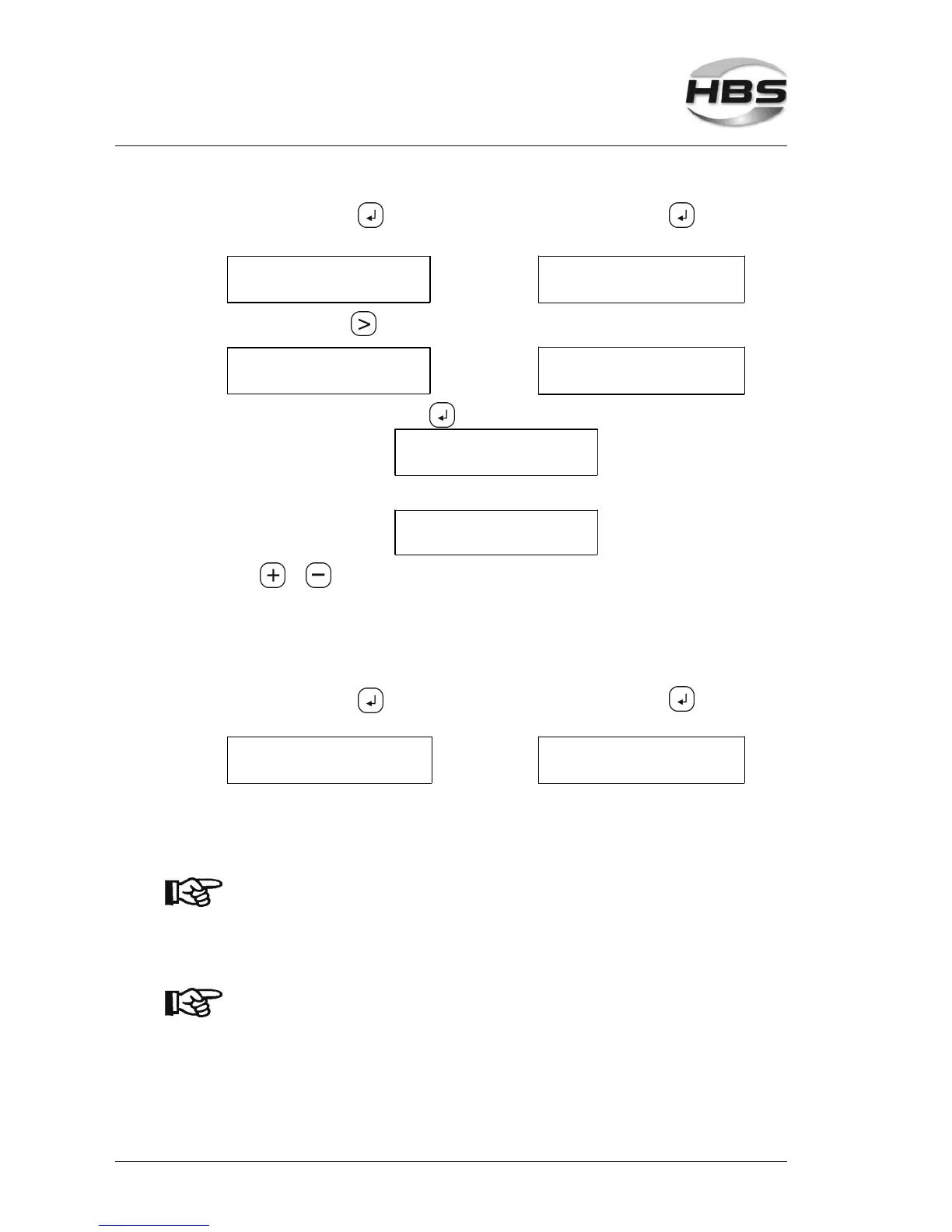
Press the enter key , the Press the enter key , the
following menu is displayed: following menu is displayed:
Control ON
>Ref. welding
Control ON
> Ref. Input
With the arrow key go to the following menu:
> Control ON
Ref. welding
>Control ON
Ref. Input
Press the enter key and the following menu is displayed:
Control ON
>STOP if RED >ON<
or
Control ON
>STOP if RED >OFF<
With or , you toggle between the menu buttons.
Stop if Red >On< - Your unit stops automatically if the PAF value is out
of the tolerance range. For release, press a key..
Stop if Red >Off< - Unit continues to weld, the LEDs show whether the
welds are inside or outside the tolerance range.
Press the enter key , the Press the enter key , the
following menu is displayed following menu is displayed:
Ref 8
46776
With the setting ‘Reference With a manual entry of the PAF
welding’ you now carry out value, you switch to the program
8 reference weldings. mode. Now you can carry out the
welds.
If the charging voltage or the program is changed in se-
quence 1 after creation of the reference welds, the welded
reference PAF value is deleted as well as if the power unit is
switched off.
New reference welds are required.
The settings of the power unit must be checked in the following
cases: change of base material, lot of welding elements, set-
tings of the welding gun.
The PAF value must be redetermined in the case of changed
conditions.
5 Stud Welding Procedure
5.6 Switching on the Power Unit



 To Next Page