IT 1002 Order No BA 93-66-1206 Issue 03.11.08 19
3.4 Ground Connection
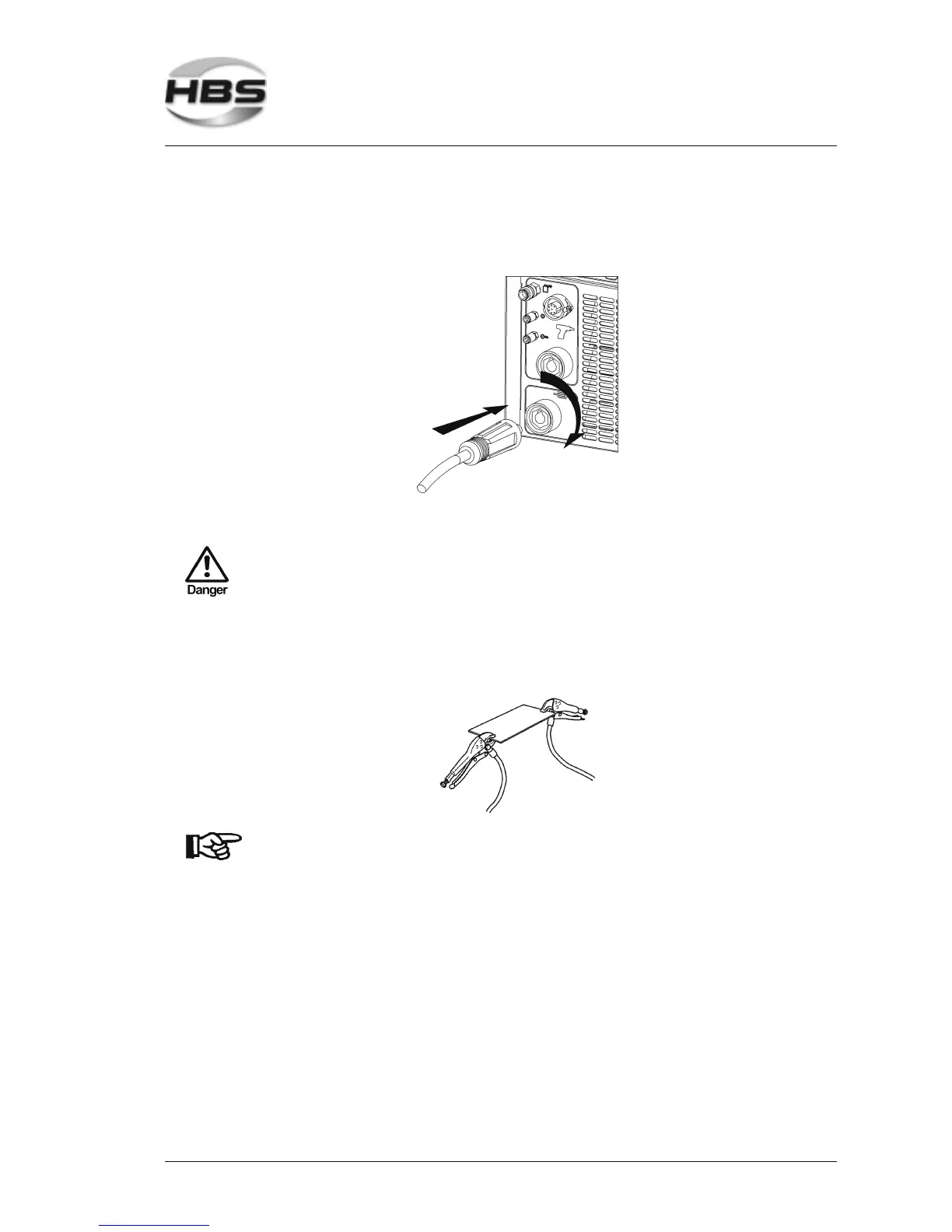
Plug the ground cable in the connector of the power unit.
Press in the plug and twist firmly clockwise.
The connection is not secured against working itself loose!
Check the plug connections regularly to ensure that they are
properly locked. In case of loose connection, heat may build up
in the plug and may destroy the entire plug connection.
Remove any rust, paint, or contaminants from the workpiece in the areas where
you intend to connect the ground cables.
Connect the ground clamps to the workpiece as securely as possible.
Take care to ensure good contact and symmetrical connection.
The welding location must lie directly between the two ground
clamps.
3 Starting-up
3.4 Ground Connection



 To Next Page