IT 1002 Order No BA 93-66-1206 Issue 03.11.08 35
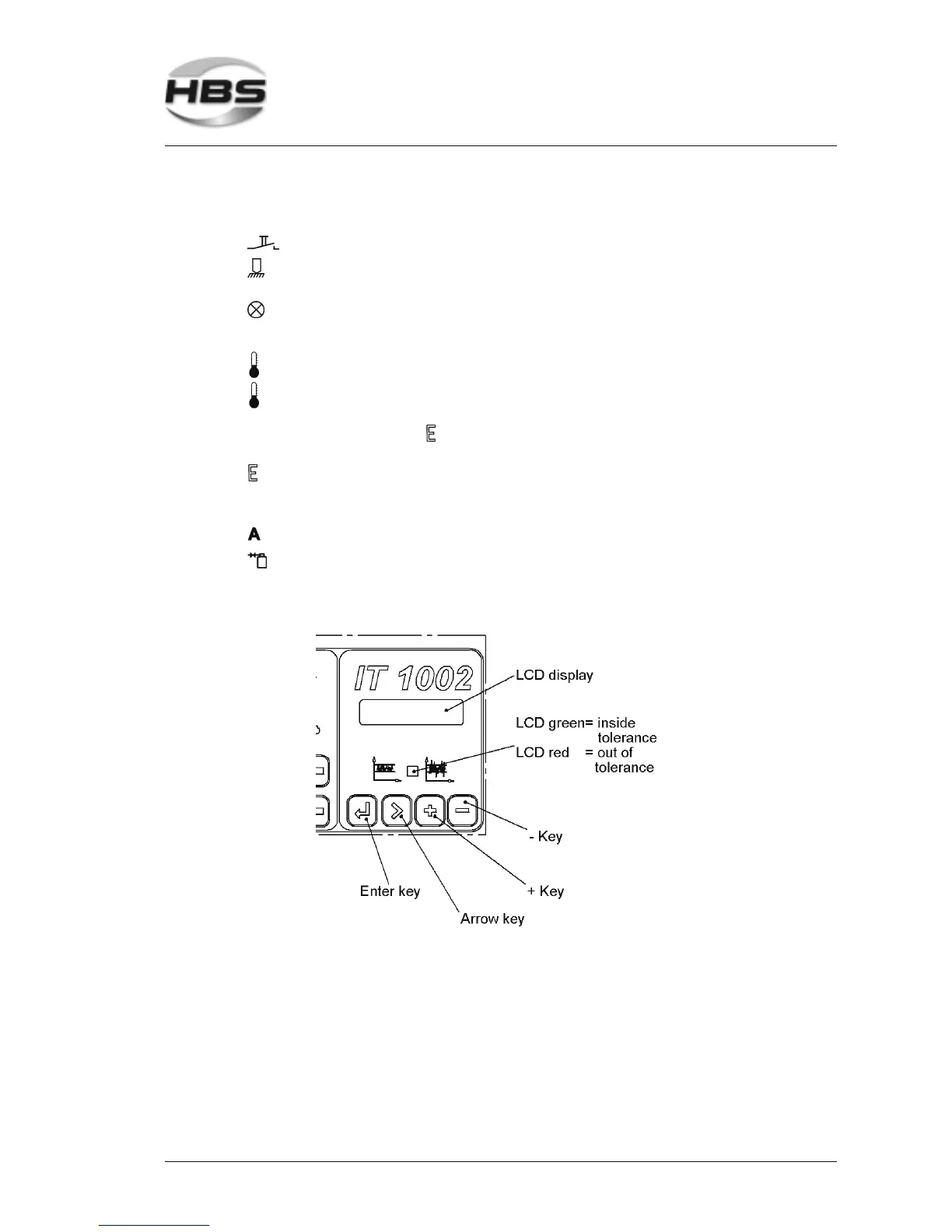
There is a luminous indication (LED) to the right of the display:
Yellow – lights if the welding gun button is triggered
Yellow – lights if there is electrical contact between welding element
and workpiece
Red – on, power unit is locked
• after welding, until there is electrical contact with the
workpiece
Green – on, power unit is ready for welding
Red – on, power unit is locked
• if the power unit is overheated (displays show 8888 and
LED lights).
After a short cooling period, the work can continue.
Red – on, power unit is locked
• if the power unit is overheated
• if there is a malfunction of the power unit
Green – lights, automatic mode is switched on
Green – lights, shielding gas is switched on
The LCD display shows the last set values.
5 Stud Welding Procedure
5.6 Switching on the Power Unit



 To Next Page