12
z Sequence mode
- If you press SEQ button in case of FULL or QUAD screen mode, screen(s) will rotate
automatically.
- Default value of cannel changing interval is 2 or 3 seconds.
- User can select changing interval value from 1 to 99 seconds.
z SPOT OUT
You can show specific video screen to monitor separately through SPOT OUT port of DVR.
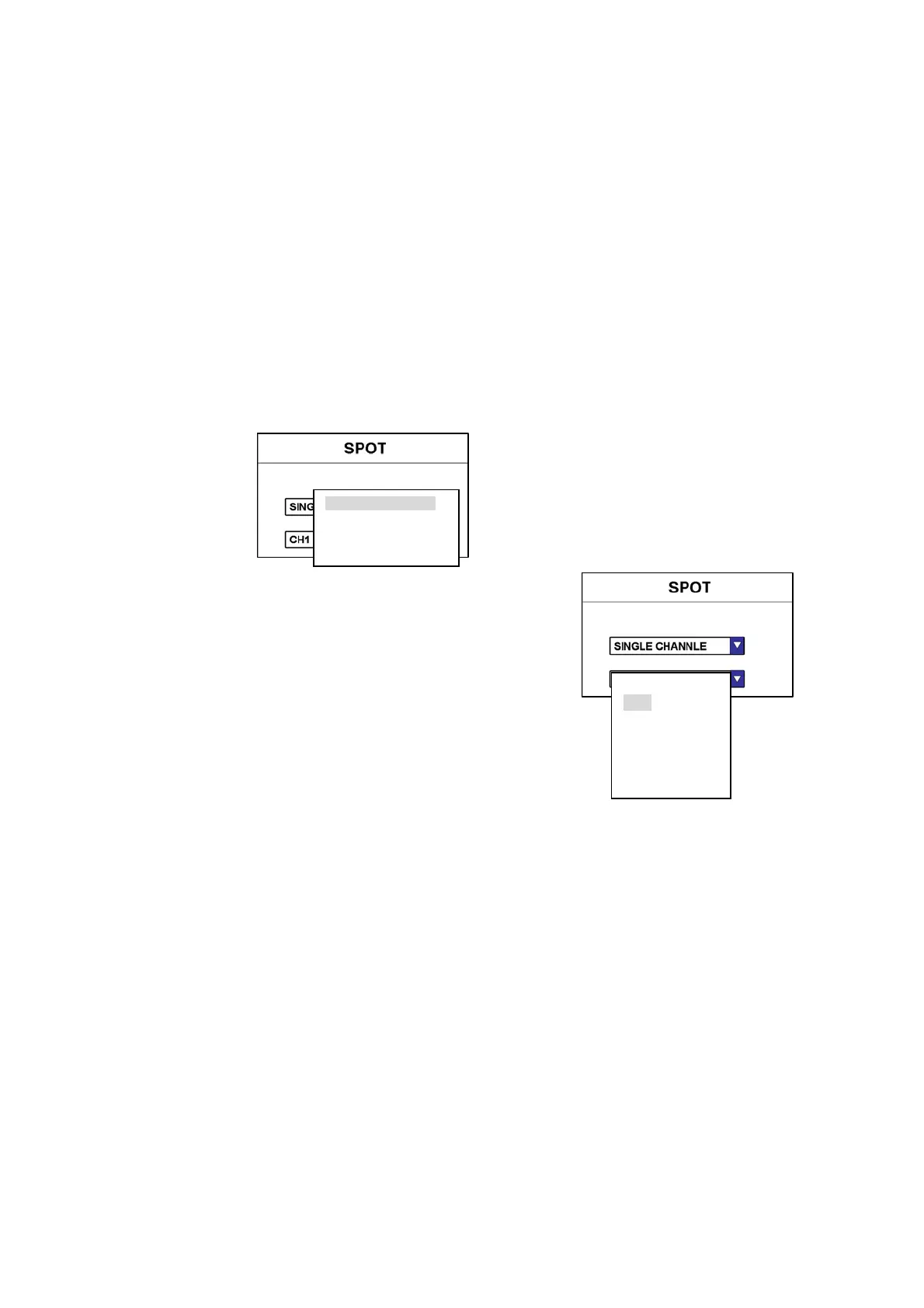
Press FUNCTION button or MenuÆSetup-->Display to get SPOT setting.
(1) TYPE
① SINGLE CHANNEL
② SINGLE SEQUENCE
Each specific screen in SPOT OUT monitor is displayed while sequencing.
You can select the value of time range at SETUP mode of DVR system.
③ QUAD
Display quad mode only, and you can select desired screen range.
④ QUAD SEQUENCE
Each quad screens are displayed while sequencing
You can select the value of time range at SETUP mode of DVR system.
Display only one specific channel.
You can select desired channel.
SINGLE CHANNEL
SINGLE SEQUENCE
QUAD
QUAD SEQUENCE
CH1
CH2
CH3
CH4
CH5
CH6
CH7



 To Next Page