36
4. Central Monitoring System (CMS)
General information about CMS program
CMS program is an application with which users not only watch and control remote
DVRs, but also receive video/audio data or alarm signals with LAN, WAN environment.
CMS enables users who care about security to manage full information from all the
wire-connected DVRs. All security administrators can control all situations even in
emergency with easy operation in their PC.
Main features of CMS program is as follows,
- Real time monitoring multi DVRs at the same time
- Up to 64 camera display on a screen
- Various screen mode supported. (1, 4, 6, 9, 16, 36, 64 screed mode)
- Remote controlling DVR setting value / PTZ camera
- Change configuration values of DVR remotely
System requirements for PC
- Operating system : Windows XP or Windows Vista
- CPU : better than dual core Intel and AMD CPU recommended
- Ram : at least 1Gb internal memory (more than 2Gb memory recommended)
- VGA : more than 128Mb graphic memory
Program Installation
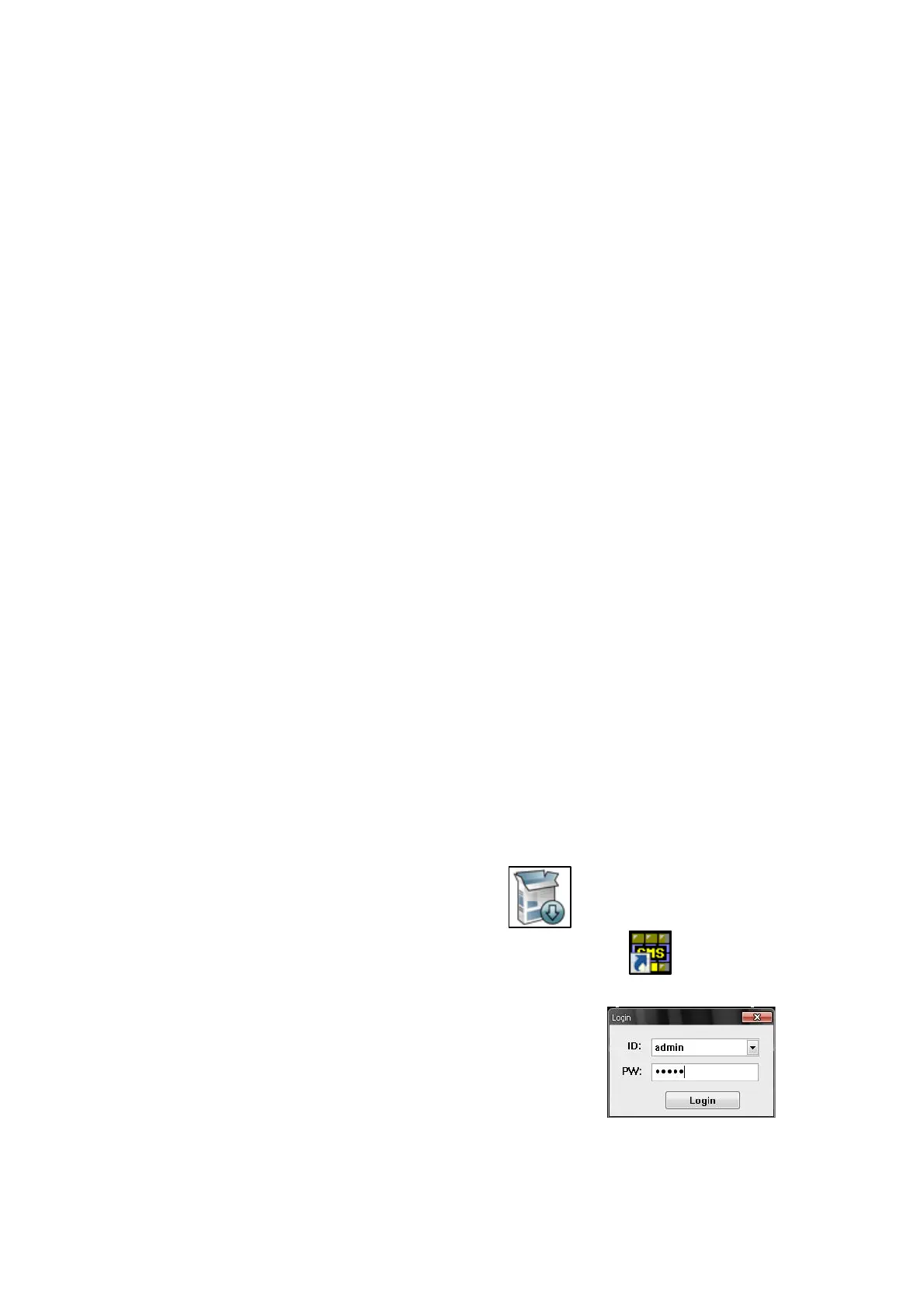
Find CMS installing program, and execute it.
After installation, the CMS icon will be created on the desktop.
Log in
When S/W is executed, a window of login appears.
Input your ID and password.
*Default ID and Password is admin and admin .



 To Next Page